Podcast Producers with NetDrive Mobile — Episode Files on Your Phone

How podcast producers use NetDrive Mobile to browse episode folders, upload field recordings, and check files across Dropbox, Google Drive, and S3 from one app.
A producer is in a taxi when the host messages: the guest wants the final cut of episode 42 before the interview tomorrow. The master is in Dropbox, the raw tracks are in an S3 bucket, and show notes live in Google Drive. NetDrive Mobile lists all three in one iPhone or Android app, so finding the file takes a few taps instead of three app switches.
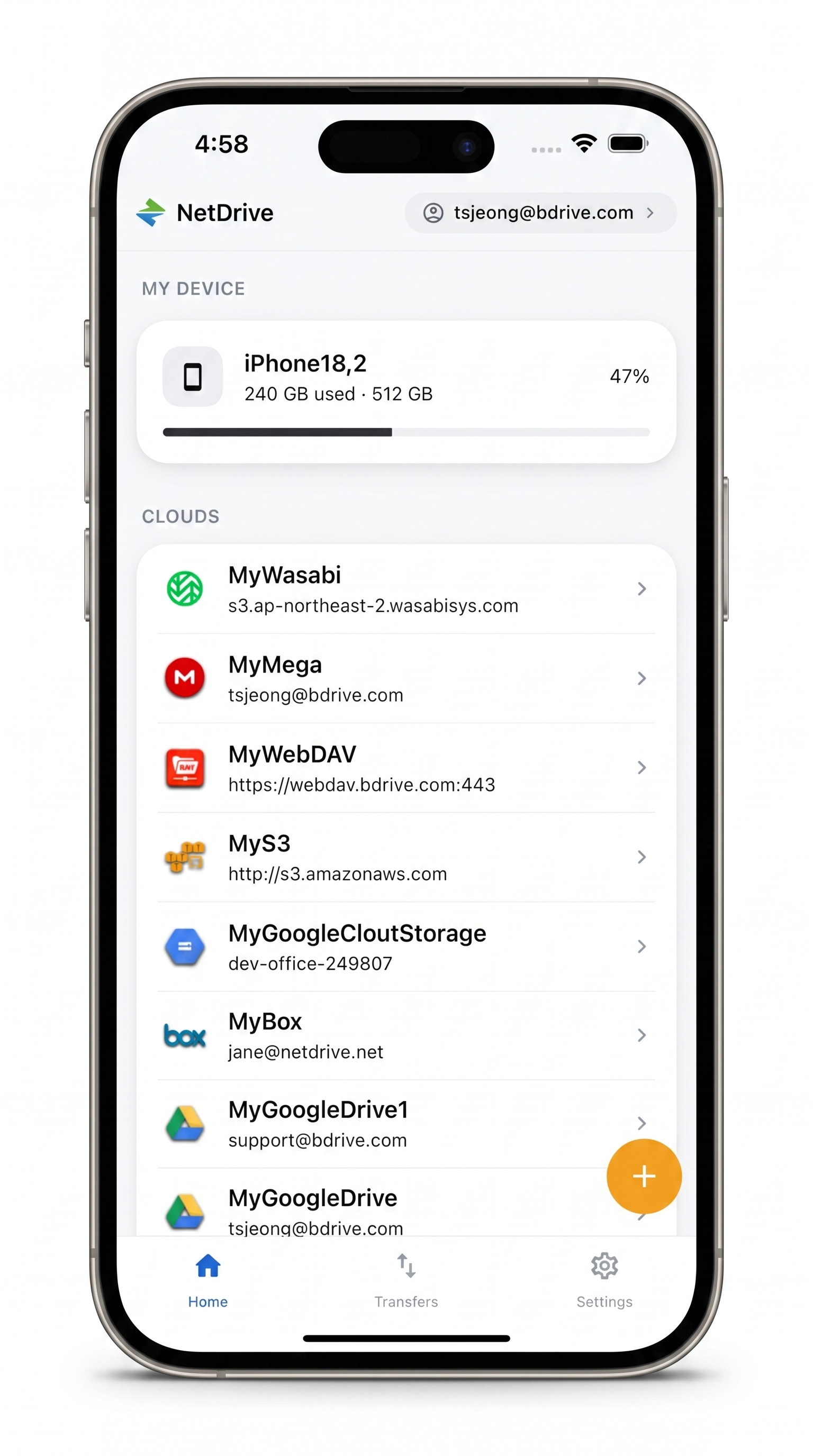
Every episode folder, one app
NetDrive Mobile opens Google Drive, Dropbox, OneDrive, S3, WebDAV, SFTP and more in one app — browse, upload, download, and preview right from your phone.
- Browse Dropbox, Google Drive, S3 and more together
- Upload recordings and photos from your phone
- Watch progress and cancel any transfer
Free Bdrive account required.
Putting the Show’s Storage Side by Side
Podcast teams rarely share one storage service. Editors hand off through Dropbox, the host keeps scripts in Google Drive, and a studio archive may sit in Amazon S3 or Backblaze B2. In NetDrive Mobile you add each account once, and the home screen lists them under Clouds, with your phone’s own storage under My Device. A free Bdrive account is needed to sign in.
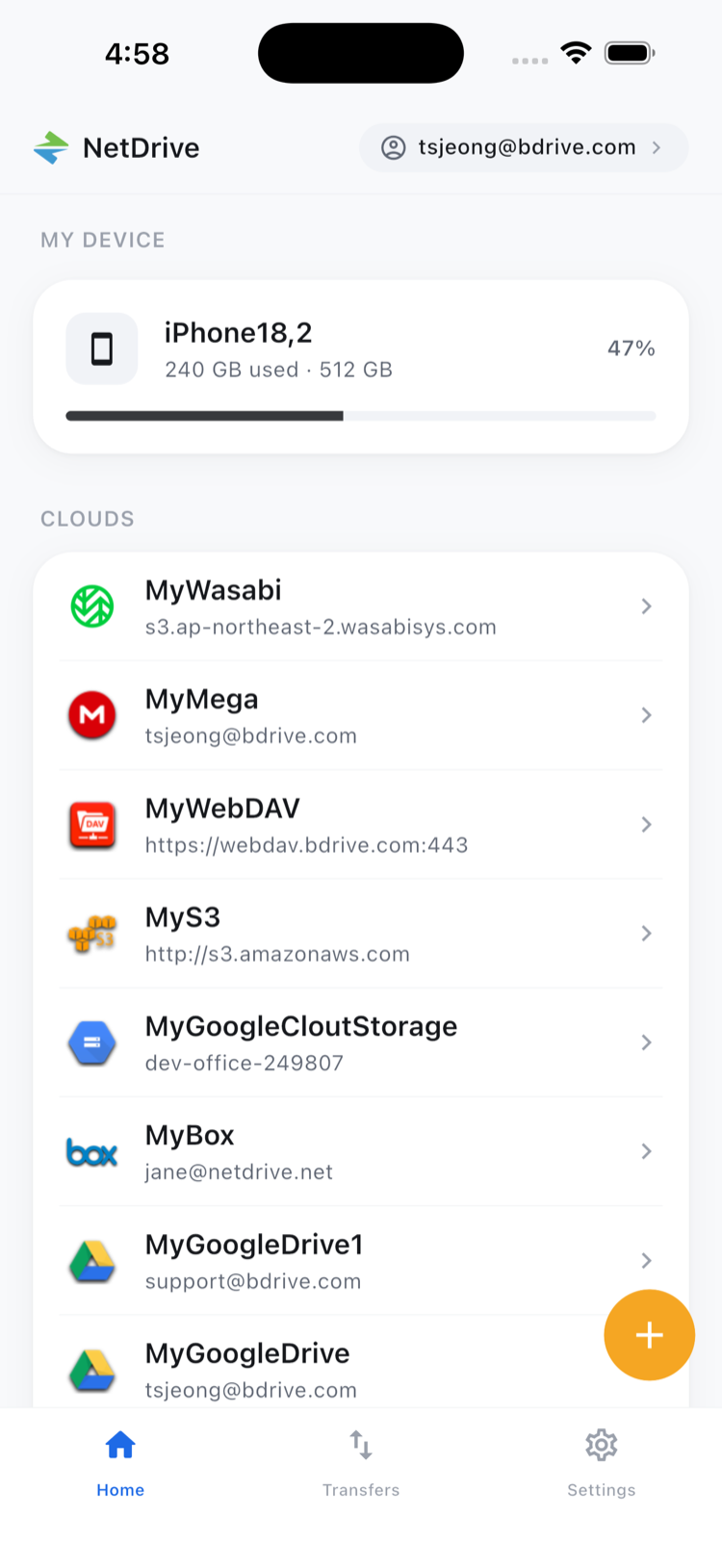
Adding a Cloud
- Open NetDrive Mobile and sign in.
- Open the Add a drive sheet and pick a provider or protocol.
- Enter your credentials and confirm.
- Repeat for each account the show uses.
Credentials are kept in the device’s secure storage, iOS Keychain or Android Keystore. Supported providers include Dropbox, Dropbox Business, Google Drive, OneDrive, Box, S3 and S3-compatible storage, Backblaze B2, WebDAV, FTP/FTPS and SFTP.
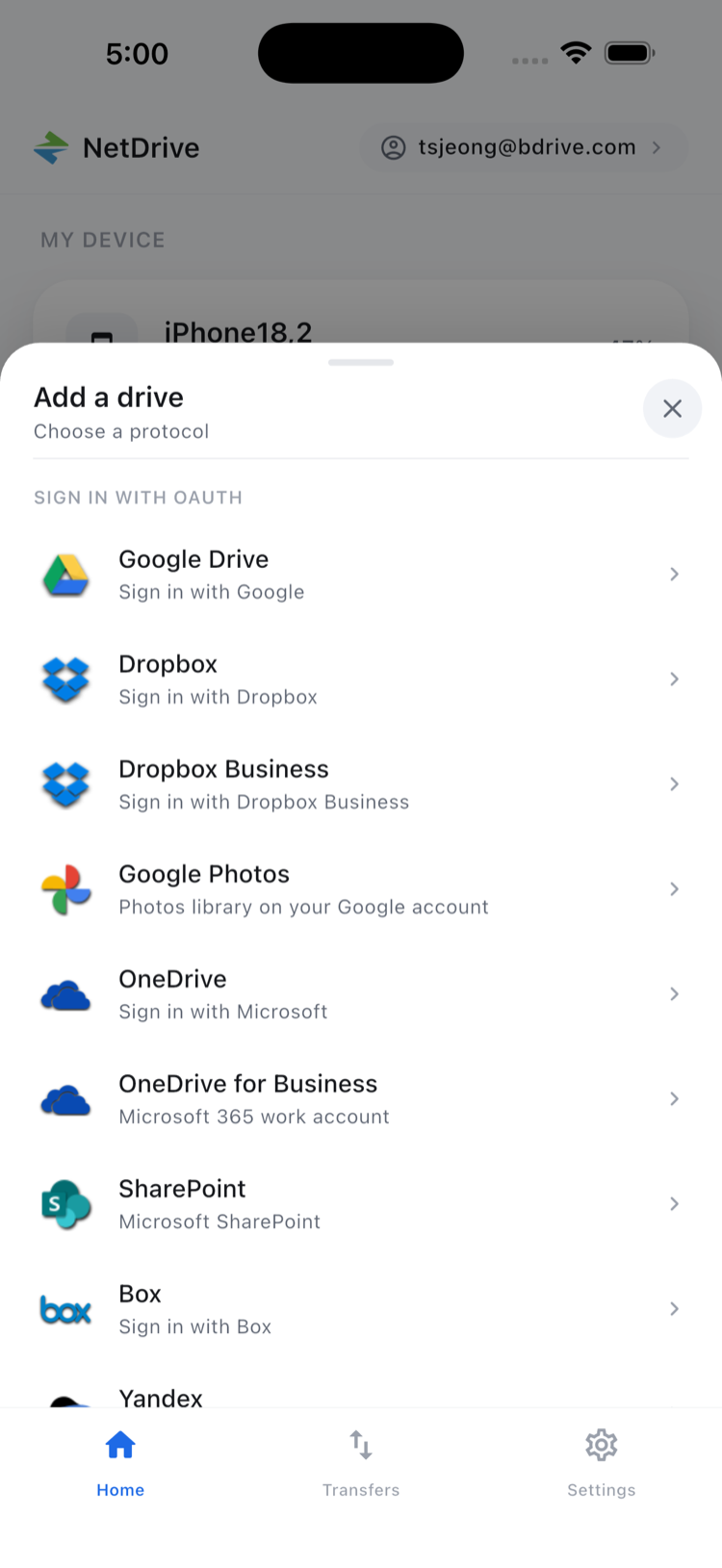
Getting Field Recordings Off the Phone
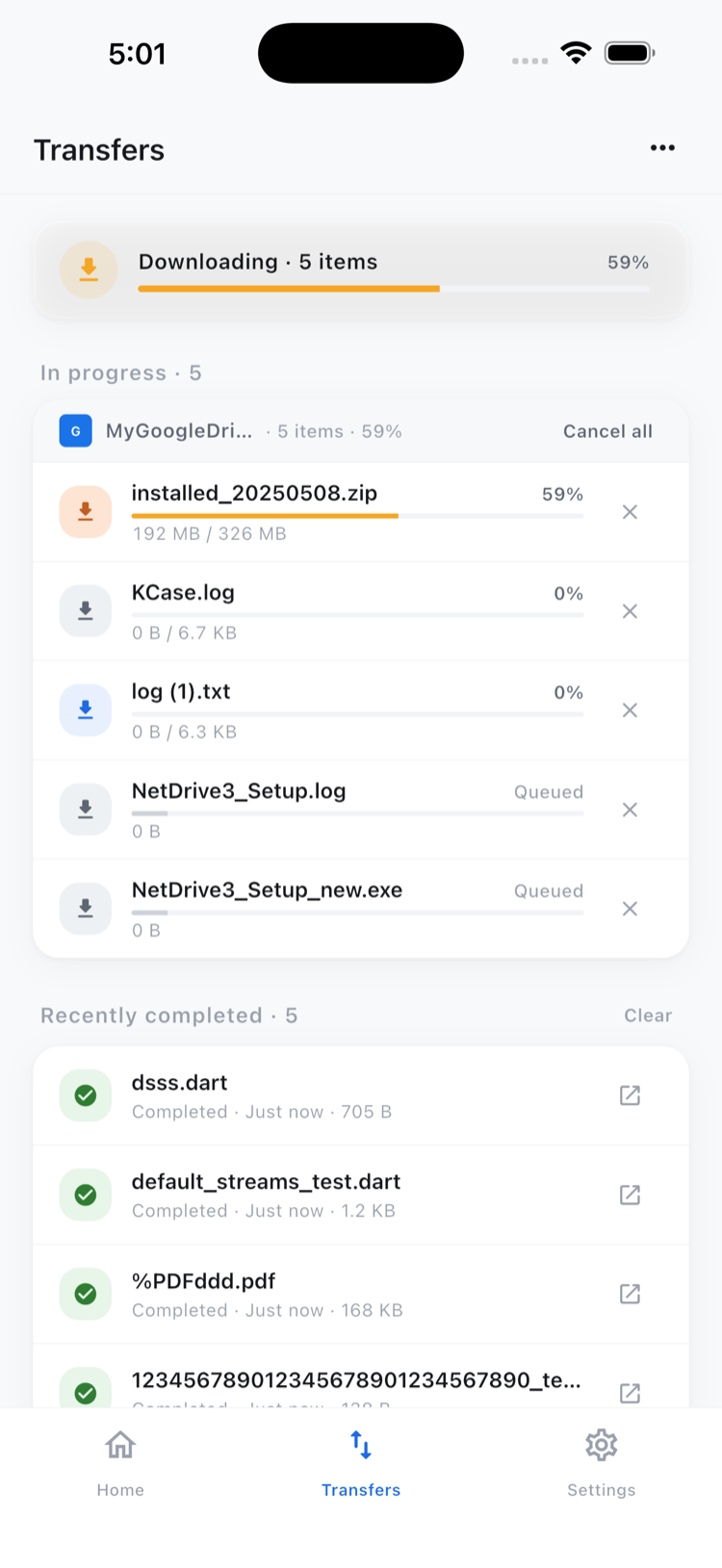
Not every interview happens in a studio. When a recording or a photo of the guest ends up on your phone, upload it from the app to the folder where your editor expects it. Sources can be the camera, the photo library, or ordinary files, and several uploads can run at once. The Transfers tab shows live progress and lets you cancel one that is stuck on a weak connection.
More on this in Multi-File Transfers on NetDrive Mobile and Upload Phone Photos with NetDrive Mobile.
Tidying Folders Between Episodes
Episode folders pile up. From a file’s action sheet you can rename, move, copy, or delete it, and multi-select handles a batch, such as filing five raw tracks into the right season folder. Keep in mind that copy and move work inside one cloud. NetDrive Mobile does not copy files directly between providers, so moving a master from Dropbox into S3 is a job for RcloneView, NetDrive’s sibling product, or a desktop workflow.
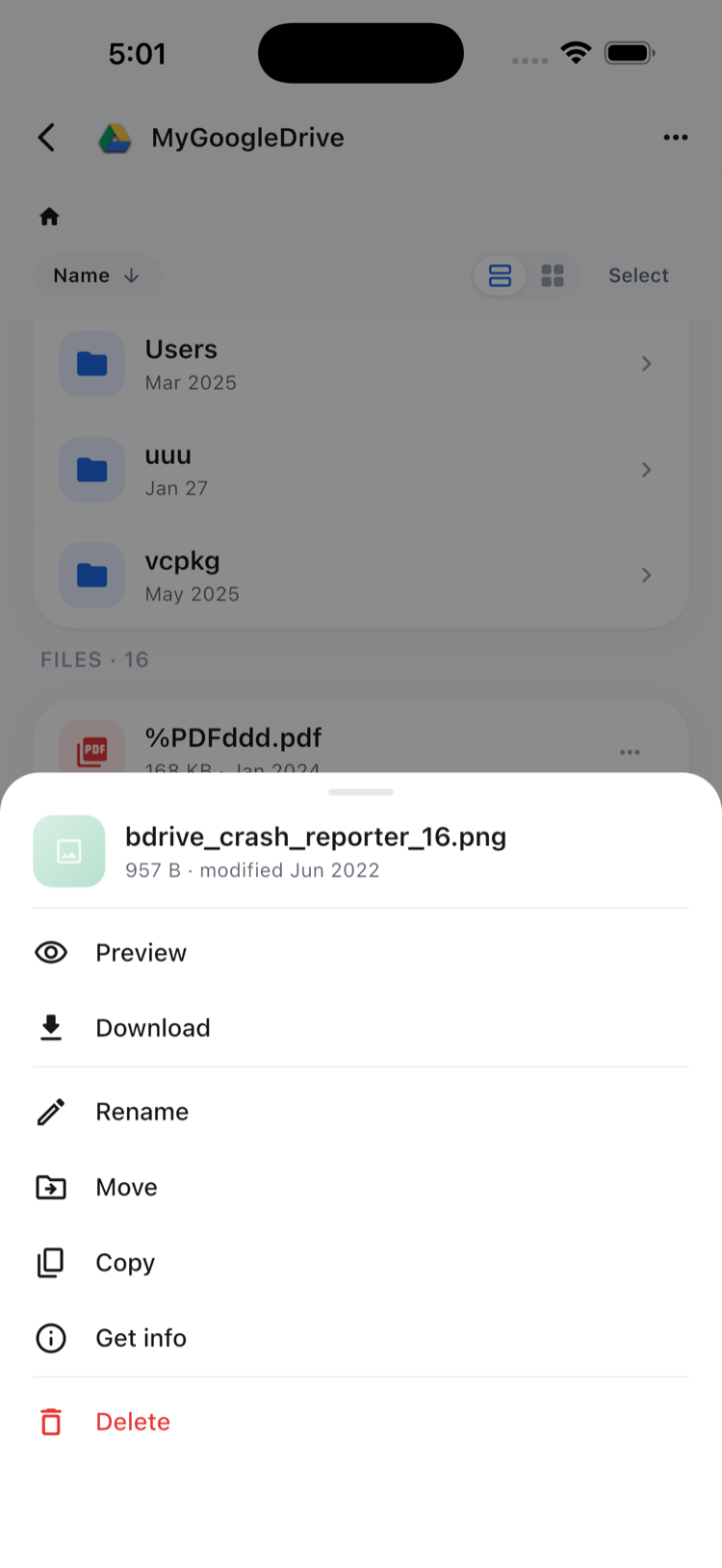
Previewing helps when you only need to confirm a document. In-app preview opens documents, images, and video, as explained in In-App Preview on NetDrive Mobile. For other file types, download the file and open it in the app you use for it.
Wrap-up
For a producer, the phone is the tool that is always with you, and the value of NetDrive Mobile is reaching every storage account from it. New to the app? Start with NetDrive Mobile — Getting Started, then add the folders you reach for most often.
— Robin, NetDrive