Fix Alibaba Cloud Authentication Errors — NetDrive

NetDrive rejects your Alibaba Cloud credentials when mounting an OSS bucket? Check the access key, RAM permissions, endpoint, and bucket name, then reconnect the drive.
A build server that mounted an Alibaba Cloud bucket without trouble last week now shows a credential error in NetDrive, and the nightly job that reads artifacts from the drive fails at the first file. Nothing on the machine changed. When an Alibaba Cloud drive stops authenticating, the cause is almost always one of four things: the access key, the permissions behind it, the endpoint, or the bucket name. This guide walks through them in the order that finds the problem fastest.
Get Your Alibaba Cloud Drive Back
NetDrive lets Google Drive, OneDrive, S3, SFTP, WebDAV and more appear as native drives on Windows and macOS — no syncing, no full downloads.
- Test credentials before you mount
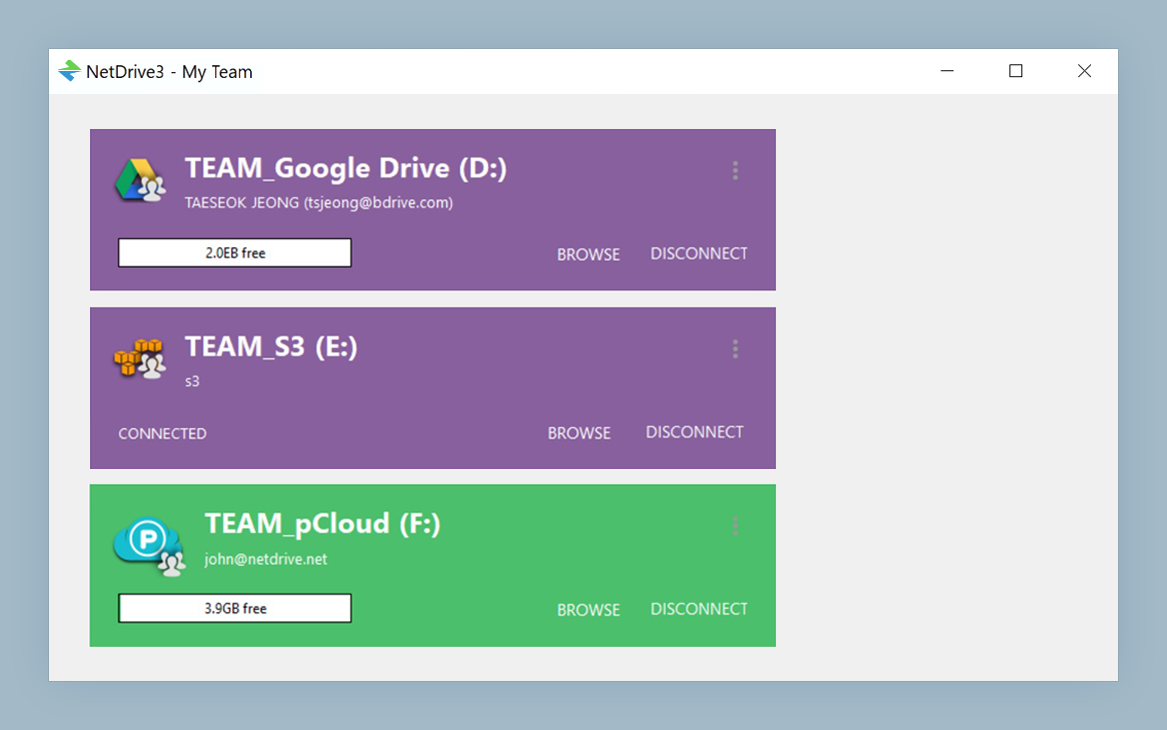
- Drive Manager shows the state of every drive
- Reconnect without losing your mount settings
Free trial. Lifetime and subscription plans available.
Read the Error Before You Change Anything
NetDrive tests the connection when you save an Alibaba Cloud drive, and a credential problem shows up as an inline message instead of a new drive card. That message is your first clue. A rejected key points at the Access Key ID or secret. A permission-style rejection points at the RAM user behind the key. A failure to reach the bucket at all usually points at the endpoint or the bucket name.
Write down which of these you are seeing before you start editing fields. Changing several things at once makes it impossible to tell which one fixed it.
Check 1: The Access Key Pair
NetDrive asks for an Access Key ID and the matching secret. The most common failure is a pair that no longer works:
- Sign in to the Alibaba Cloud console and open the RAM user that owns the key.
- Confirm the key is still listed and its status is active, not disabled.
- If the key was rotated, the old pair stored in NetDrive is dead. Create a new pair and copy both values immediately, because the secret is only shown once.
- Paste the new values into the drive’s settings. Check for a trailing space, which is easy to pick up when copying.
A key that belongs to a deleted RAM user fails the same way as a disabled one, so confirm the user still exists.
Check 2: RAM Permissions
A valid key can still be refused if the RAM user has no permission on the bucket. Use a RAM user rather than your account’s root key for day-to-day mounting, and make sure its policy grants access to the specific bucket you are mounting. If the drive needs to write files, read-only permissions will let you browse and then fail on the first save.
If you recently tightened a policy, that is the likeliest culprit. Compare the policy against what you did before the error began.
Check 3: Endpoint and Bucket Name
Alibaba Cloud endpoints are region-specific, for example oss-cn-hangzhou.aliyuncs.com for Hangzhou. A bucket in one region will not answer on another region’s endpoint, so a copy-paste from the wrong project produces an error that looks like an authentication failure. Open the bucket’s Overview page in the console and copy the endpoint from there.
Then compare the Bucket field character by character with the console. Bucket names are exact. A single wrong character, or a bucket that was deleted and recreated in a different region, gives the same symptom as a bad key.
Reconnect the Drive
Once you have corrected the field that was wrong:
- Open NetDrive and find the Alibaba Cloud drive in Drive Manager.
- Open the drive’s settings and update the key, secret, endpoint, or bucket.
- Click Test and wait for NetDrive to confirm it can reach the bucket.
- Save, then connect the drive from its card.
If editing the existing entry does not clear the error, remove the drive and add it again from the Add Drive dialog with the values you verified in the console. A clean entry removes any stale saved value from the picture.
When Authentication Passes but Mounting Still Fails
If Test succeeds and the drive still does not appear, the problem has moved past credentials. A drive letter already in use on Windows is a common cause; see Fix Drive Letter Already in Use. If folders look empty or outdated after connecting, try a manual refresh as described in Force Folder Refresh.
Wrap-up
Treat an Alibaba Cloud authentication error as a checklist: key, permissions, endpoint, bucket. Fix one thing at a time, use Test after each change, and reconnect through Drive Manager. For the full first-time setup, see Mount Alibaba Cloud on Windows with NetDrive. If you work with the sibling service, Mount Tencent Cloud on Windows covers the same flow.
— Steve, NetDrive