Fix ImageKit Authentication Errors — NetDrive

Troubleshoot ImageKit sign-in failures in NetDrive: outdated saved credentials, hidden characters from copy-paste, and account issues on the ImageKit side.
A designer drags a batch of banner assets onto the ImageKit drive and NetDrive answers with an authentication error, even though the same account opens fine in the ImageKit dashboard. Or a brand-new ImageKit connection is rejected on the first try. In most cases the credentials ImageKit currently accepts and the copy saved in NetDrive have drifted apart, so the install itself is rarely the culprit. The checks below go in the order that resolves most cases fastest.
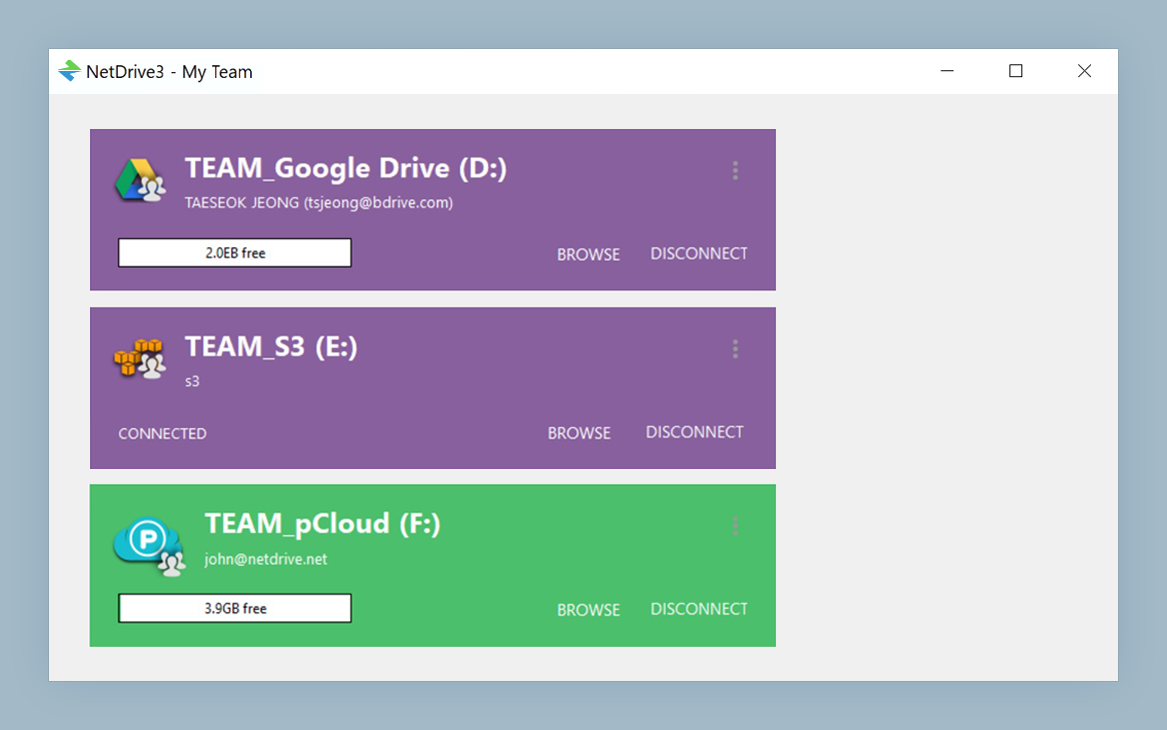
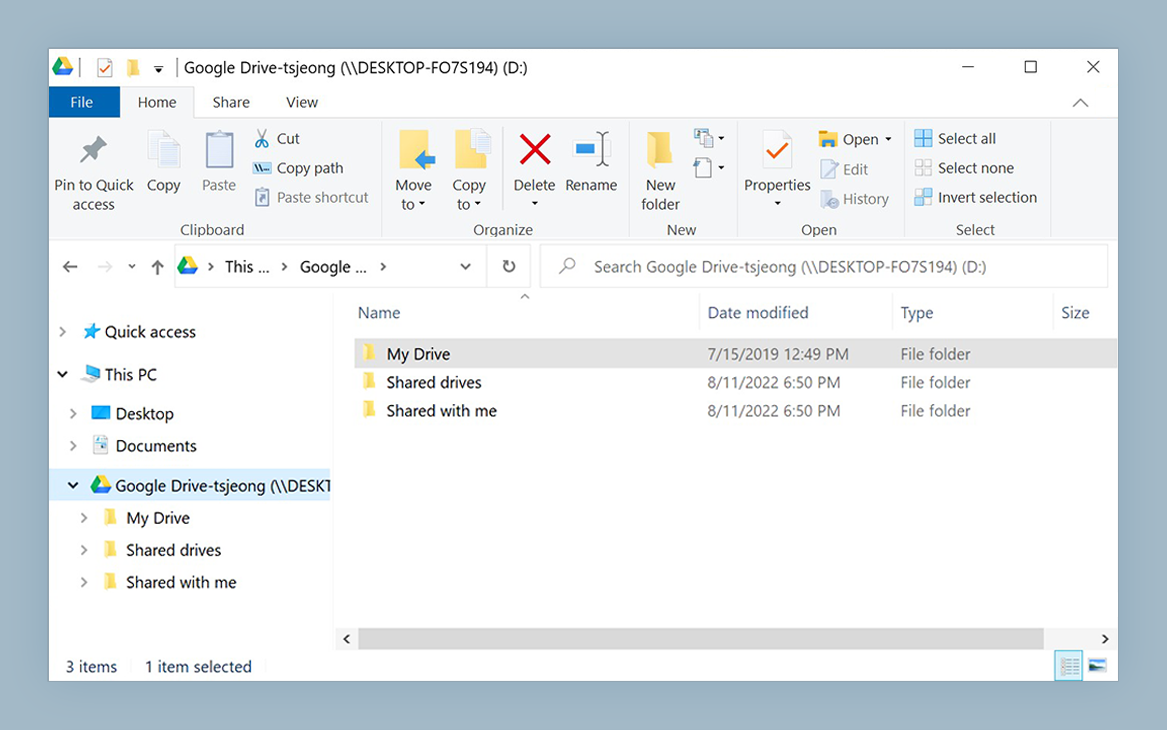
Keep ImageKit reachable as a drive
NetDrive lets Google Drive, OneDrive, S3, SFTP, WebDAV and more appear as native drives on Windows and macOS — no syncing, no full downloads.
- Browse your ImageKit media library in Explorer or Finder
- Edit saved credentials in one place when they change
- Run ImageKit next to your other clouds in one drive manager
Free trial. Lifetime and subscription plans available.
Match the Symptom to the Likely Cause
| Symptom | Most likely cause |
|---|---|
| A drive that worked last week now fails to connect | Credentials were changed or rotated on the ImageKit side and NetDrive still holds the old ones |
| A fresh connection fails immediately | A typo, or an invisible space or line break picked up while copying the credentials |
| Credentials look right but sign-in still fails | The ImageKit account itself is locked, restricted, or temporarily unreachable |
Work through the fixes in this order. Each takes about a minute, and the sequence keeps you from re-entering credentials that were never the problem.
Fix 1: Re-Enter the Saved Credentials
NetDrive keeps the credentials you supplied when you added the drive. If they were changed afterwards, by you, a teammate, or an admin who reset access, the stored copy goes stale and the old values keep being sent.
- Open NetDrive → go to the Drive Manager.
- Select the ImageKit drive and click Edit.
- Clear the saved credential fields and enter the current values.
- Click Connect (or Mount) to authenticate again.
If several people share the account, ask whether anyone regenerated access recently. A change made by a colleague breaks every other computer that saved the old values, which looks like a sudden, unexplained failure.
Fix 2: Rule Out Copy-Paste Artifacts
Values pasted from a password manager, a ticket, or a chat message can carry a trailing space or line break that the field never shows. To test it:
- Paste the value into a plain text editor and look for extra characters at either end.
- Delete anything that does not belong.
- Paste the cleaned value back into NetDrive and connect again.
Check every field, not only the one you suspect. A stray space in one entry fails exactly like a wrong value, and the error does not say which field is at fault.

Fix 3: Confirm the Account Works Outside NetDrive
If the values are current and clean, sign in to ImageKit from a browser on the same network. This tells you which side holds the problem:
- The ImageKit login also fails or shows a restriction. The account is the problem, not NetDrive. Resolve it with ImageKit, then update the saved credentials as in Fix 1.
- The website works. Restart NetDrive, edit the drive, and reconnect. If a corporate proxy or firewall sits in the path, try from a different network to see whether the connection is being filtered.
The authentication message in NetDrive is generic. A restricted account and a wrong credential look the same in the connection dialog, which is why the browser test is worth doing.
Prevent a Repeat
- Update NetDrive the day credentials change. Make editing the drive part of the rotation routine.
- Keep one source of truth. Store the current values in a single password manager entry so an old copy is never pasted.
- Set Auto Mount deliberately. If the drive mounts at login or boot, stale credentials fail at startup and you notice before a deadline job begins.
Wrap-up
Most ImageKit authentication errors in NetDrive trace back to saved credentials that went stale or a hidden character in a pasted value. When neither applies, the browser test shows whether the account is at fault. For first-time setup, see Mount ImageKit on Windows or Mount ImageKit on macOS. The same stale-credential pattern shows up in OpenDrive authentication errors.
— Alex, NetDrive