Dark Mode and Language Settings in NetDrive Mobile

Switch NetDrive Mobile between light and dark themes and pick from 11 supported languages, so the app matches how and where your team actually works.
A photographer flips through the shots they uploaded from a dim studio and the app’s white background is the brightest thing in the room. A support engineer in Seoul hands their phone to a new teammate in Berlin to show how file browsing works, and the interface comes up in Korean — not exactly the demo either of them wanted. NetDrive Mobile handles both situations from the same Settings screen: a theme toggle and a language picker that don’t require reinstalling anything or digging through the phone’s own OS settings.
Make the app match your workspace
NetDrive Mobile opens Google Drive, Dropbox, OneDrive, S3, WebDAV, SFTP and more in one app — browse, upload, download, and preview right from your phone.
- Light and dark themes, switchable anytime
- 11 supported languages for global teams
- One free Bdrive account, however you set it up
Free Bdrive account required.
Switching Between Light and Dark
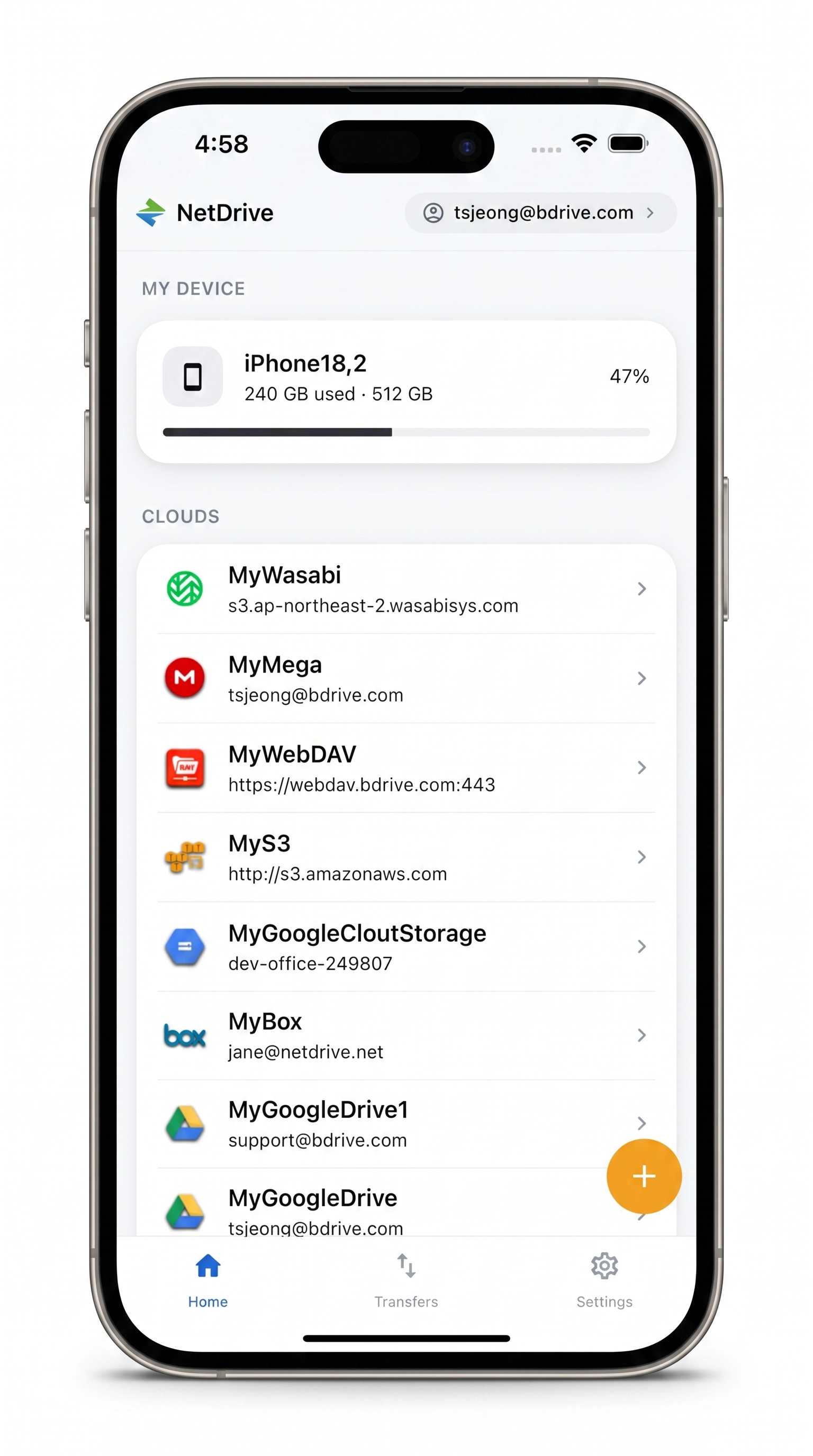
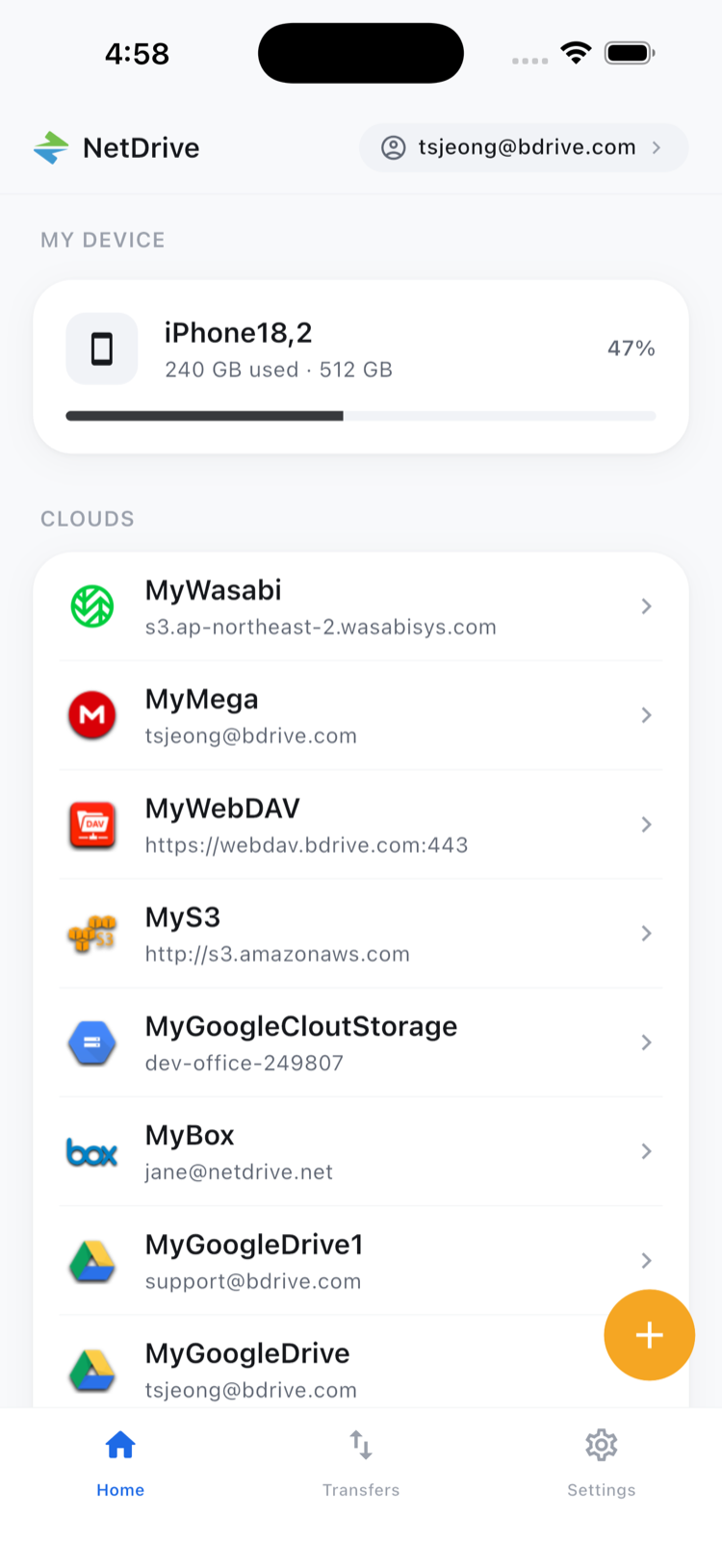
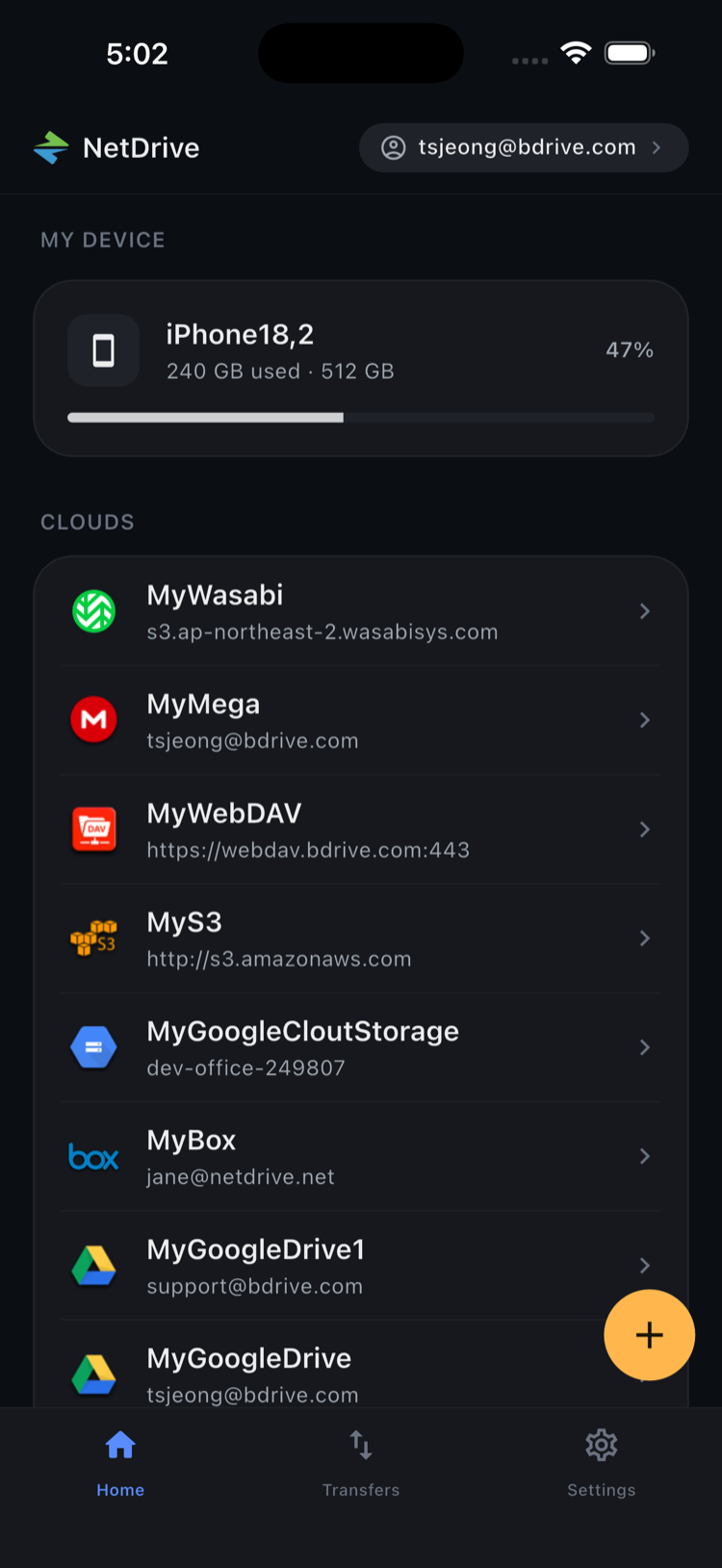
NetDrive Mobile ships with both a light and a dark theme, and the home screen — the “My Device” storage summary up top, the list of connected clouds below it — renders identically in either, just with the palette flipped. The dark theme is the obvious pick for late-night uploads or a job site with no good lighting, but it’s also just a preference some people keep on permanently rather than something reserved for low light. Toggling it from Settings applies across the whole app, not just the home screen — the file browser, transfer queue, and every other screen follow the same theme.
Picking a Language
NetDrive Mobile supports 11 languages, including English, Korean, Japanese, Simplified Chinese, German, Spanish, French, Indonesian, and Portuguese — with a separate variant for Brazilian Portuguese, since the two aren’t quite the same thing to a native reader. That range matters more than it might sound for a multi-cloud app specifically: a team spread across regions is often connecting to Google Drive, a regional object storage bucket, and a local NAS all from the same login, and the person walking a colleague through it shouldn’t have to translate menu labels on the fly.
Changing the language is a setting on the app itself, independent of what language the phone’s operating system is set to — useful if a shared or borrowed device is configured for someone else’s preference, or if a teammate reading over your shoulder needs the screen in a language you don’t otherwise use your phone in. It also means switching NetDrive Mobile’s language doesn’t touch anything else on the device — the camera app, messages, and every other app stay exactly as they were, since the change is scoped to this one app’s interface rather than the phone as a whole.
Changing Theme and Language
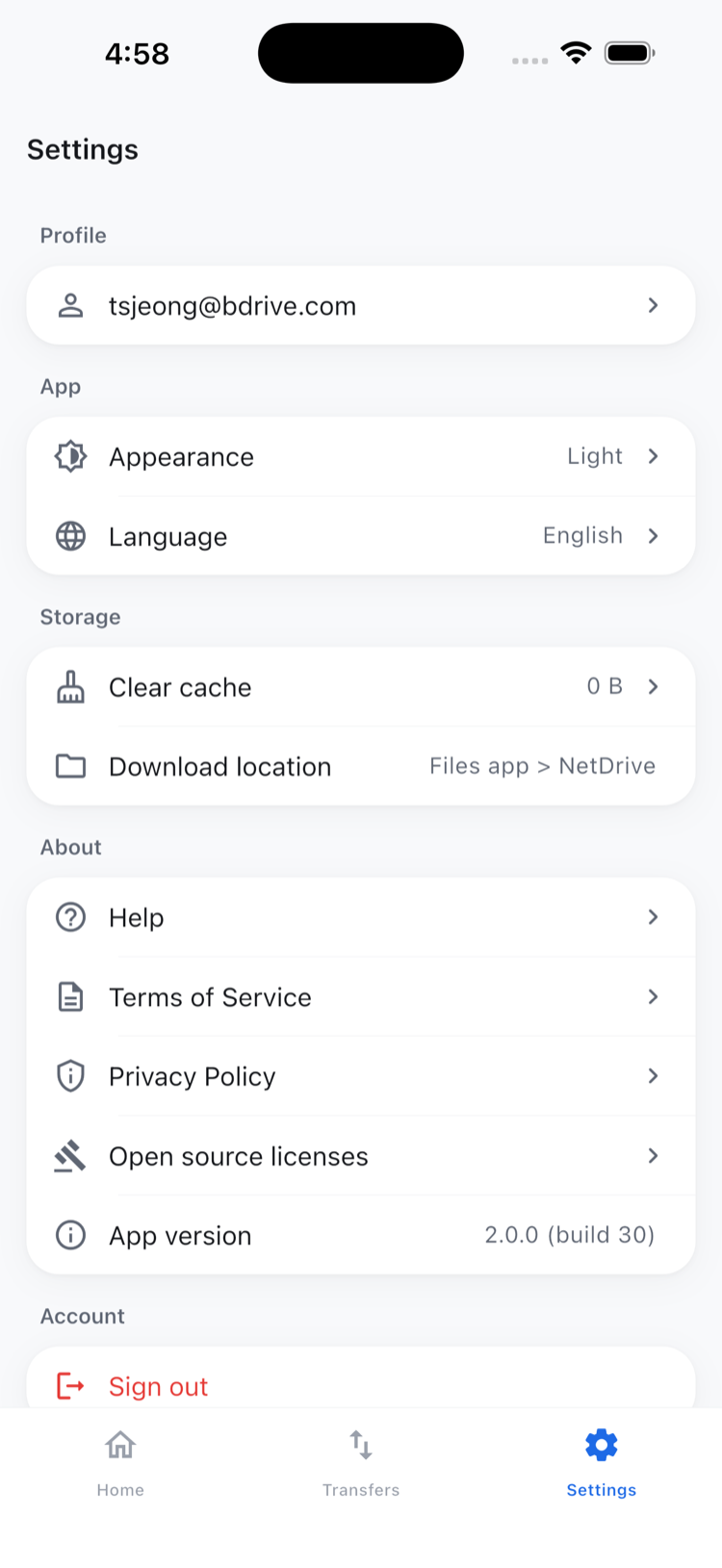
- Open Settings from the home screen.
- Find the Theme preference and switch between light and dark.
- Find the Language preference and pick from the supported list.
- Both take effect immediately — no restart, no re-login.
Why This Belongs in a Multi-Cloud App
NetDrive Mobile’s whole pitch is putting several cloud accounts behind one login instead of several separate apps. That only holds together if the app itself adapts to how and where people actually use it — a studio at night, a shared device passed between teammates who don’t share a first language, a phone set to a system locale that doesn’t match the person currently holding it. Theme and language are small settings individually, but they’re the difference between an app that fits a workflow and one a team works around.
Neither setting is tied to a particular cloud connection, either. Switching themes or languages doesn’t require reconnecting Google Drive, a WebDAV NAS, or any other provider already added to the app — it’s a preference layered on top of whatever clouds are already signed in, so there’s no re-authentication step to work through just because someone wants a different look or a different language on screen.
Wrap-up
Dark mode and language selection are two of the quieter settings in NetDrive Mobile, but they’re the ones that make the app usable across different lighting, different shifts, and different first languages on the same team. For the broader multi-cloud story, see NetDrive Mobile — Every Cloud You Use, In One App, or read NetDrive Desktop vs. Mobile — Which One Do You Need? if your team also runs NetDrive on a Windows or Mac workstation.
— Jay, NetDrive