Archivists and Librarians with NetDrive — Digitized Collections

Archivists and librarians can mount Backblaze B2, Wasabi, or Amazon S3 as a read-only drive with NetDrive on Windows and macOS, so staff browse digitized collections without copying them.
A university special-collections team scans a few hundred TIFF masters a week: manuscripts, maps, photographs, each one tens of megabytes. Within a year the scanning workstation is full, the access copies live somewhere else, and a reference librarian answering a patron request has to ask someone with the right credentials to dig out a file. NetDrive mounts the object storage that holds the collection as a drive on Windows or macOS, so staff open the folder they need like any other.
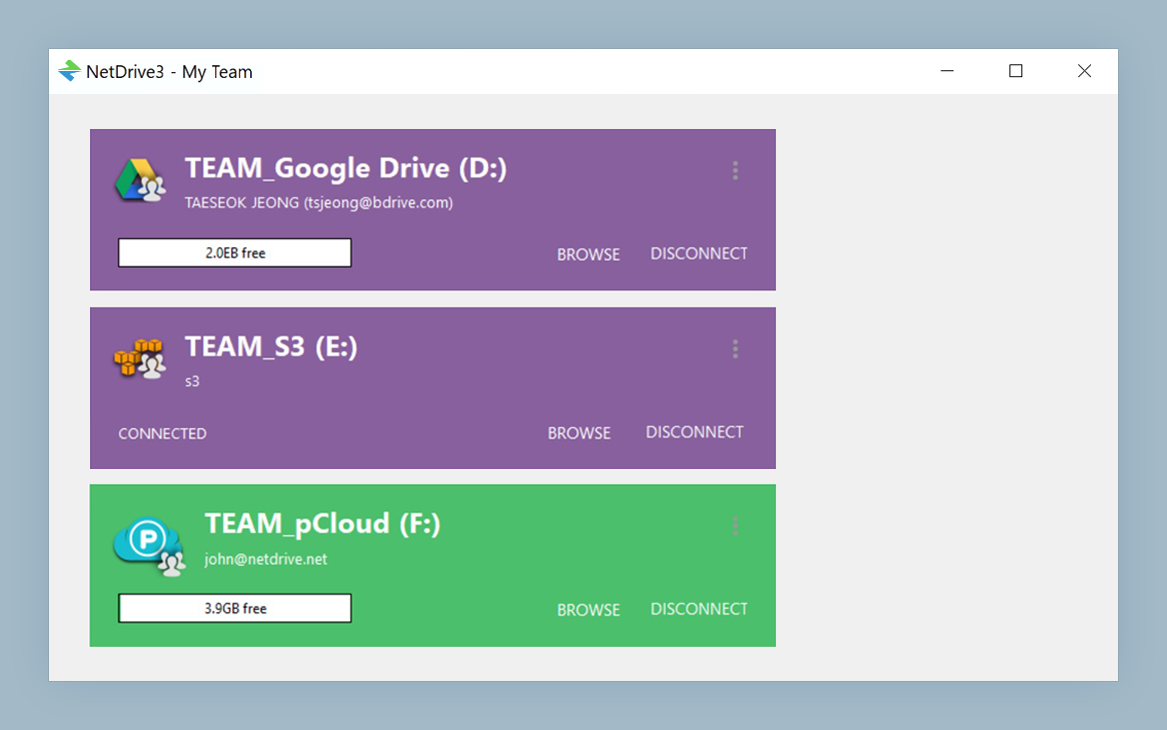
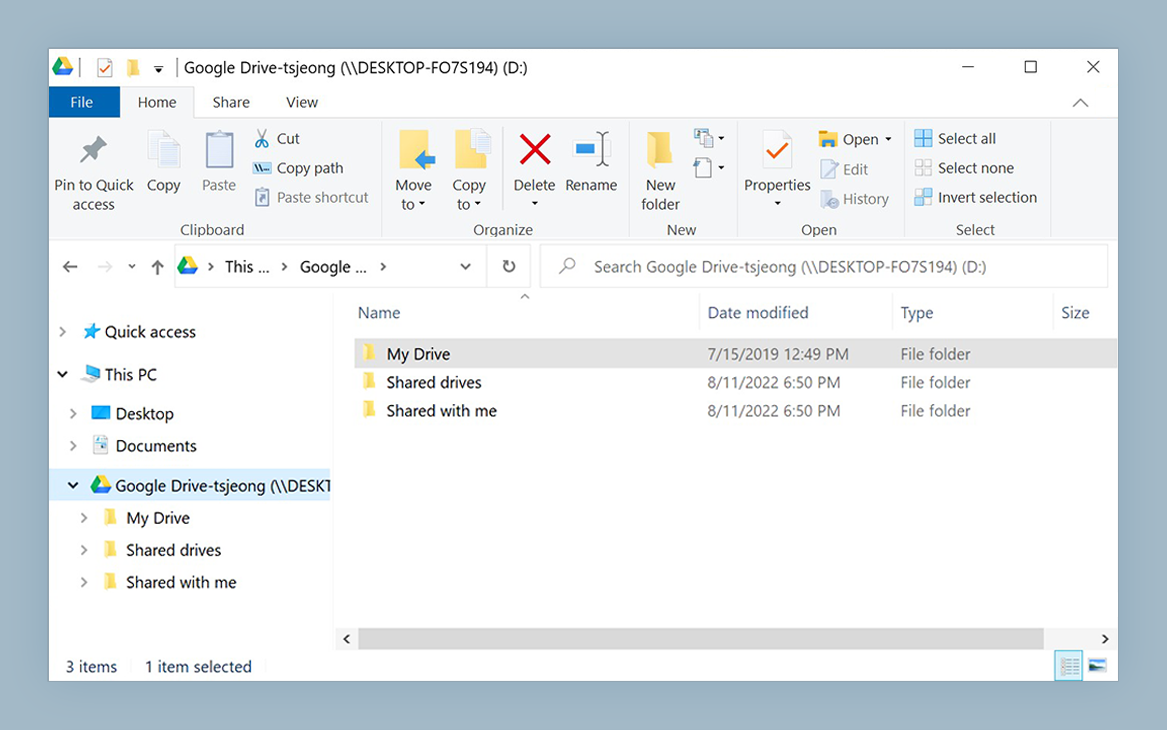
Give your collection a front door
NetDrive lets Google Drive, OneDrive, S3, SFTP, WebDAV and more appear as native drives on Windows and macOS — no syncing, no full downloads.
- Mount Backblaze B2, Wasabi, or Amazon S3 as a Windows or macOS drive
- Use a read-only drive so masters cannot be changed by accident
- Browse and open files without copying the whole archive locally
Free trial. Lifetime and subscription plans available.
Why Object Storage Fits a Digitized Collection
Master files are written once and read rarely. That access pattern suits object storage such as Backblaze B2, Wasabi, or Amazon S3, which are all supported by NetDrive. The trouble is that these services speak their own protocols, and nobody on the reference desk wants to learn a bucket console to fetch a map scan.
A mounted drive removes that gap. The bucket appears with a drive letter on Windows or as a volume in Finder on macOS, folders and all. Staff keep the layout your cataloguers already use, for example Manuscripts/1890s/ or Maps/Regional/, and their existing tools (image viewers, PDF readers, the cataloguing system’s file picker) open files through ordinary file dialogs.
Protect Masters with a Read-Only Drive
Preservation policy usually says that master files never change after ingest. NetDrive supports a read-only drive type, so you can mount the master bucket for reference staff and researchers while keeping a separate, writable mount for the people who ingest new scans. Someone who drags the wrong folder onto the wrong drive hits a refusal instead of a lost original.
This is a convenience guard, not a replacement for bucket-level permissions. Give reference staff credentials that can only read, and let the read-only mount type be the second layer. We cover the mount type in detail in Read-Only Drive Mode in NetDrive.
A practical split many teams use:
- Masters bucket mounted read-only on every reference workstation.
- Access copies (smaller JPEGs and PDFs) on a second drive that digital-services staff can write to.
- Ingest staging mounted writable only on the scanning machines.
Looking Without Mounting
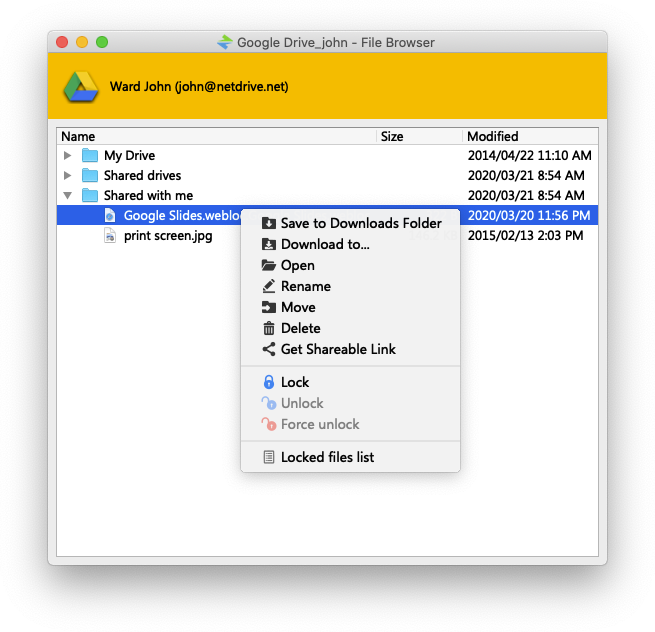
Sometimes a visiting scholar or a part-time volunteer only needs to look. NetDrive’s file browser lists remote files in its own window without creating a mounted drive, which is a lighter option for a shared reading-room machine where you would rather not leave a drive attached. See File Browser in NetDrive for how it works.
Setting It Up on a Reference Workstation
- Install NetDrive on a supported system: Windows 8 or later, or macOS 14 (Sonoma) or later for current releases.
- Open NetDrive and add a new drive, then choose your storage type (Backblaze B2, Wasabi, Amazon S3, or another from the list).
- Enter the read-only access credentials your administrator generated for the bucket.
- Choose the read-only drive type and pick a drive letter on Windows or a volume name on macOS.
- Mount the drive and open a folder from your catalogue to confirm the files appear.
For the provider-specific fields, follow the matching guide, such as Mount Backblaze B2 on Windows with NetDrive.
Limits Worth Knowing
NetDrive does not provide offline mode, so a workstation needs a connection to reach the collection. It also does not encrypt files on the client side; if your policy requires that, handle it before ingest or at the storage service. Opening a large TIFF fetches it over the network, so staff on slow connections will notice the difference between an access copy and a master. Linux support is experimental and not recommended for a production reading room.
Wrap-up
An archive is only useful if people can reach it, and only trustworthy if they cannot damage it. A read-only mount over object storage gets you both without a second copy of everything. If your team also works with large photographic collections, read Photography RAW Archive on Backblaze B2, and for broader team setups see Nonprofit Organizations with NetDrive.
— Steve, NetDrive