Software QA Teams with NetDrive — Shared Builds and Test Artifacts as a Drive

How QA engineers use NetDrive to browse nightly builds, logs, and screen recordings stored in S3, MinIO, or SFTP as a regular drive on Windows and macOS.
Every night the pipeline drops an installer, a pile of logs, and a few screen recordings of failed UI runs into a bucket. At nine in the morning a tester needs last night’s build on a clean VM, and today’s logs open next to a bug report. Fetching each file through a web console is slow and easy to get wrong. A mounted drive makes the artifact store look like a folder everyone already knows how to use.
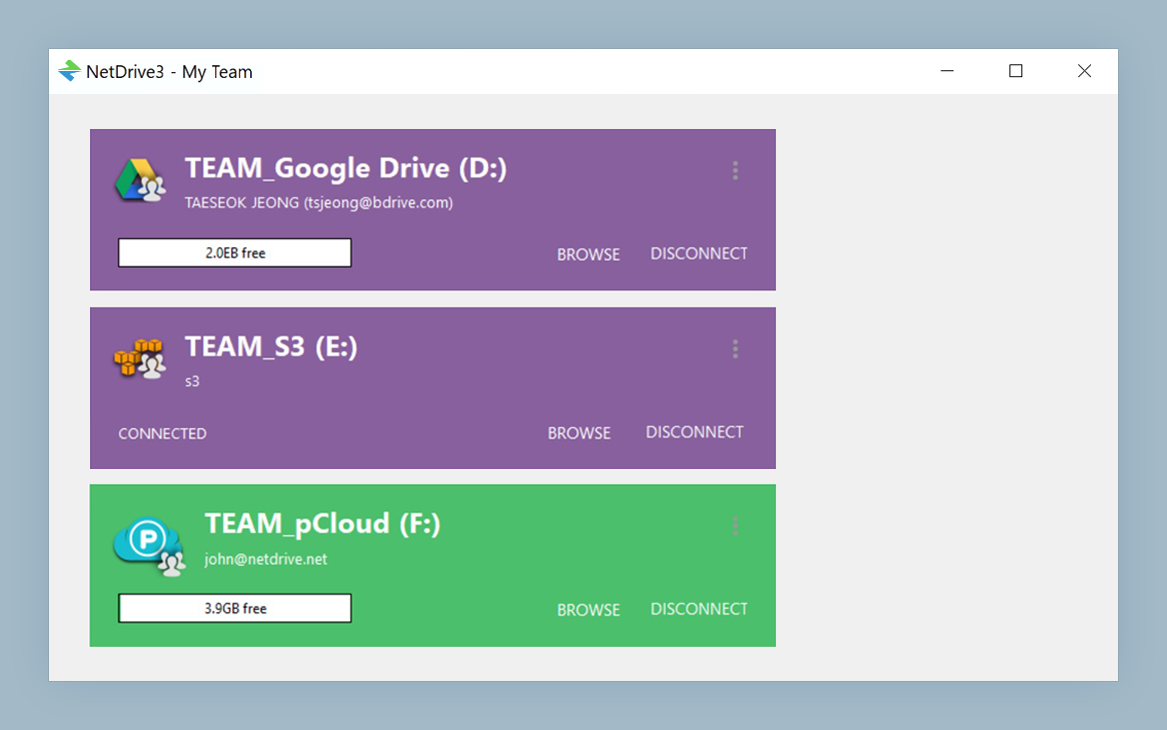
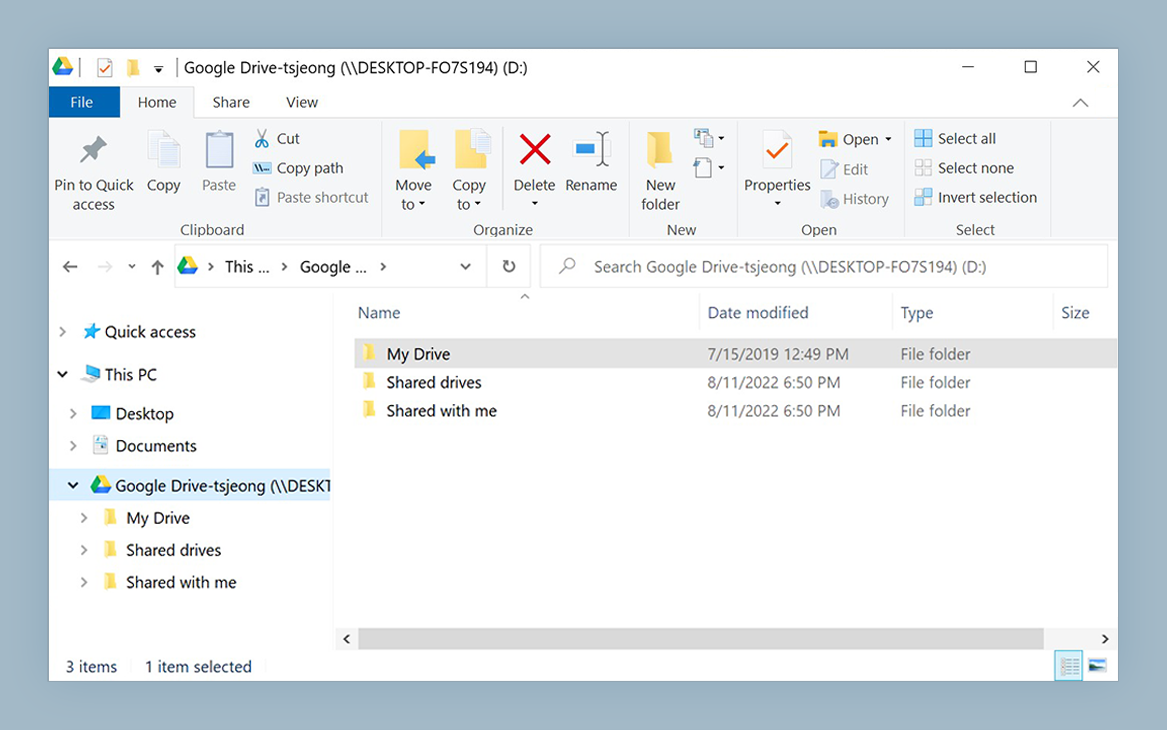
Browse build artifacts from any test machine
NetDrive lets Google Drive, OneDrive, S3, SFTP, WebDAV and more appear as native drives on Windows and macOS — no syncing, no full downloads.
- Mount S3, MinIO, or an SFTP server as a drive
- Open installers and logs straight from the Open dialog
- Upload recordings in the background while you keep testing
Free trial. Lifetime and subscription plans available.
Where QA Artifacts Usually Live
Test teams accumulate three kinds of files. Builds are large and arrive on a schedule. Logs are small but numerous. Recordings and screenshots are what testers produce by hand and attach to defects. Teams commonly keep these in Amazon S3, a self-hosted MinIO server, or on an SFTP host next to the build system, and NetDrive supports all three.
The point of mounting is not to replace your CI storage. It is to give humans a comfortable view of it. Testers can drag a build to a VM share, open a log in their editor, or attach a recording to a ticket without learning the storage provider’s tooling.
A Layout That Works
Keep two separate locations so the intent is obvious:
- Builds and logs (read-only). Mount this one with NetDrive’s read-only drive type so a stray save cannot overwrite a build that a bug report refers to. See Read-Only Drives in NetDrive.
- Evidence (writable). A second drive where testers drop recordings, crash dumps, and exported reports. Give each tester a folder, for example
evidence/<name>/<ticket>.
Credentials should follow the same split. Create a storage user that can only read the builds location, and a different one with write access to evidence. For the S3 route, Fix S3 Access Denied Errors in NetDrive lists the policy mistakes that cause most failures.
Setting It Up
- Install NetDrive on the test workstation and start the trial from the download page.
- Add a drive and choose the provider: Amazon S3, MinIO, or SFTP.
- Enter the endpoint and credentials. For MinIO the walkthrough is in Mount MinIO on Windows.
- Select the read-only drive type for the builds drive and leave the evidence drive writable.
- Assign each a drive letter on Windows, or a mount name on macOS.
- Optionally enable automatic mounting; see Auto-Mount on Boot with NetDrive.
Handling Large Recordings
A ten-minute screen recording of a failing flow can run to hundreds of megabytes. NetDrive’s background upload mode lets the copy finish while the tester continues, so the next test case does not wait on the previous upload. The queue and progress view appear as in the screenshot below; Background Upload Mode covers the settings.
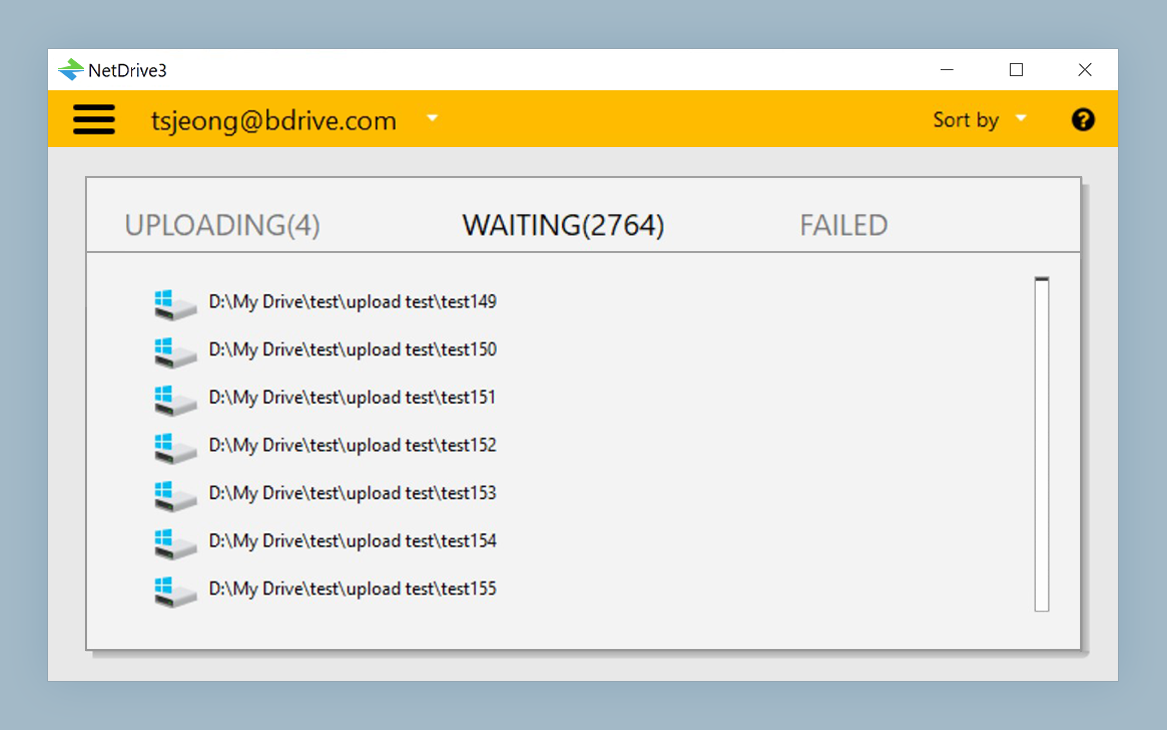
Before you close a laptop lid, check that the queue is empty. A file still waiting is not in the cloud yet.
Gotchas Worth Knowing
- Stale listings. If a new build is not visible yet, force a refresh as described in Force Folder Refresh in NetDrive.
- Big folders. Thousands of log files in one directory list slowly on object storage. Partition by date, for example
logs/2026-11-04/. - No offline mode. NetDrive does not support offline access, so artifacts you need on a plane must be copied locally first.
- Linux runners. NetDrive’s Linux support is experimental, so keep production CI jobs on their native storage clients and use NetDrive on the Windows and macOS workstations where people work.
Wrap-up
A QA team spends its day moving evidence between systems. Turning the artifact store into a drive removes a surprising amount of friction from that loop. For the pipeline side of the same idea, read DevOps S3 Test Fixtures with NetDrive.
— Jay, NetDrive