Welcome to the NetDrive Blog

We're starting a blog. Expect technical guides, release notes, troubleshooting walkthroughs, and the occasional behind-the-scenes story from the NetDrive team.
After years of building NetDrive at Bdrive Inc. — the company has been shipping cloud-mount software since 2010 — we realised most of the useful knowledge we accumulate never makes it past private support tickets. Why a particular OneDrive sync stalls on Windows 11 24H2, how to mount an S3 bucket the right way, what changed between NetDrive 3.17 and 3.18: it all lives in chat threads, forum replies, and the heads of a few long-tenured engineers.
This blog is where we’ll start writing it down.
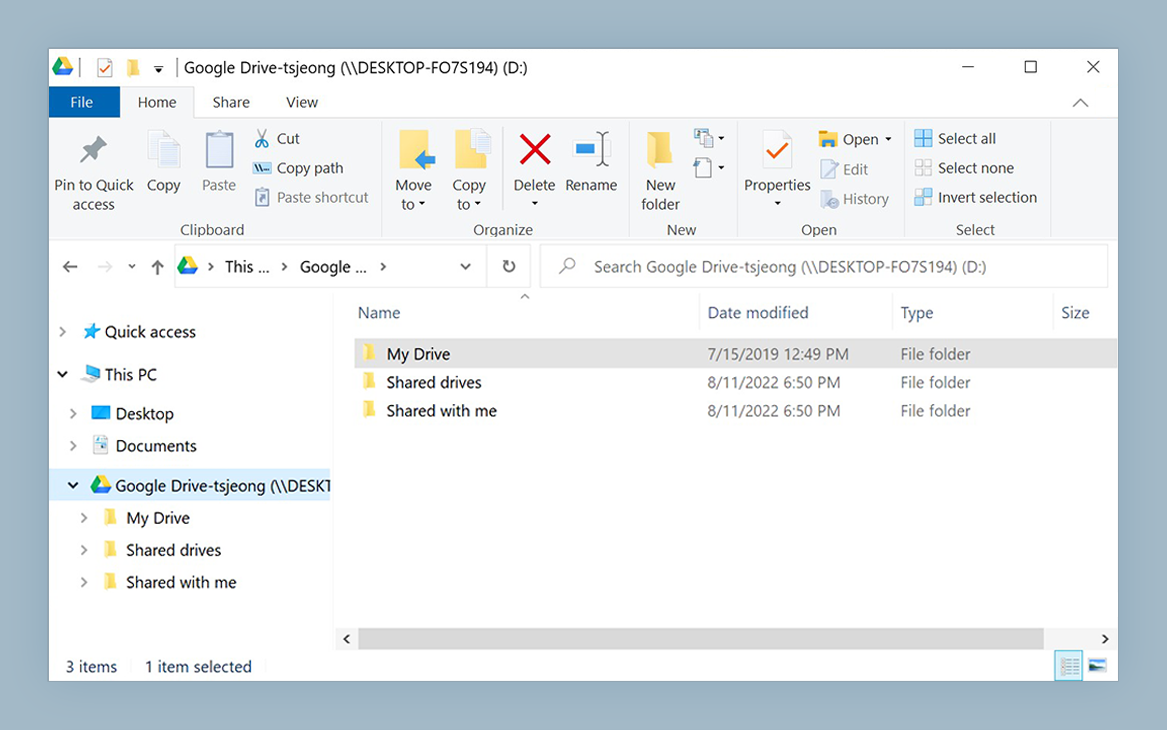
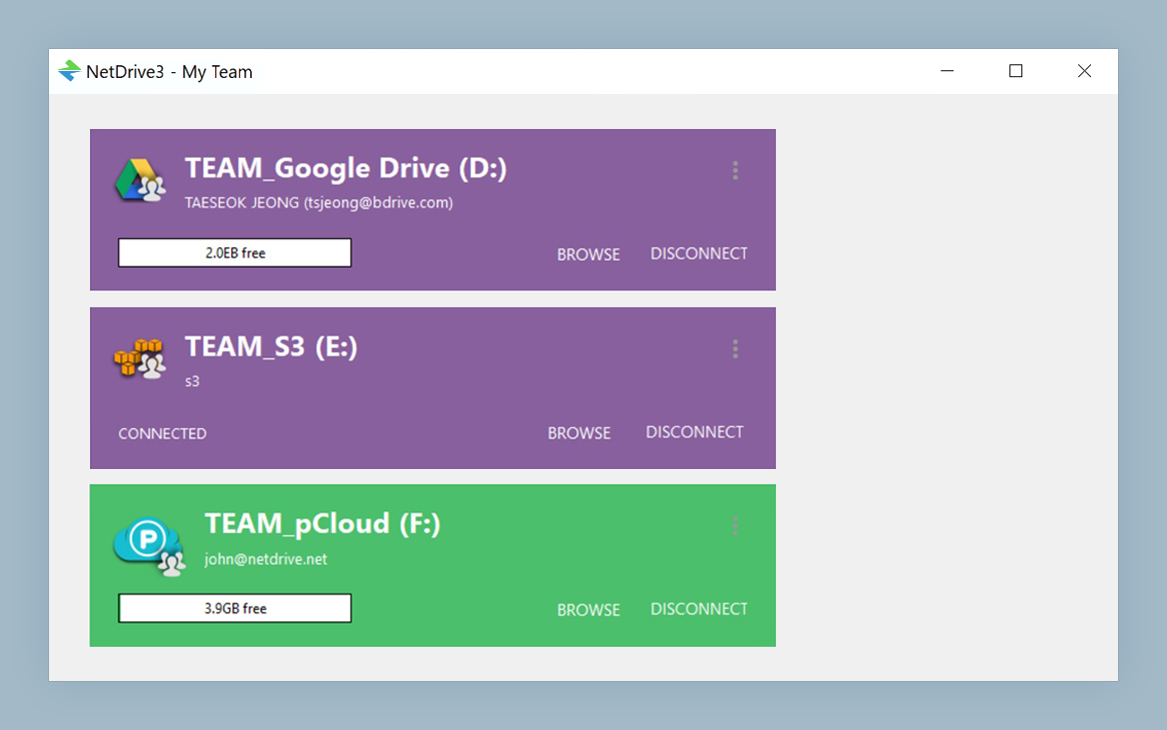
Mount your cloud storage as a network drive
NetDrive lets Google Drive, OneDrive, S3, SFTP, WebDAV and more appear as native drives on Windows and macOS — no syncing, no full downloads.
- Native Finder / File Explorer integration — no separate app
- On-demand streaming with smart cache — no full sync needed
- Works with Google Drive, OneDrive, Dropbox, S3, B2, SFTP, WebDAV, and more
Free trial. Lifetime and subscription plans available.
What you can expect
- Provider guides. Step-by-step setup for Google Drive, OneDrive, Dropbox, Box, Backblaze B2, S3-compatible providers (including Wasabi and MinIO), Azure Blob, Mega, Yandex Disk, SharePoint, SFTP, and WebDAV. Whatever NetDrive talks to, we want a current walkthrough that matches the latest desktop release.
- Release notes, in English. The formal changelog stays the source of truth, but we’ll publish plain-English summaries of the meaningful changes — what moved, why it moved, and what action (if any) it requires from existing users.
- Troubleshooting. Real problems we’ve helped real users debug, generalised so anyone hitting the same Synology WebDAV 401 or the same vcredist-missing dialog can find the fix without opening a ticket.
- Use cases. How teams use NetDrive for backup, media workflows, remote-collaboration setups, headless servers, and the long tail of weird-but-valid mounts (read-only archive volumes, scheduled-task hosts, locked-down kiosk PCs).
What you won’t see
- Generic listicles. “Best 17 reasons why cloud storage matters” is not the format here.
- Outdated content. When the underlying software evolves, posts get
an
updatedDate, and the references in the body are checked against the current release. If a post mentions a feature gated to a specific build, you’ll see the exact version number alongside it. - Marketing fluff. No “revolutionary” or “fastest ever” claims — the only numbers you’ll see are sourced, and the only comparisons you’ll see are dated.
Who writes here
The team behind the blog is a rotating group of engineers, support folks, and writers from Bdrive — names you’ll see at the bottom of each post. We picked rotating bylines so the tone stays varied and so readers can spot patterns (“this is Tayson territory, this is a Morgan troubleshooting deep-dive”).
If there’s a topic you want us to cover — a provider you’re stuck on, a
scenario you wish was documented better, a comparison you’d find useful
— drop a note in our support forum and
tag it blog-request. We read every one.
— The NetDrive Team