Fix MinIO Connection Refused Error When Mounting — NetDrive

NetDrive can't reach your self-hosted MinIO endpoint? Walk through the three most common causes of a Connection Refused error: wrong port, closed firewall, and console vs API URL mix-ups.
You point NetDrive at your self-hosted MinIO cluster, click Test, and instead of a green checkmark you get “Connection refused.” The bucket never mounts, and the error gives no indication of whether the problem is the endpoint, the credentials, or the network path in between. Almost always, it traces back to one of three things: the wrong port, a closed firewall, or the console URL mixed up with the API URL.


Mount self-hosted S3-compatible storage as a drive
NetDrive lets Google Drive, OneDrive, S3, SFTP, WebDAV and more appear as native drives on Windows and macOS — no syncing, no full downloads.
- Connects to MinIO and any S3-compatible endpoint
- Test button verifies connectivity before you mount
- Works on Windows and macOS with the same connection fields
Free trial. Lifetime and subscription plans available.
Why “Connection Refused” Is a Network Error, Not a Credentials Error
“Connection refused” happens before NetDrive ever gets to check your Access Key or Secret Key. The TCP connection to the endpoint itself is being rejected — nothing is listening on the address and port NetDrive tried, or something between your machine and the MinIO server is actively blocking it. This is a different failure mode from “Access Denied,” which means NetDrive reached MinIO and MinIO said no. If you’re seeing “Connection refused,” fix the network path first; credential problems can’t even surface until that layer works.
Check 1: Console Port vs. API Port
MinIO runs two separate services on two separate ports: the S3 API (default 9000) and the web Console (default 9001). NetDrive needs the API port — pointing the Endpoint field at the Console port produces a connection that either refuses outright or connects to the wrong service entirely.
- Open NetDrive → click the gear icon on the MinIO drive to open its settings.
- Confirm the Endpoint field reads something like
http://192.168.1.50:9000, not:9001. - If you’re unsure which port your MinIO instance uses for the API, check the
MINIO_API_PORTenvironment variable or the--addressflag used when the server was started — the Console typically has its own separate--console-addressflag.
Check 2: Firewall and Docker Port Publishing
If the port is correct and you still get “Connection refused,” something between NetDrive and the MinIO host is blocking the connection.
- Docker deployments: confirm the container actually publishes the port —
docker run -p 9000:9000 ...or the equivalent in your compose file. A MinIO container running without a published port is unreachable from outside the host even though it looks healthy indocker ps. - Host firewall: on Linux, check
ufw statusoriptables -Lfor a rule blocking inbound 9000. On Windows Server hosting MinIO, check Windows Defender Firewall’s inbound rules. - Network segmentation: if NetDrive runs on a different VLAN or subnet than the MinIO host, confirm routing between them allows the port — a common gap in offices where servers sit on a separate segment from workstations.
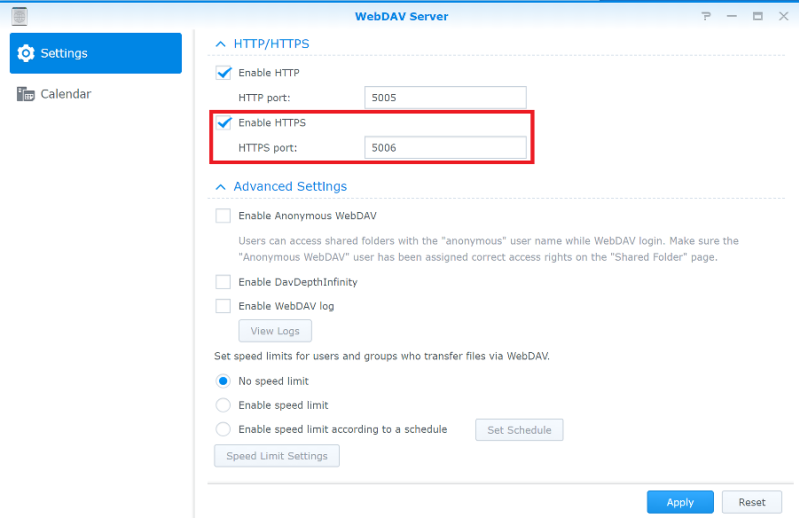
A quick way to isolate whether the problem is NetDrive or the network: from the same machine, open a browser and navigate to http://<endpoint>:9000/minio/health/live. If the browser also can’t connect, the issue is entirely in the network path, not in NetDrive’s configuration.
Check 3: HTTPS Endpoint With a Self-Signed Certificate
If your MinIO endpoint uses https:// behind a reverse proxy with a self-signed or internal-CA certificate, some TLS handshake failures surface as a generic connection failure rather than a certificate warning. Confirm the certificate chain is valid from the machine running NetDrive — for an internal CA, that machine needs the CA certificate installed in its trust store. As a diagnostic step, temporarily test with http:// on the internal network to confirm the endpoint and port are otherwise correct, then re-enable HTTPS once the certificate is trusted.
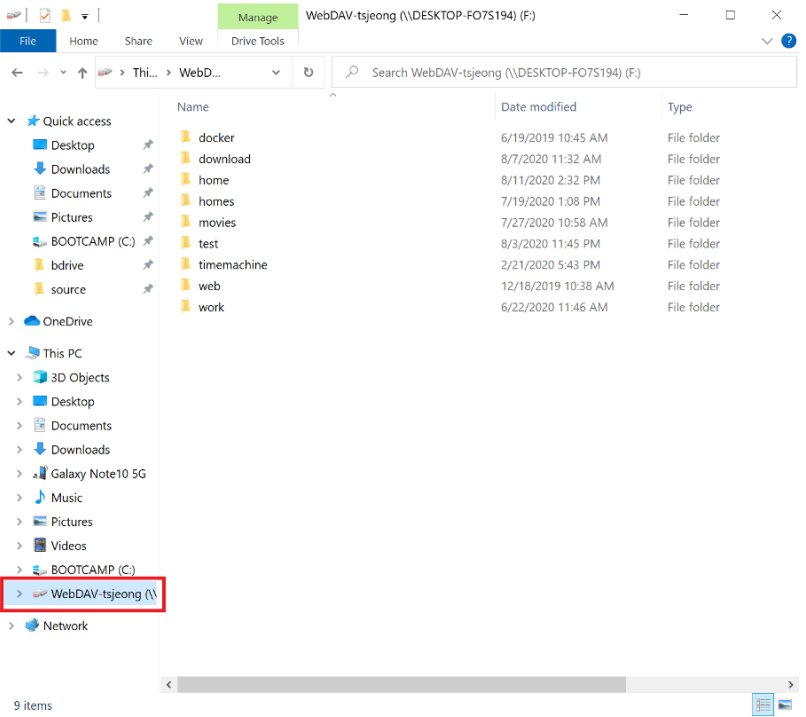
Re-Testing the Connection
Once the port, firewall, and certificate are sorted:
- Open NetDrive → select the MinIO drive in the Drive Manager.
- Re-enter the Endpoint, confirm Path style is enabled (self-hosted MinIO nearly always needs this rather than virtual-hosted addressing), and click Test.
- A green check means the TCP and TLS layers are working — if the drive still won’t mount after that, the remaining issue is almost always credentials or bucket permissions rather than connectivity.
Wrap-up
“Connection refused” on a MinIO drive is a network-layer problem in nearly every case: wrong port, a firewall or Docker publish rule blocking access, or an untrusted certificate on an HTTPS endpoint. Work through the port and firewall first — they account for most cases — before assuming anything is wrong with the credentials. For the full setup walkthrough, see Mount MinIO on Windows with NetDrive or Mount MinIO on macOS with NetDrive. If the connection succeeds but access is denied afterward, Fix S3 Access Denied Errors with NetDrive covers the credential and policy side.
— Steve, NetDrive