NetDrive on macOS 26 Tahoe — Full Compatibility and Upgrade Guide

NetDrive 3.19.7 fully supports macOS 26 Tahoe. Learn what changed, how macFUSE behaves on Tahoe, and the safest way to upgrade your mount setup.
If you’re a NetDrive user sitting on the macOS 26 Tahoe upgrade prompt and wondering whether to pull the trigger — the answer is yes. NetDrive 3.19.7, released April 1, 2026, certifies full Tahoe compatibility and ships several improvements that fix real-world issues with Google Photos and S3 region configuration. This post covers what changed, what to expect from macFUSE on Tahoe, and how to upgrade without disrupting an active mount setup.
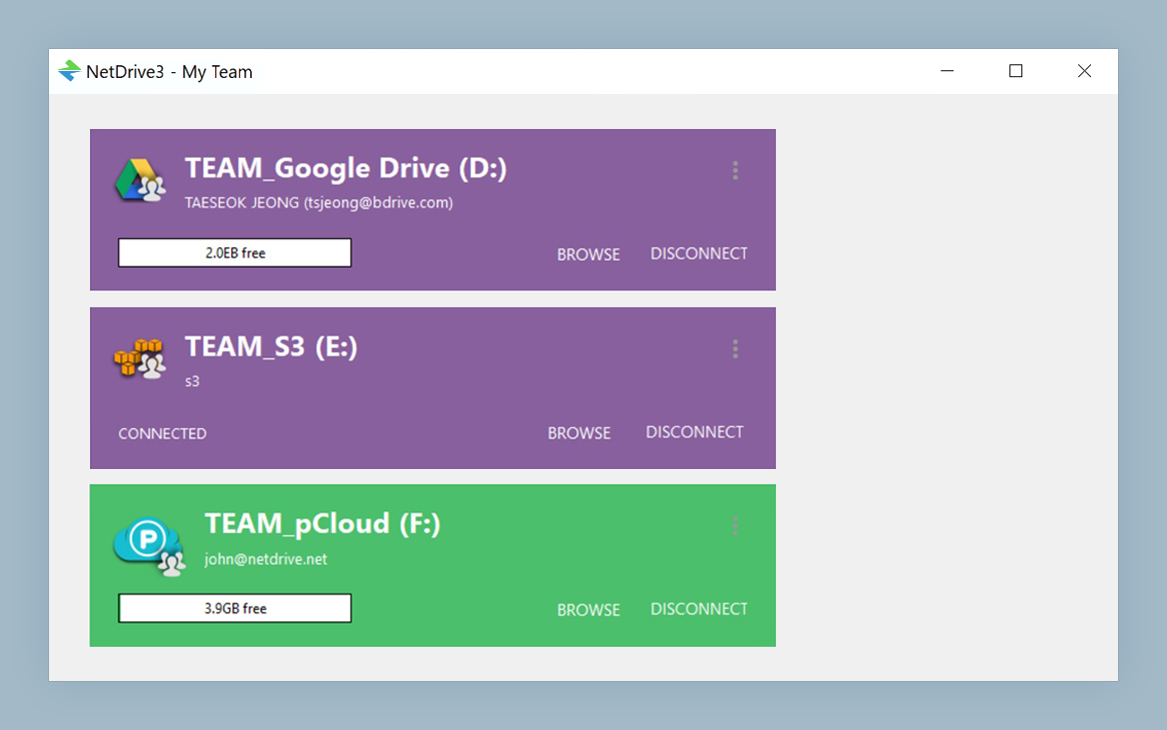
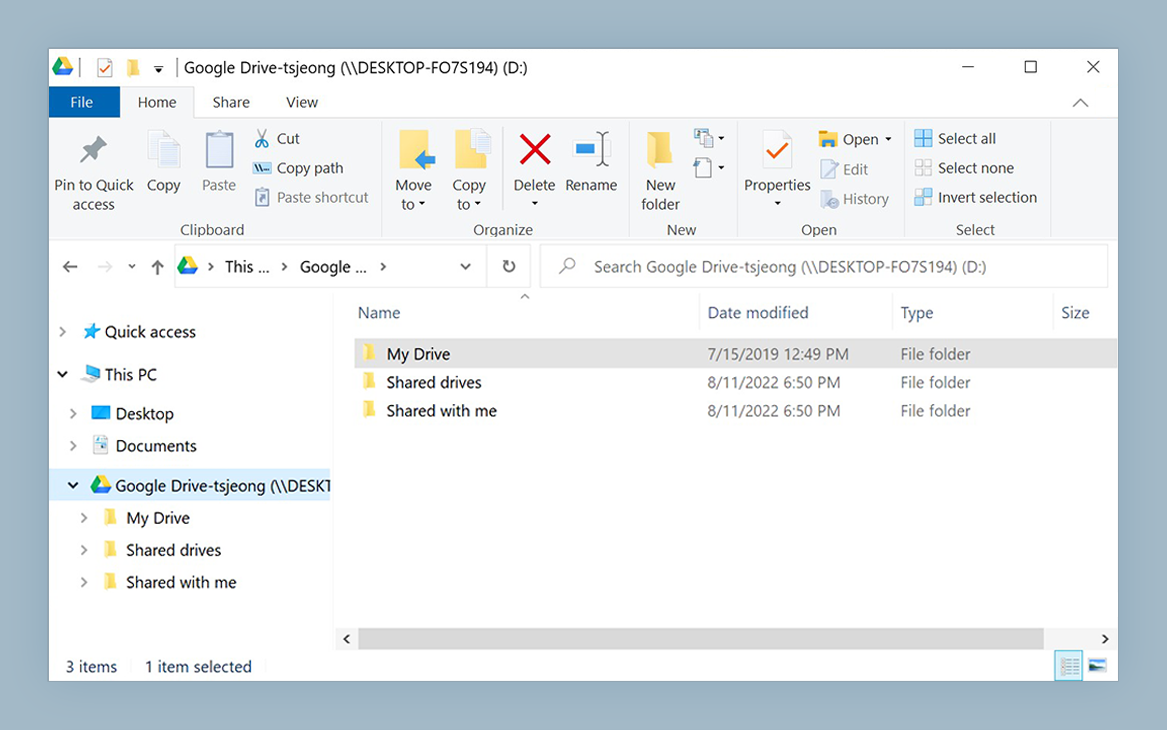
Mount cloud storage natively on macOS 26 Tahoe
NetDrive lets Google Drive, OneDrive, S3, SFTP, WebDAV and more appear as native drives on Windows and macOS — no syncing, no full downloads.
- Google Drive, S3, SFTP, OneDrive — all mount as Finder volumes
- Native Apple Silicon binary — no Rosetta required
- Try free for 7 days — no credit card needed
Free trial. Lifetime and subscription plans available.
What’s New in NetDrive 3.19.7 for macOS
Beyond the Tahoe certification, the 3.19.7 release brings three improvements that matter for day-to-day use:
Google Photos and Albums — The Google Photos mount now renders album structures correctly after Google updated their Photos API. Note that since March 31, 2025, Google’s API policy limits every third-party app — NetDrive included — to listing only the photos uploaded through that app itself; photos added from your phone or the web will not appear in the mount.
S3 region auto-detection — When you add a new S3 bucket and leave the region field blank, NetDrive queries the bucket’s actual location and fills it in automatically. No more switching to the AWS console to look up whether your bucket is in us-west-2 or eu-central-1.
File operations stability — The release addresses reliability of copy, move, and delete operations on drives with large directory trees — particularly relevant to S3 buckets with tens of thousands of objects organized in deep prefix hierarchies.
The WinFSP integration also announced in 3.19.7 is Windows-only and has no effect on macOS.
macFUSE on macOS 26 Tahoe
NetDrive on macOS uses macFUSE — a modified osxfuse kernel extension — to present remote cloud storage as real filesystem volumes. macFUSE ships as a kext and requires explicit user approval in System Settings → Privacy & Security because Apple treats unsigned kernel extensions with elevated scrutiny.
On macOS 26 Tahoe, this approval flow continues unchanged from macOS 14 Sonoma. The practical implications:
- In-place upgrade from Sonoma to Tahoe: if you already approved macFUSE on Sonoma, the approval carries over. After Tahoe boots, NetDrive’s mounts restore without any extra steps.
- Clean install of Tahoe: after running NetDrive for the first time, macOS will prompt you to allow macFUSE in System Settings. Approve it, then reboot. Until you do, NetDrive can’t create mount points.
If macFUSE was installed by another app (for example, some versions of Dropbox or virtual machine software install it as a dependency), NetDrive will detect the existing installation and skip the installer.
Safe Upgrade Path
The safest sequence is: update NetDrive first, verify everything works, then upgrade macOS.
- Update NetDrive to 3.19.7 while on your current macOS. Download from netdrive.net/download/mac/. Run it, confirm your existing drives still mount.
- Run a quick test: open a large directory on one of your mounts and verify file access. If it works, your credentials and configuration are intact.
- Start the macOS 26 Tahoe upgrade (Apple menu → System Settings → Software Update). Your NetDrive configuration lives in your user profile and survives in-place upgrades.
- After Tahoe boots, open NetDrive from the menu bar and mount one drive manually. If it mounts, the rest follow automatically based on your auto-mount settings.
If you see a “system extension blocked” notification after the upgrade, go to System Settings → Privacy & Security, scroll to the extension section, and click Allow next to the macFUSE entry.
Apple Silicon Performance on Tahoe
NetDrive has shipped as a native Apple Silicon binary since version 3.14.309 (December 2020), so there’s no Rosetta translation layer involved on M-series Macs. On Tahoe, Apple’s memory subsystem improvements on M3 and M4 chips translate to faster directory listing on large cloud buckets — though actual transfer throughput is still bounded by your network connection, not the CPU.
For reference: NetDrive’s own benchmark on a WebDAV server shows 10,000 small files (4 KB each) completing in 3 minutes on macOS, compared to 5–77 minutes for competing tools under the same conditions. That number comes from NetDrive’s test environment, so treat it as a relative reference rather than an absolute guarantee for your network.
Provider Coverage on Tahoe
Every storage provider supported in 3.19.7 works on macOS 26 Tahoe:
- Google Drive (personal and Shared Drives), Google Photos (app-uploaded items only — Google API policy)
- OneDrive and OneDrive for Business
- Dropbox and Dropbox Business
- Amazon S3 and S3-compatible (Wasabi, MinIO, Backblaze B2, and others)
- Azure Blob Storage and Azure File Storage
- SharePoint, Box, pCloud, Mega, Yandex Disk
- WebDAV, FTP, SFTP
One notable non-supporter: iCloud Drive. Apple’s platform restrictions prevent any third-party app from mounting iCloud Drive as a filesystem volume — that’s an Apple policy constraint, not a NetDrive limitation.
Wrap-up
NetDrive 3.19.7 on macOS 26 Tahoe is a low-drama upgrade: update NetDrive before updating macOS, and the transition is transparent. The S3 auto-detection and Google Photos fixes in 3.19.7 are worth having regardless of which macOS version you’re running.
For Apple Silicon-specific context, see NetDrive on Apple Silicon. For a full Google Drive setup guide on macOS, see Mount Google Drive on macOS — NetDrive.
— Morgan, NetDrive