Mount Koofr on Linux — NetDrive's Experimental Build

Mount Koofr as an Ubuntu mount point with NetDrive's experimental Linux build. Credentials, setup steps, and how to verify the mount from a terminal.
A three-person dev shop in Rotterdam keeps its internal documentation and config backups on Koofr because a client’s procurement checklist asks where company data physically lives, and “servers inside the EU” is an easy answer. The friction shows up on their Ubuntu build server, where a deploy script needs to read a config file from that Koofr account and a browser tab isn’t an option in a headless job. NetDrive’s Linux build mounts Koofr at a regular Ubuntu mount point, the same way it already does on Windows and macOS, so the script can just open a path.


Mount Koofr on your Ubuntu box
NetDrive lets Google Drive, OneDrive, S3, SFTP, WebDAV and more appear as native drives on Windows and macOS — no syncing, no full downloads.
- Koofr appears as a regular Ubuntu mount point
- Files stream on demand — no separate sync client to babysit
- Runs next to S3, SFTP, and 20+ other providers in one drive manager
Free trial. Lifetime and subscription plans available.
Why a Mount Point Beats Koofr’s Web App Here
Koofr’s own web interface and mobile apps cover the day-to-day case fine, but neither helps a script, a cron job, or a tar command that expects to read from a plain filesystem path. Downloading a copy first works until the files change and now there are two versions to reconcile. Mounting the account through NetDrive skips that step: reads and writes go straight to Koofr through the mount point, the same as they would against local disk.
Koofr joined NetDrive’s supported provider list in a recent release cycle alongside Filen, Files.com, ImageKit, and OpenDrive. Run NetDrive’s latest release on Linux, the same as on every other platform.
Installing NetDrive on Ubuntu
NetDrive for Linux doesn’t come through Ubuntu’s package repositories — it ships as a GitHub release instead:
- Go to github.com/NetDrive/installer and grab the release that matches your Ubuntu version.
- Follow that repository’s notes to install the driver component the mount depends on — this usually needs
sudothe first time. - Install the NetDrive package itself.
- Launch NetDrive once so the driver component loads before you try to add a drive.
The minimum supported version is Ubuntu 16.04, and NetDrive’s comparison page still marks Linux as experimental — Windows and macOS get the bulk of testing and the faster fix turnaround. A Koofr mount on a dev box or a CI runner is a reasonable fit; an unattended production job is worth testing thoroughly on your own hardware first before you rely on it.
Connecting a Koofr Account
Koofr’s connection only asks for account credentials — there’s no API key or endpoint to look up first, which makes it one of the simpler providers to add on a fresh box:
- Open NetDrive’s Drive Manager and click + Add Drive.
- Select Koofr from the provider list.
- Sign in with the Koofr account’s email and password when prompted.
- Set a mount point — a path like
/mnt/koofr, or any empty directory you control. - Click Connect. NetDrive authenticates and mounts the account at that path.
Verifying the Mount From a Terminal
Don’t trust the GUI alone on a headless or remote box — confirm it from a shell:
# Confirm the mount is listed
mount | grep koofr

# Or just try listing it
ls /mnt/koofr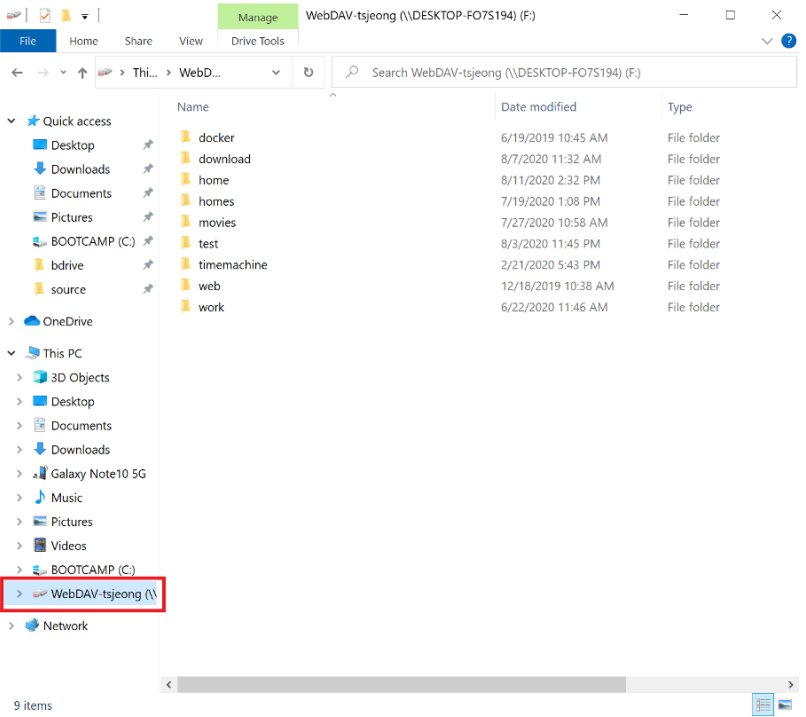
An empty listing right after connecting usually just means the root folder hasn’t finished populating yet — give it a few seconds before assuming something’s wrong. If it’s still empty after that, re-check the Koofr credentials before anything else; a typo in the password is the most common reason a first connection fails silently instead of throwing a clear error.
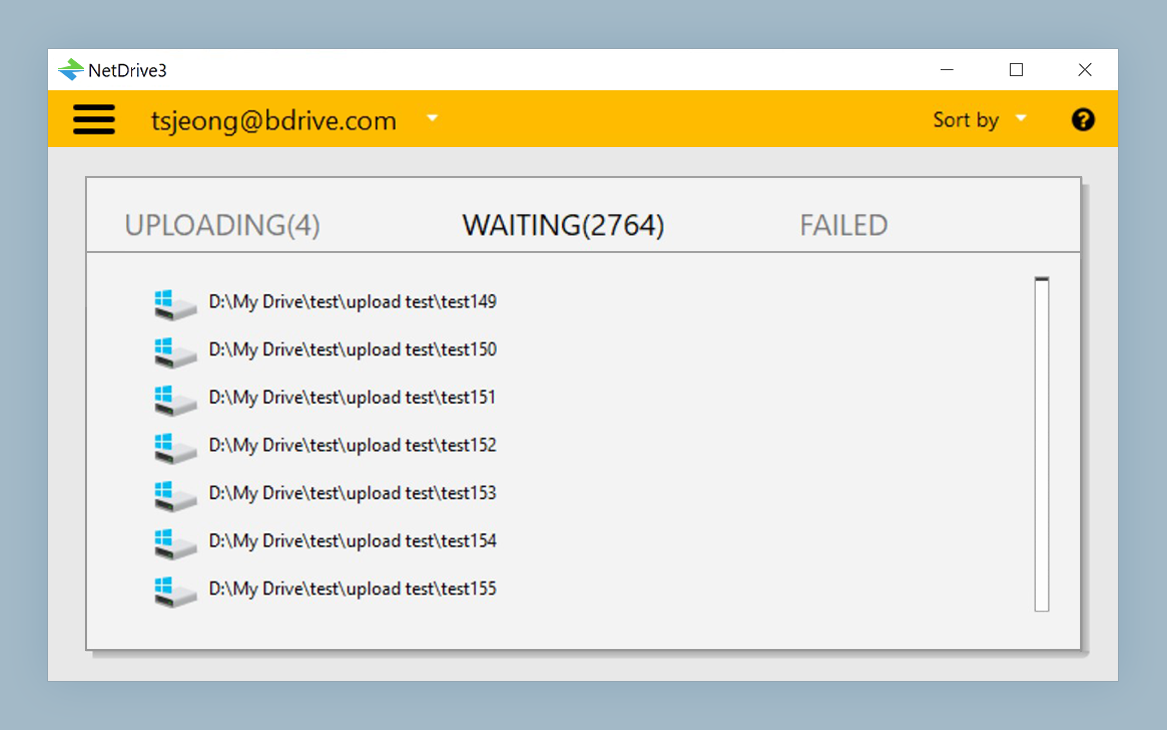
Writing back to Koofr works the same way a read does — copy a file onto the mount point and NetDrive queues the upload in the background instead of blocking whatever process wrote it.
What to Plan Around on the Linux Build
- Separate release cadence. The Linux driver ships on its own schedule, so a fix that lands for Windows or macOS doesn’t automatically show up on Linux the same week.
- No
aptintegration. Installs and updates go through GitHub releases, not Ubuntu’s package manager. - Windows and macOS are the hardened targets. NetDrive treats them as production-ready; Linux stays labeled experimental until further notice.
Wrap-up
Mounting Koofr on Ubuntu gets a Linux box the same plain-filesystem access to EU-hosted storage that NetDrive already provides on Windows and macOS — through an installer that lives on GitHub rather than apt. For the same provider on a more heavily tested platform, see Mount Koofr on macOS with NetDrive or Mount Koofr on Windows with NetDrive. For the broader picture of running NetDrive on Linux, see NetDrive on Ubuntu Linux.
— Casey, NetDrive