Mount Azure Blob Storage on Linux — NetDrive on Ubuntu

Mount an Azure Blob Storage container as a Linux mount point with NetDrive's experimental Ubuntu build — setup, authentication, and verification steps.
A data engineering team exports nightly reporting files into an Azure Blob Storage container, and the Ubuntu box that reprocesses them shouldn’t need the Azure SDK bolted onto every script just to read a file. The team already has cp, find, and a handful of shell pipelines that work fine against local paths. NetDrive’s Linux build mounts the container as one of those local paths, so the existing scripts keep running unchanged.


Mount Azure Blob Storage on Ubuntu
NetDrive lets Google Drive, OneDrive, S3, SFTP, WebDAV and more appear as native drives on Windows and macOS — no syncing, no full downloads.
- Runs on the NetDrive experimental Ubuntu build
- Existing shell scripts read and write through a normal mount point
- Background uploads so large files do not block the calling process
Free trial. Lifetime and subscription plans available.
Why Mount Instead of Scripting Against the Blob API
Talking to Azure Blob Storage directly means pulling in the Azure SDK or az storage blob CLI commands, handling SAS token expiry, and writing retry logic in whatever language a given job happens to use. That’s manageable for one script, but it adds up once a dozen cron jobs and CI steps each need their own copy of the same plumbing. Mounting the container removes that layer — anything that already reads and writes local paths can touch the mount point the same way.
NetDrive added Azure Blob Storage support in version 3.11.204 (2020-07-22), the same release that added Azure File Storage. On Linux, that connection type runs on NetDrive’s experimental Ubuntu build rather than the more heavily tested Windows and macOS releases — worth knowing before you point a production pipeline at it, since Linux carries an “experimental” label on NetDrive’s own comparison page.

What You Need From the Azure Portal
Collect three values before opening NetDrive:
- Storage account name — on the overview page for your Storage account resource in the Azure Portal.
- Container name — the specific Blob container to mount, for example
nightly-exports. - Authentication credential — either the primary account key (Azure Portal → Storage account → Security + networking → Access keys) or a Shared Access Signature (SAS) token scoped to the container. A SAS token with an expiry aligned to your credential rotation policy is the safer choice for an unattended box.
You’ll also need Ubuntu 16.04 or later, with outbound access open to the Azure Storage endpoint on the box’s firewall.
Installing NetDrive on Ubuntu
NetDrive for Linux isn’t in Ubuntu’s default repositories, so setup goes through GitHub rather than apt:
- Go to github.com/NetDrive/installer and download the release matching your Ubuntu version.
- Check that release’s notes before installing — a driver component needs to load first, or connections won’t mount.
- Install the package, then launch NetDrive once so the driver loads. This step may prompt for
sudodepending on how the box is set up.
Step-by-Step: Connect an Azure Blob Container
- Open NetDrive’s Drive Manager and click + Add Drive.
- Select Azure Blob Storage from the provider list.
- Enter the Account Name and Container collected from the Azure Portal.
- Paste the account key or SAS token into the authentication field.
- Set a mount point, such as
/mnt/azure-exports, and click Connect.
Verifying the Mount Before a Job Depends On It
Confirm the mount actually took before pointing an unattended job at it:
# Confirm the mount is listed
mount | grep azure-exports

# Or just list it
ls /mnt/azure-exports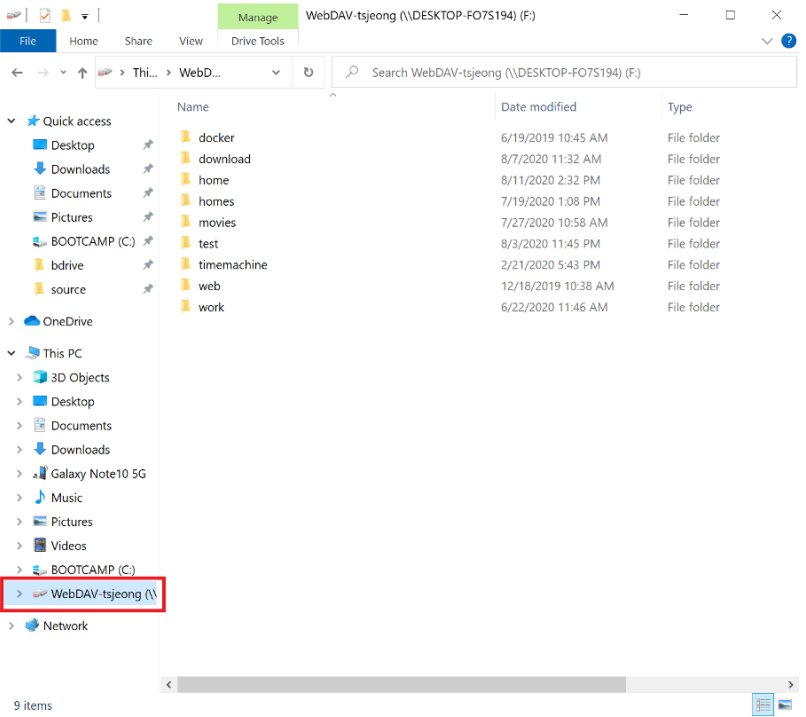
If the directory shows up empty or the mount never appears, check that the box’s firewall allows outbound traffic to the Azure Storage endpoint before assuming the credential is wrong — a blocked port trips up locked-down build servers more often than a bad SAS token.
What to Plan Around on the Linux Build
- A separate release cadence. Fixes that ship for Windows or macOS don’t automatically land on the Linux build the same week.
- No
aptintegration. Updates come from GitHub releases, not a package manager, so tracking new versions is a manual step. - Windows and macOS get the deeper testing. A nightly export job reading from Azure Blob Storage is a reasonable fit for the Linux build; test thoroughly before putting an unattended production pipeline behind it.
Wrap-up
Mounting an Azure Blob Storage container on Ubuntu gives a Linux box the same drive-style access NetDrive provides on Windows and macOS, without rewriting scripts around the Azure SDK. For the same provider on more heavily tested platforms, see Mount Azure Blob Storage on Windows or Mount Azure Blob Storage on macOS; for the wider Linux picture, see NetDrive on Ubuntu Linux.
— Casey, NetDrive