Mount pCloud on Linux — NetDrive's Experimental Ubuntu Build

Mount your pCloud account at a native Linux mount point using NetDrive's experimental Ubuntu build, with setup steps and common fixes.
A data analyst keeps a shared pCloud folder of client exports that a nightly cron job on an Ubuntu box needs to read and re-process. Pulling files through pCloud’s web UI or a separate sync agent means babysitting downloads by hand. NetDrive’s Linux build mounts that same pCloud account at a regular mount point, so a script reading /mnt/pcloud/exports/latest.csv just sees the current file.


Mount pCloud on Ubuntu
NetDrive lets Google Drive, OneDrive, S3, SFTP, WebDAV and more appear as native drives on Windows and macOS — no syncing, no full downloads.
- Runs on Ubuntu 16.04 and later
- Mounts your pCloud account at a Linux mount point — no separate sync folder
- Same pCloud account works across Windows, macOS, and Linux
Free trial. Lifetime and subscription plans available.
pCloud on NetDrive’s Linux Build
NetDrive added pCloud as a supported provider in version 3.16.589 (March 2022), alongside Google Photos and SharePoint. On Windows and macOS that support is treated as production-grade; on Linux, it carries NetDrive’s own experimental label — a designation that applies to the entire Linux build, not to any single provider. Windows and macOS remain the more heavily tested targets, and the current NetDrive release across all platforms is 3.19.7.
NetDrive for Linux isn’t distributed through a distro’s package manager. It ships as a GitHub release at github.com/NetDrive/installer, and Ubuntu 16.04 is the minimum supported version.

Installing NetDrive on Ubuntu
- Go to github.com/NetDrive/installer and download the release that matches your Ubuntu version.
- Follow the release notes bundled with that build — a driver component needs to install before NetDrive can mount anything, and the process may prompt for
sudo. - Install the NetDrive package.
- Launch NetDrive from a terminal or your desktop environment’s application menu.
Because updates ship as GitHub releases instead of through apt upgrade, the Linux build is maintained on its own release schedule — a fix that lands for Windows or macOS this week isn’t guaranteed to reach Linux the same week. Worth noting if a cron job depends on a specific NetDrive behavior.
Step-by-Step: Connect Your pCloud Account
- Open NetDrive’s Drive Manager and click + Add Drive.
- Select pCloud from the list of connection types.
- Sign in with your pCloud credentials when the authorization screen appears, and approve NetDrive’s access request.
- Set a mount point — a path like
/mnt/pcloud, or any empty directory your user account can write to. - Click Connect. NetDrive authenticates against pCloud and mounts the account at that path.
If your pCloud account is on a business or team plan, confirm with whoever manages it that third-party app access is allowed before the authorization step — some managed pCloud tenants restrict which apps can connect.
Verifying the Mount and Common Issues
Check the mount from a terminal instead of relying on a file manager alone, particularly on an experimental build:
# Confirm the mount is listed
mount | grep pcloud

# Or just try listing it
ls /mnt/pcloud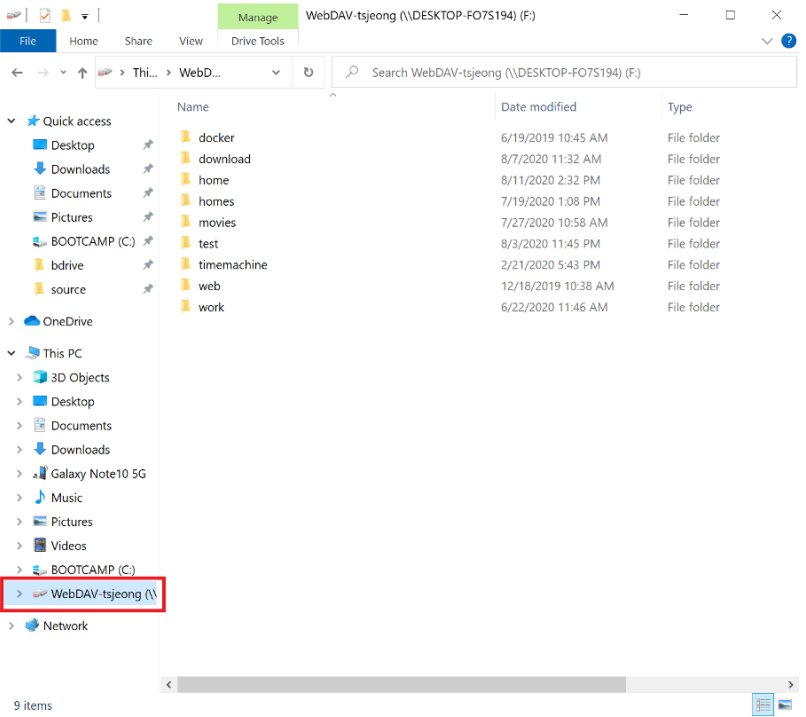
Authorization screen doesn’t load — this is usually a network or firewall issue on the Ubuntu host rather than a pCloud problem; confirm outbound HTTPS is reachable from that machine before retrying.
Mount point stays empty after Connect — check that the directory exists and is writable by the user running NetDrive. An unwritable or missing mount point is the most common cause of a silent failure on Linux.
Large folders take a while to list — the Linux build streams directory listings the same way Windows and macOS do; a folder with tens of thousands of files can take a moment to populate the first time it’s browsed, even though pCloud itself responds quickly.
Wrap-up
Mounting pCloud on Ubuntu brings the same drive-style access NetDrive offers on Windows and macOS to a Linux workstation, through an installer distributed on GitHub rather than a package repository. For the broader Linux picture, see NetDrive on Ubuntu Linux; for the same provider on a more heavily tested platform, see Mount pCloud on Windows; and for another connection type on the Linux build, see Mount a WebDAV Server on Linux.
— Casey, NetDrive