NetDrive Mobile — Every Cloud You Use, In One App
NetDrive Mobile brings Google Drive, Dropbox, OneDrive, S3, WebDAV and more into one app on iPhone and Android — browse, upload, and download without app-switching.
Open your phone’s home screen and count the cloud apps: the Google Drive app, the Dropbox app, the OneDrive app, maybe a separate one for your S3 bucket or your company’s WebDAV server. Each has its own login, its own way of moving files, its own quirks. NetDrive Mobile collapses all of that into a single app where every account lives side by side.
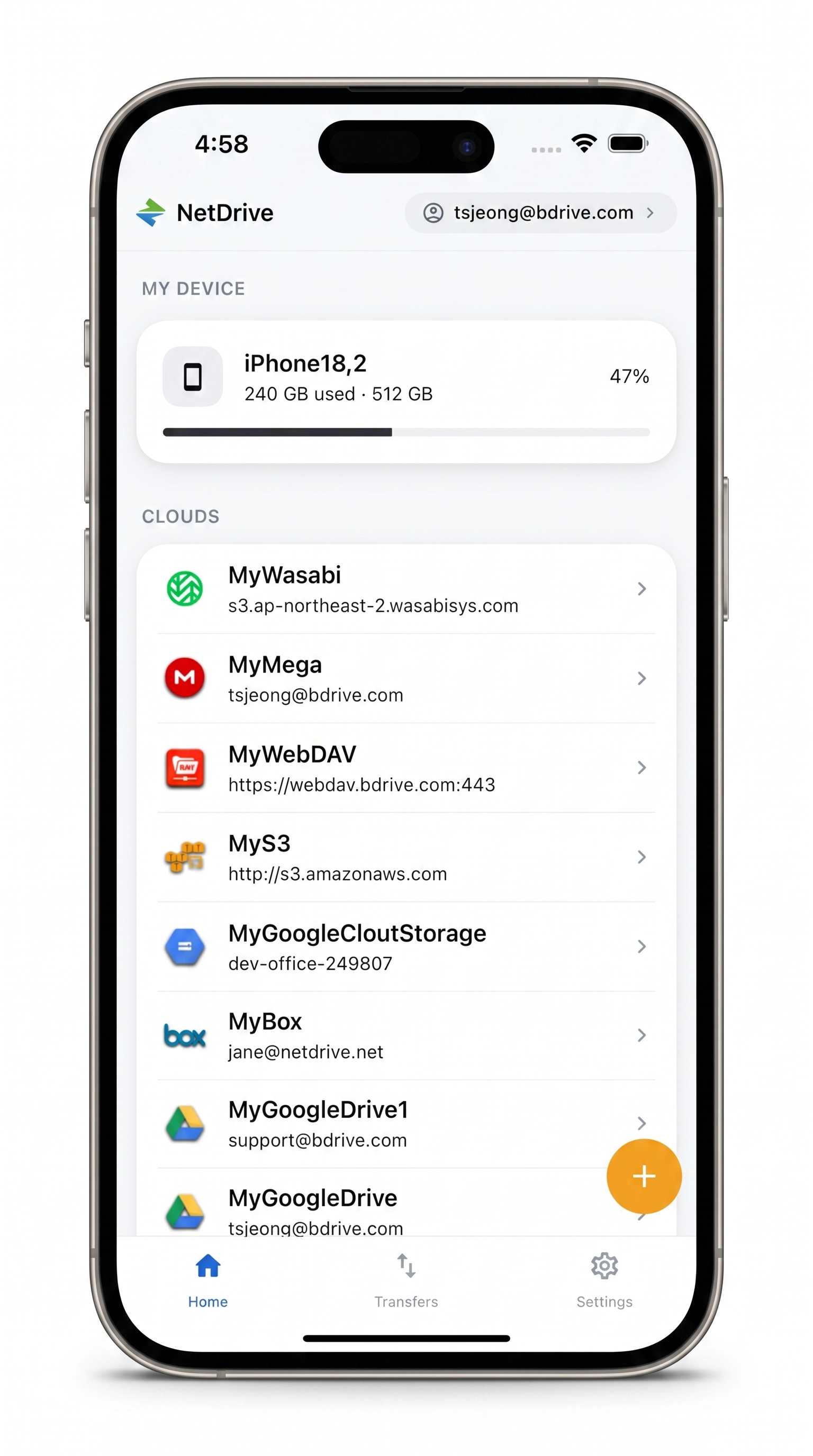
Take your clouds with you
NetDrive Mobile opens Google Drive, Dropbox, OneDrive, S3, WebDAV, SFTP and more in one app — browse, upload, download, and preview right from your phone.
- One app for every cloud account you use
- Upload from camera, photos, or any file
- Multi-file transfers with live progress and cancel
Free Bdrive account required.
One home screen for every cloud
When you open NetDrive Mobile, the home screen lists your device storage at the top and every cloud you’ve connected below it — Google Drive next to Amazon S3 next to a Wasabi bucket next to a WebDAV server. There’s no switching between apps and no re-authenticating each time. You tap a cloud, and you’re browsing it.
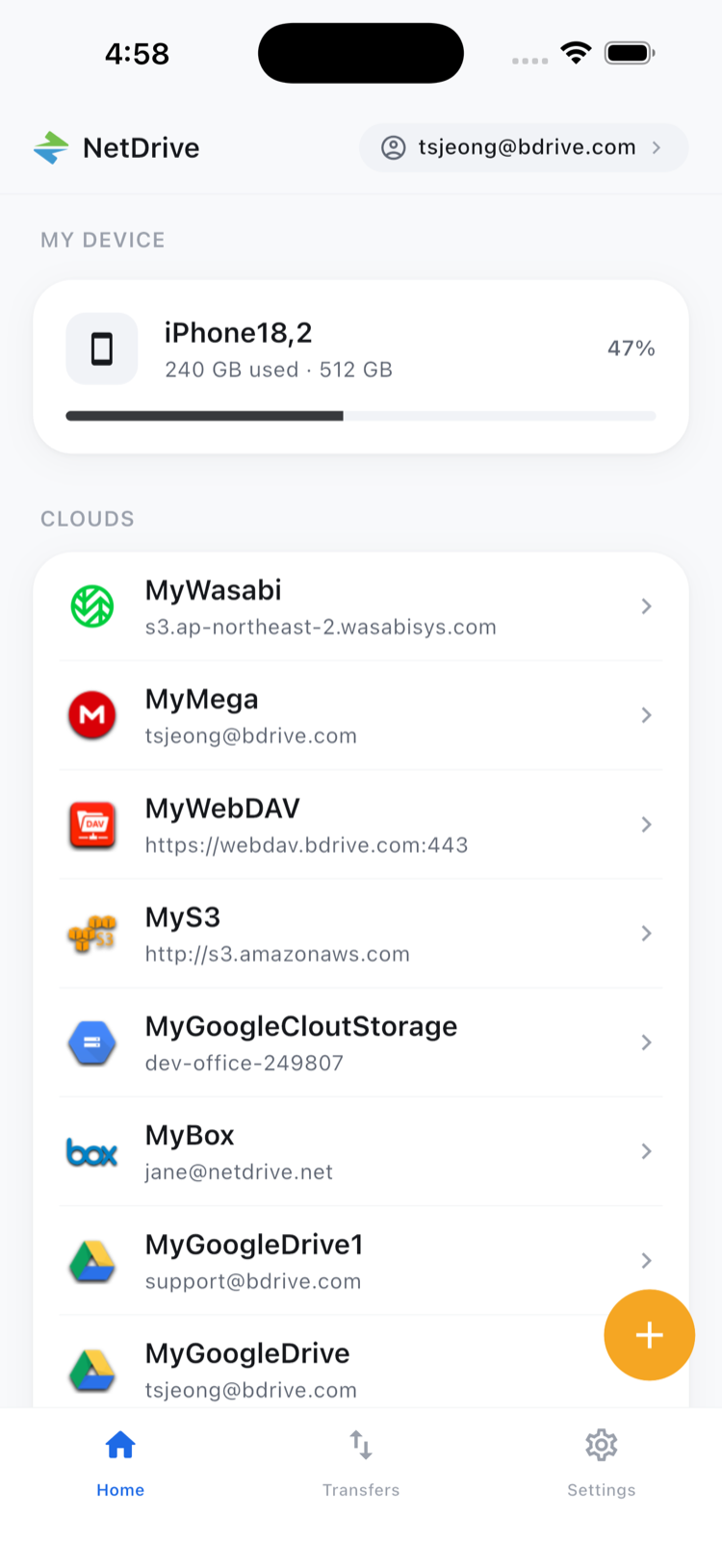
This matters most when your files don’t all live in one place. A photographer keeps client deliverables on Dropbox but archives to Backblaze B2. A developer reads fixtures from S3 but shares docs on Google Drive. Instead of bouncing between four apps, you stay in one.
Add an account in a few taps
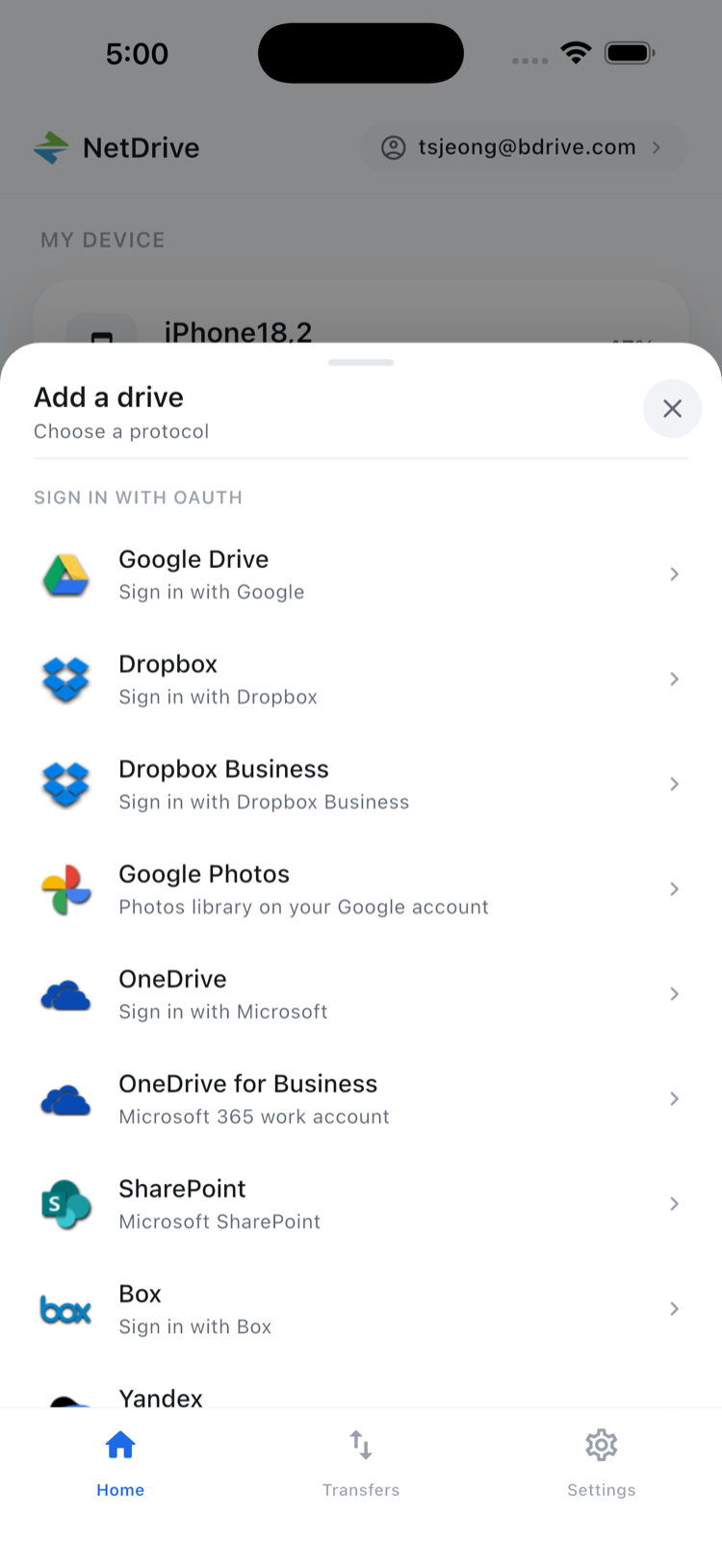
Adding a cloud starts from the Add a drive sheet, where you pick a provider. OAuth providers — Google Drive, Dropbox, Dropbox Business, OneDrive, OneDrive for Business, SharePoint, Box, Yandex Disk — sign you in through the provider’s own login. Object storage and protocol connections (Amazon S3, Azure, Google Cloud Storage, WebDAV, FTP, SFTP, and more) take the address and credentials you already have.
Your accounts stay on your device
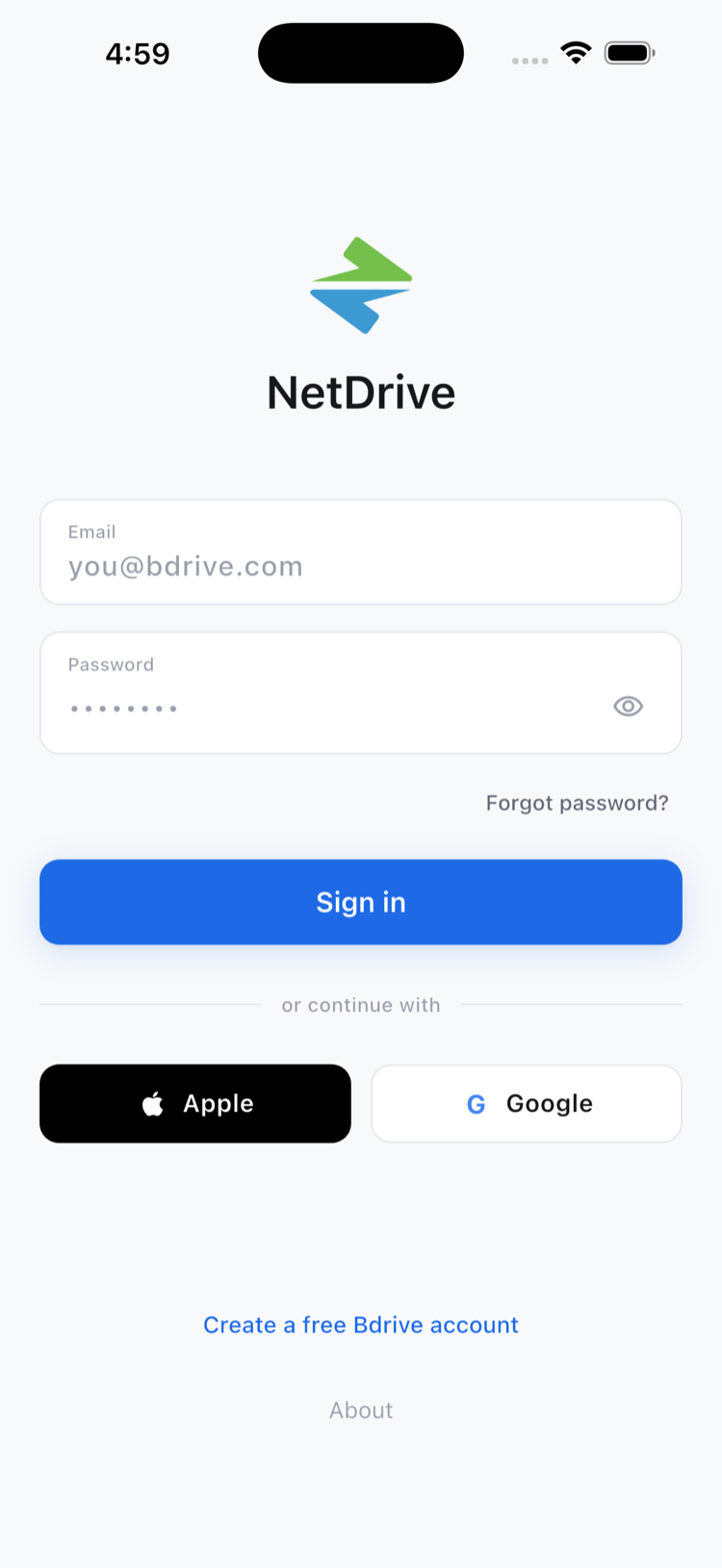
Connecting clouds means handing the app your credentials, so where they end up matters. NetDrive Mobile keeps each account’s credentials in the device’s secure storage — iOS Keychain or Android Keystore — instead of plain text, so a connection you set up doesn’t leave keys lying around. You sign in to the app itself with email, or with Apple or Google. And if your Bdrive account has two-factor authentication turned on, the verification code shows up as a notification you can tap to copy, even when the lock screen hides it — so you’re not bouncing to a separate authenticator app and back just to read six digits.
Move files the way you do on a desktop
NetDrive Mobile is a real file manager, not a viewer. Long-press a file and you get the actions you’d expect: preview, download, rename, move, copy, get info, and delete. Select several files at once and the same actions apply to the whole batch.
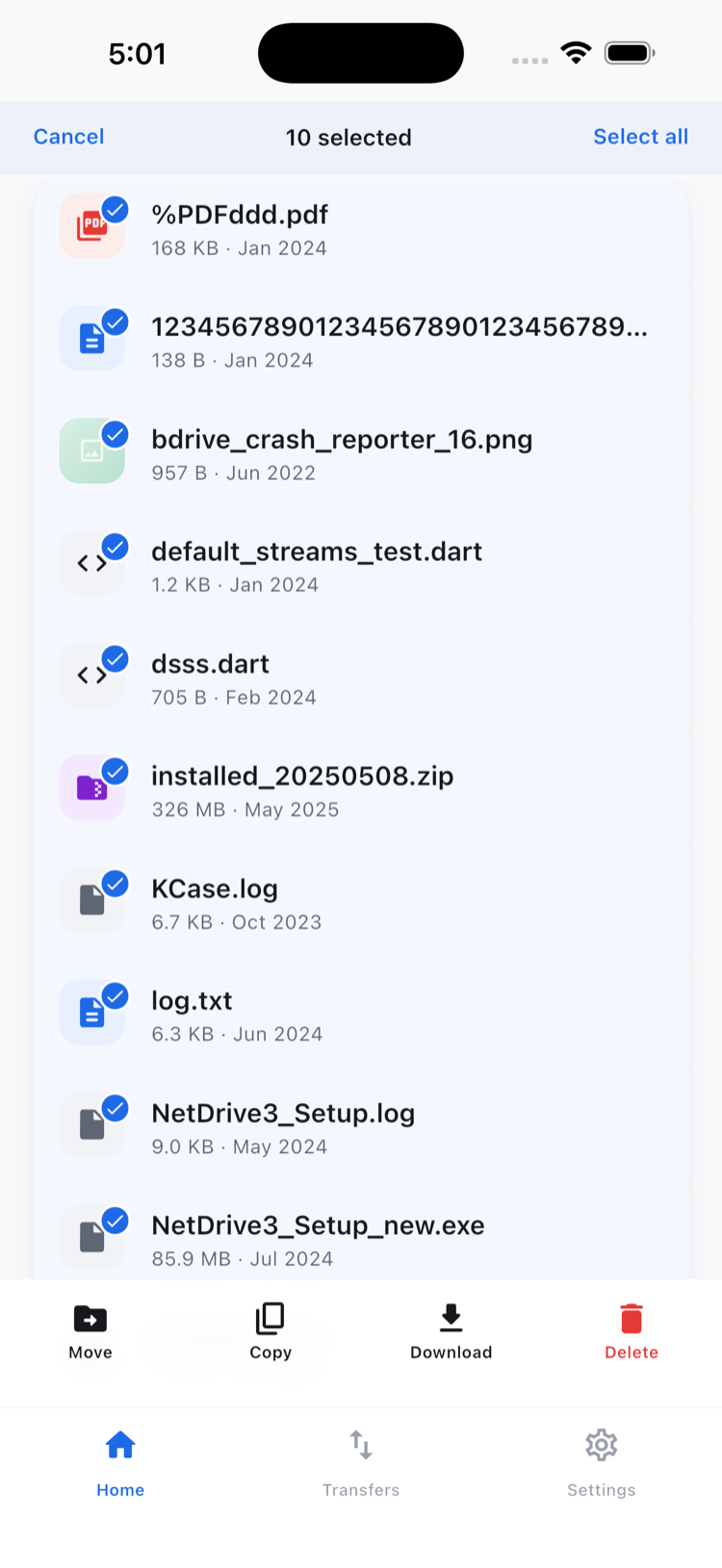
Need to open something quickly? Preview handles documents, images, and video inside the app, so you can check a file without committing it to your phone’s storage first.
Transfers that keep up with you
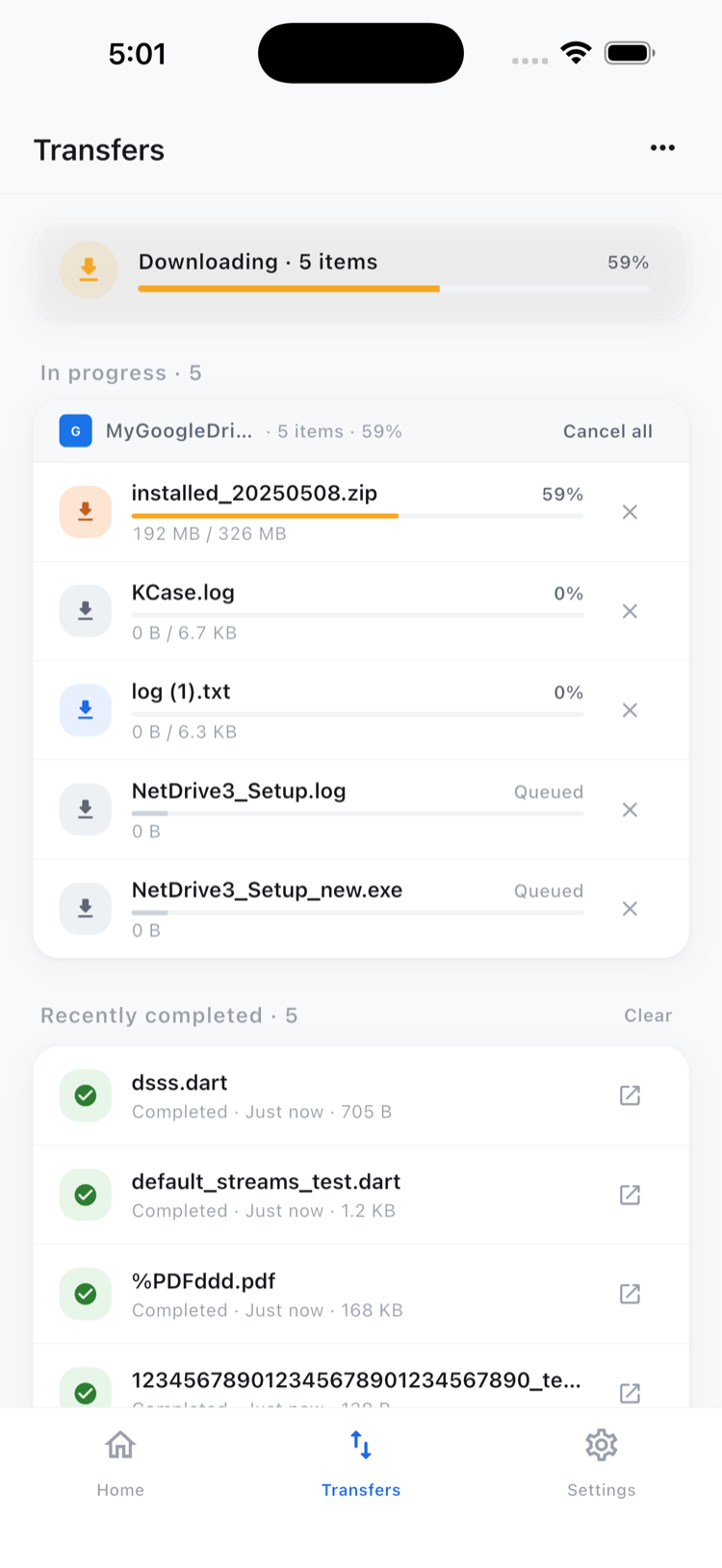
Uploads and downloads run on the Transfers tab with live progress, and several can run at once. Start a few downloads, switch to another cloud to keep working, and watch them finish in the background. If you start the wrong one, cancel it — no half-finished mess left behind.
Uploads can come straight from your camera, your photo library, or any file on the device, which makes the app just as useful for clearing space off your phone as it is for managing a remote server.
Wrap-up
NetDrive Mobile is for anyone whose files are scattered across more than one service — and these days, that’s almost everyone. One app, every account, on iPhone and Android. It runs in light and dark themes and speaks 11 languages out of the box. Grab it from the App Store or Google Play, sign in with a free Bdrive account, and connect your first cloud in a couple of taps.
— Tayson, NetDrive