NetDrive Mobile for Real Estate Teams — Listing Photos Across Clouds

Real estate agents use NetDrive Mobile to upload listing photos from a phone camera and organize them across Dropbox, Google Drive, and SharePoint in one app.
A real estate agent finishes a listing walkthrough with sixty photos on their phone and needs the good ones in the brokerage’s shared Dropbox folder before the listing goes live that afternoon. The staging company’s before/after shots live in a different client’s Google Drive, and the closing paperwork template sits on the brokerage’s SharePoint site. Three providers, one phone, and no laptop until the agent gets back to the office. NetDrive Mobile keeps all three in the same app instead of three separate single-provider apps.
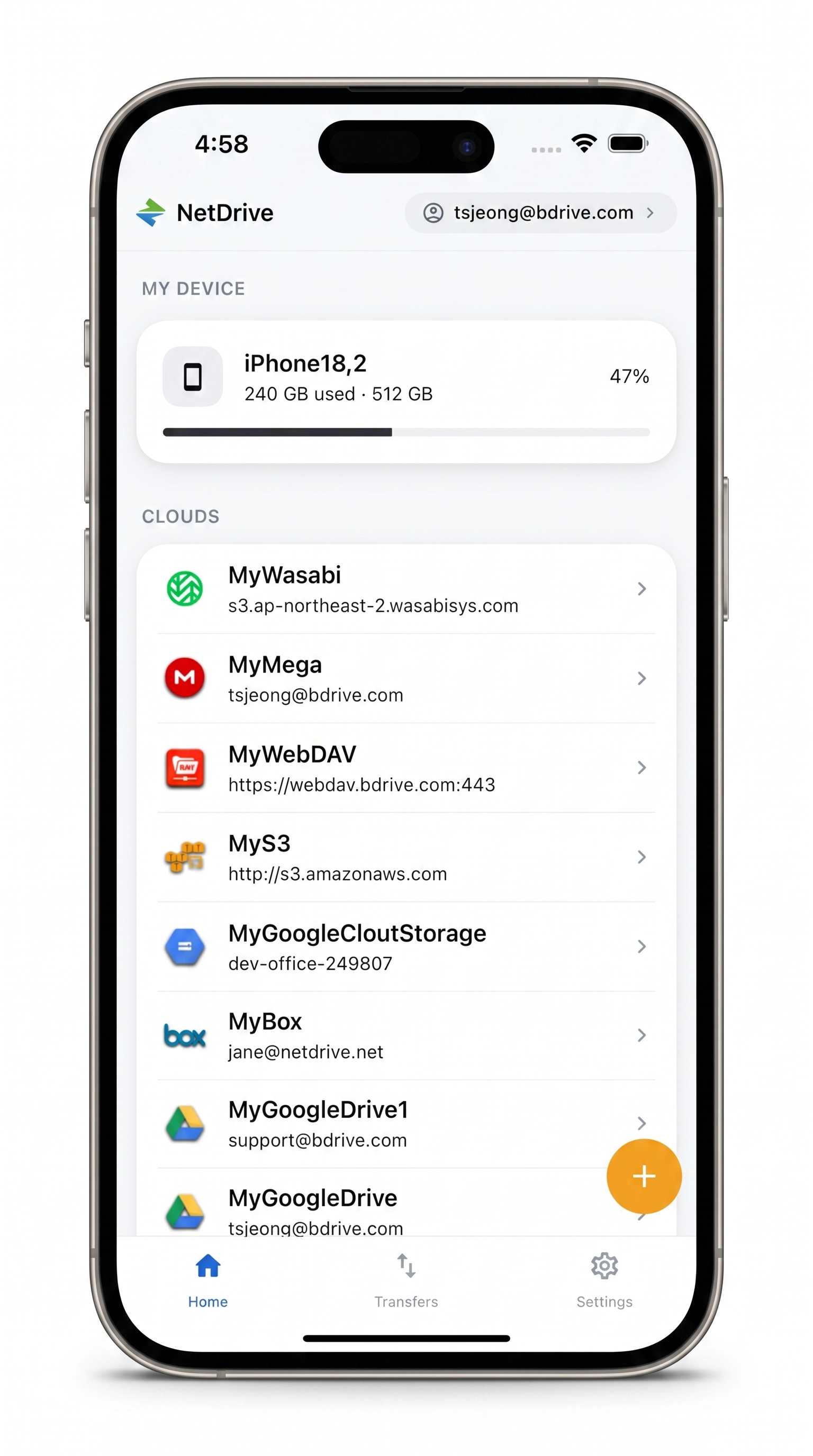
Every listing folder, one app
NetDrive Mobile opens Google Drive, Dropbox, OneDrive, S3, WebDAV, SFTP and more in one app — browse, upload, download, and preview right from your phone.
- Upload straight from the camera roll to the right client folder
- Switch between Dropbox, Google Drive, and SharePoint without leaving the app
- Rename and organize photos into folders before the listing goes live
Free Bdrive account required.
Why One App Beats Three Provider Apps
Most brokerages don’t standardize on a single cloud. The main brokerage account might run on Dropbox, a staging vendor shares files through Google Drive, and back-office paperwork lives in SharePoint because the brand’s franchise agreement requires Microsoft 365. Installing the Dropbox app, the Google Drive app, and the SharePoint-adjacent OneDrive app separately means three logins, three notification streams, and three different upload flows to remember mid-showing.
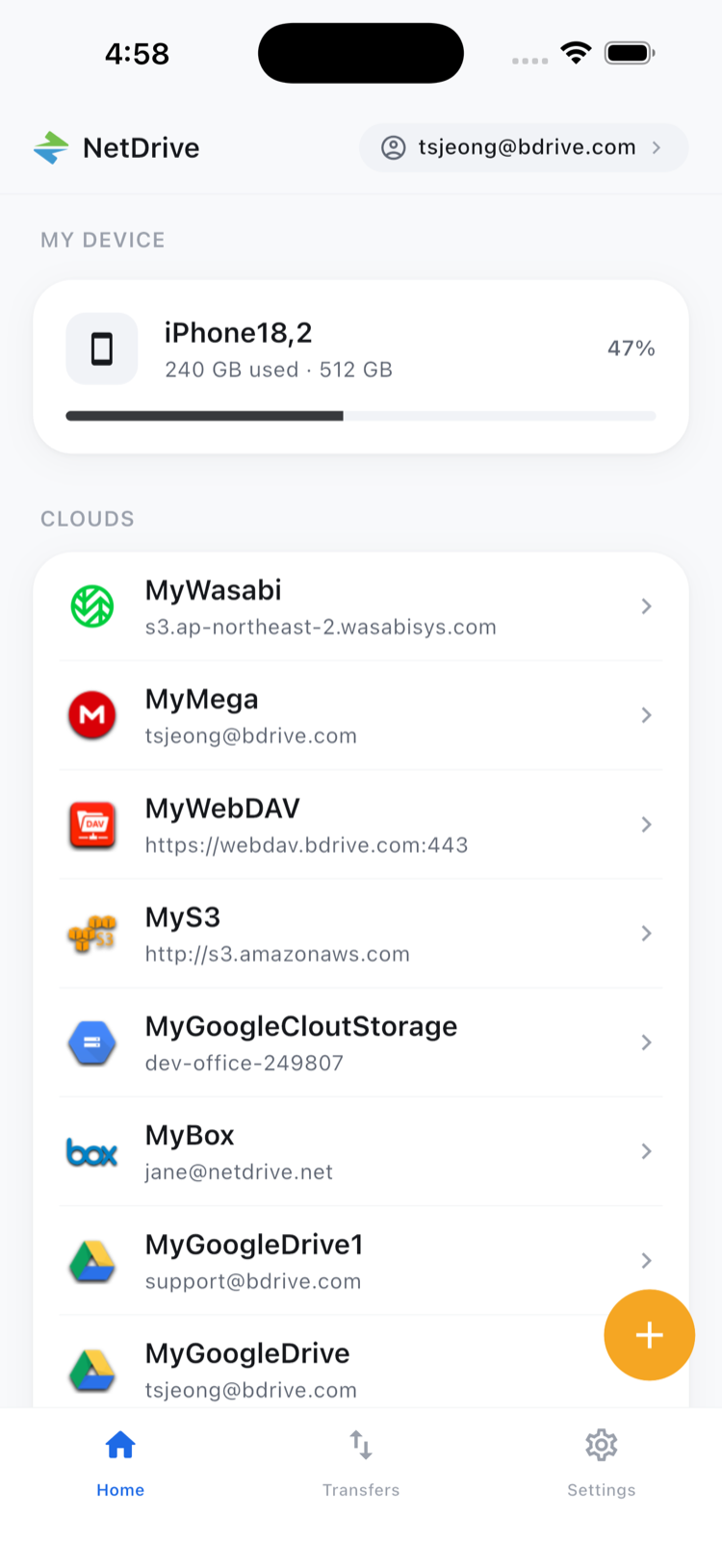
NetDrive Mobile’s home screen lists every connected cloud account side by side, so switching from the brokerage’s Dropbox to a client’s Google Drive folder is a tap, not an app switch. The agent’s Bdrive account — free to create — is what ties those connections together across sign-ins.
Getting Photos From the Camera to the Right Folder
- Open the app and pick the destination cloud — the brokerage’s Dropbox, for example — from the home screen.
- Browse to the listing’s folder, or create a new one for the property address.
- Tap upload and choose Camera or Photos as the source, then select the shots to send.
- Watch the transfer in the Transfers tab, where each photo shows its own progress and can be canceled individually if the wrong batch got selected.
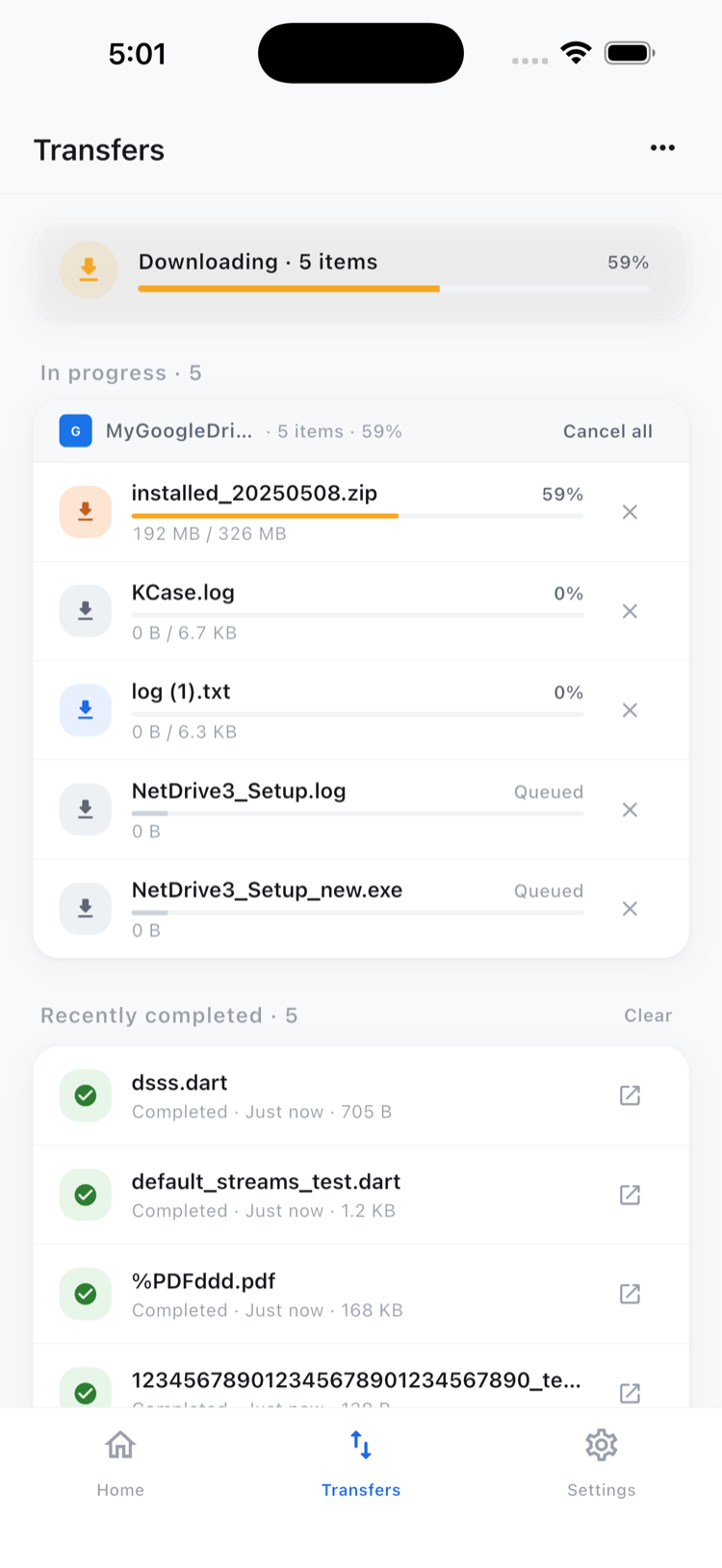
Uploads keep running in the background if the agent switches to answering a call or opening a different app mid-transfer.
Cleaning Up a Batch Before the Listing Goes Live
Not every photo from a walkthrough is a keeper. Multi-select mode lets an agent check off the blurry or duplicate shots and delete the whole batch in one action, or move the final set into a subfolder like “Front Exterior” or “Kitchen” so the listing coordinator doesn’t have to sort sixty unlabeled images later.
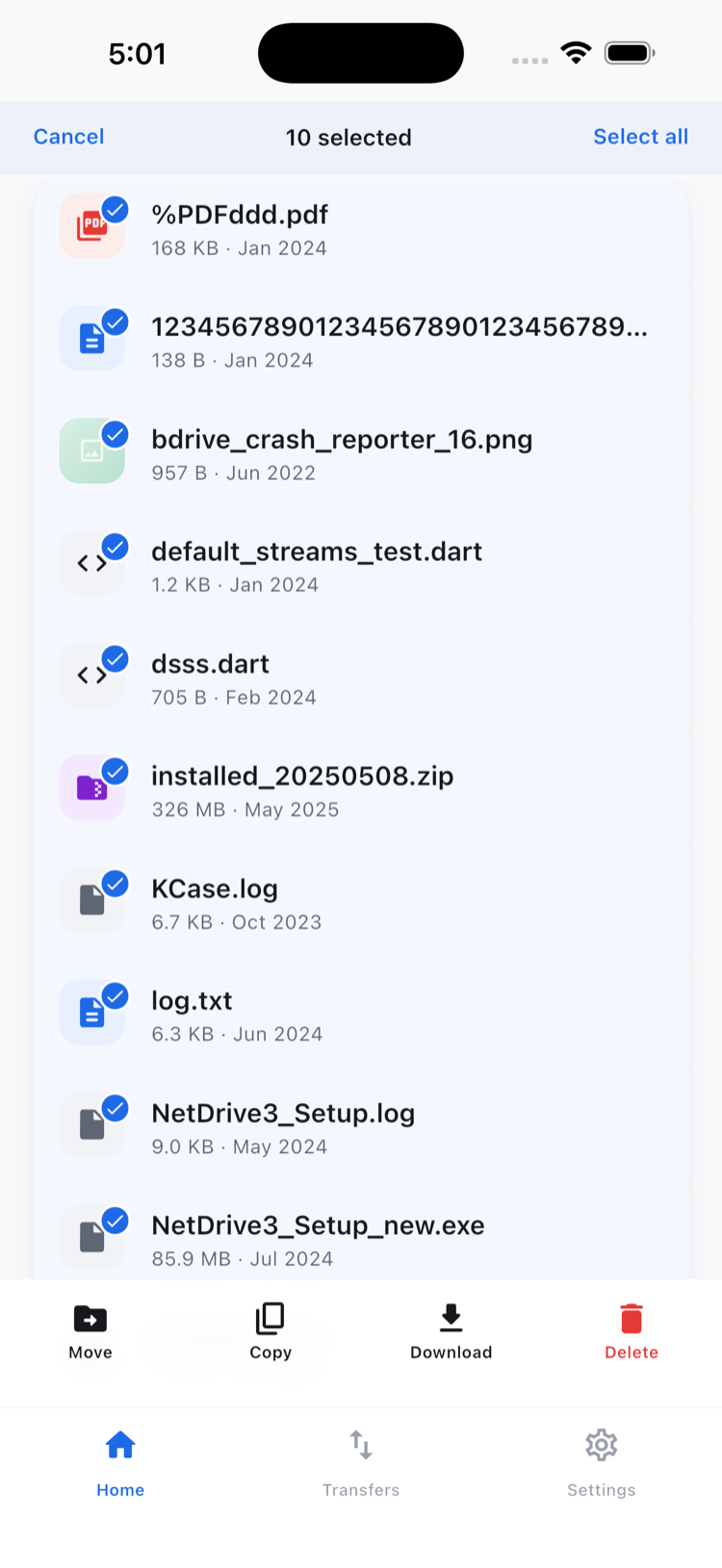
Copy and move inside this flow stay within the same connected cloud — moving a photo from a temporary “Inbox” folder into “Front Exterior” on the same Dropbox account works this way. Getting a file from one provider to a completely different one, such as pulling a staging photo out of a client’s Google Drive and depositing it directly into the brokerage’s Dropbox, isn’t something the mobile app does; that kind of cross-provider transfer is what NetDrive’s sibling product RcloneView is built for.
Pulling Up Paperwork From SharePoint on the Way to a Signing
The same app that handles photo uploads also opens the brokerage’s SharePoint document library to preview a disclosure form or a commission agreement without downloading it first — useful for a quick check in the car before a signing. In-app preview covers common document and image formats, so a PDF opens directly rather than triggering a separate viewer app.
Wrap-up
Real estate work moves between providers depending on who’s sharing what, and NetDrive Mobile’s value here is simply not making an agent choose one app per cloud. For the file cleanup workflow in more depth, see Organize Files On the Go. For a similar multi-cloud field workflow in a different industry, see NetDrive Mobile for Field Teams.
— Robin, NetDrive