NetDrive Mobile for Legal Teams — Case Files Without a Laptop

Attorneys and paralegals use NetDrive Mobile to review case documents from client clouds and firm SharePoint sites during depositions, hearings, and travel.
A litigation paralegal walks into a deposition with an iPad and no laptop bag, and the exhibit the opposing counsel just referenced sits in a file the firm hasn’t printed — it’s a PDF in the client’s own SharePoint site, separate from the firm’s internal Google Drive where the deposition outline lives. Two clouds, two logins, and thirty seconds to find the right page before the next question. NetDrive Mobile keeps both clouds open in the same app, so the lookup doesn’t cost the room its attention.
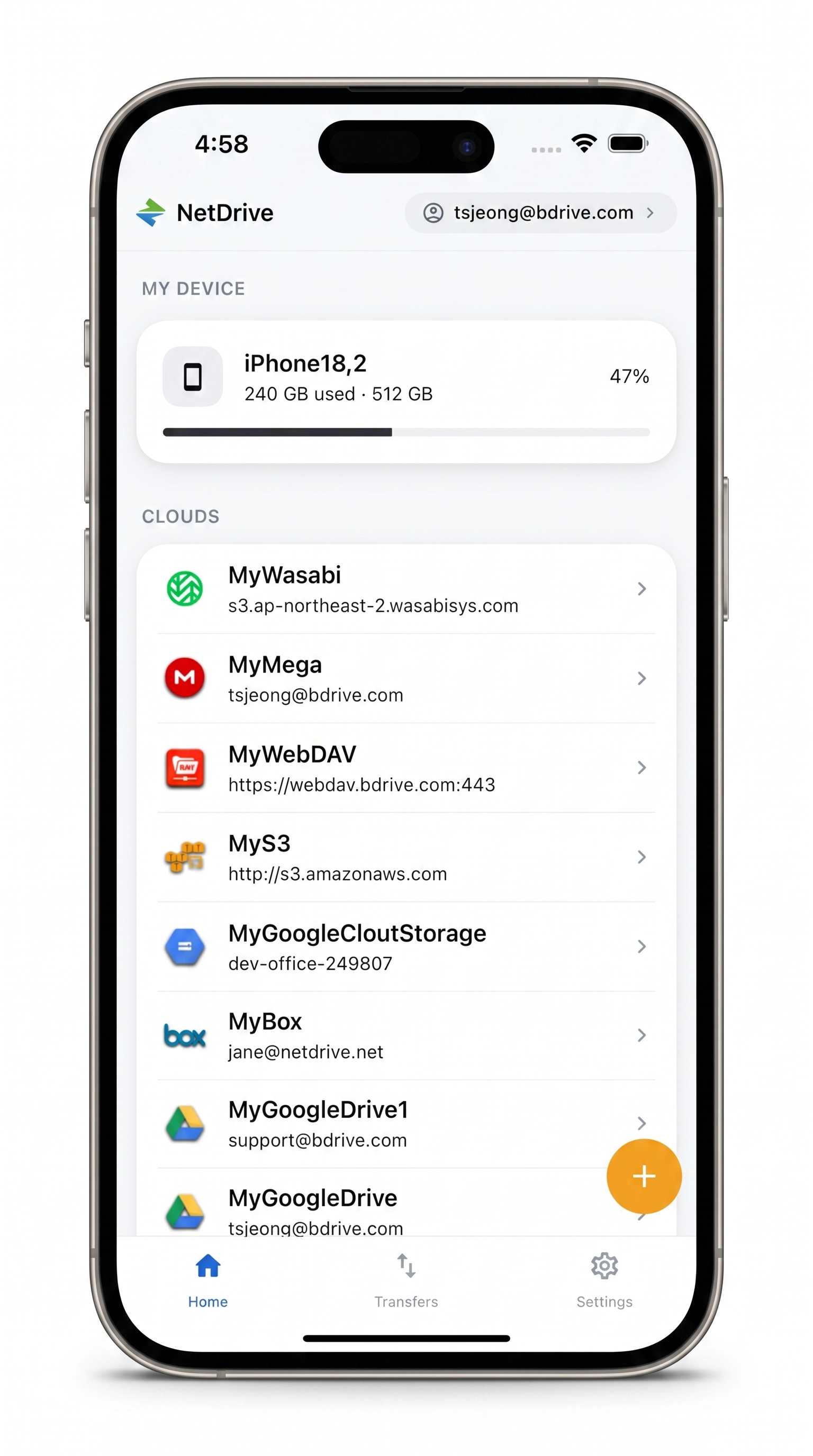
Every client cloud, one app, no laptop
NetDrive Mobile opens SharePoint, Google Drive, Dropbox, Box, and more side by side — pull up an exhibit or a contract in seconds, right from a phone or tablet.
- Switch between firm and client clouds without app-switching
- Preview contracts, PDFs, and scanned exhibits in-app
- Credentials stay in the device Keychain or Keystore, not shared logins
Free Bdrive account required.
Case files rarely live in one cloud
A single matter can touch several storage silos at once: the firm’s own document management sits in SharePoint or Google Drive, a client hands over discovery documents through their own Dropbox or Box account, and opposing counsel’s production sometimes arrives as a shared folder in whatever cloud they use. Carrying single-provider apps for each one means remembering which app has which login, and re-authenticating mid-hearing is its own kind of delay. NetDrive Mobile treats each of those as its own connected drive, listed together instead of siloed behind separate apps.
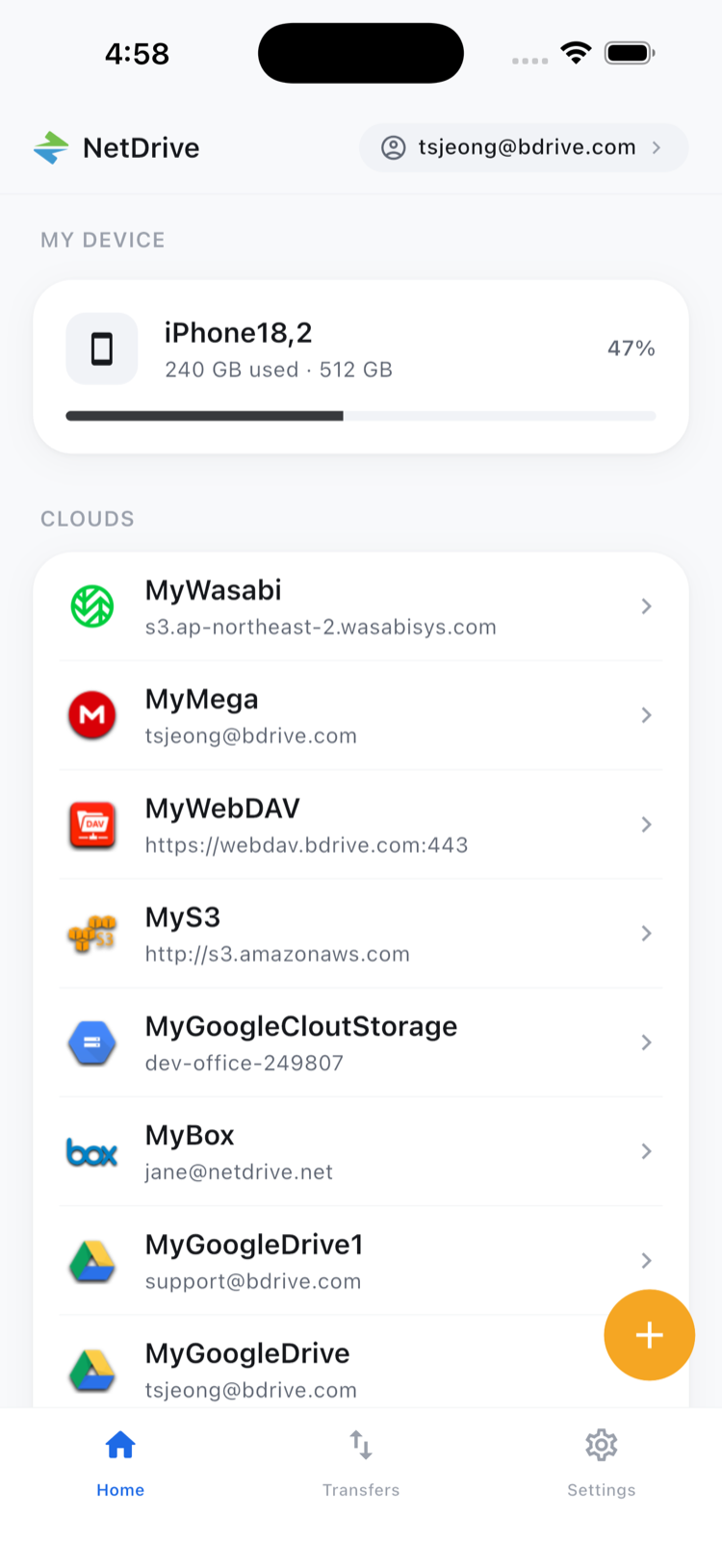
Adding a client’s cloud without merging accounts
Connecting a new client’s storage takes one pass through the Add a drive sheet — pick the provider, sign in with the credentials that client shared, and it appears alongside the firm’s own drives. Nothing gets pooled or copied between accounts; each drive stays scoped to the cloud it came from, so a client’s discovery folder never mixes with the firm’s internal files. A free Bdrive account covers every drive added this way, which matters when a team is opening and closing new client connections throughout the year as matters start and wrap up.
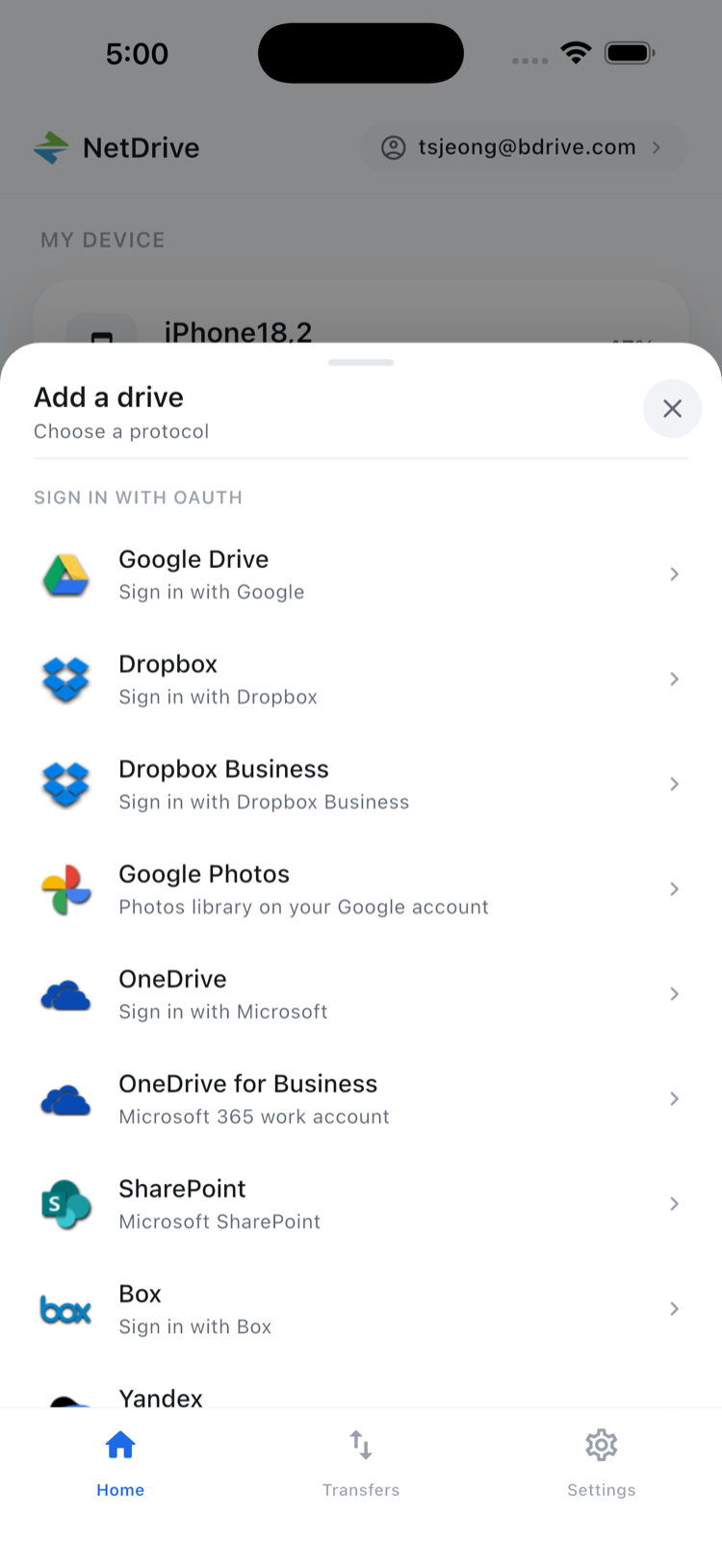
Pulling up an exhibit mid-hearing
Tapping into a drive and finding the right document works the same as browsing files on a desktop — sorted lists, folders, and a search that doesn’t require downloading the whole case file first. Tap a PDF or scanned exhibit and it opens in NetDrive Mobile’s in-app preview, so there’s no separate PDF reader to juggle and no local copy left behind on a personal device afterward.
Credentials that don’t ride along on a shared device
Court-adjacent work often means using a shared firm iPad or a tablet checked out from the office pool, which makes login security more than a convenience question. NetDrive Mobile stores each account’s credentials in the device’s own secure storage — Keychain on iOS, Keystore on Android — rather than as plain text, and two-factor codes arrive as a device notification that can be confirmed without switching apps. Signing out of a shared device at the end of the day clears that session without touching the drives on anyone else’s phone.
Getting a case team set up
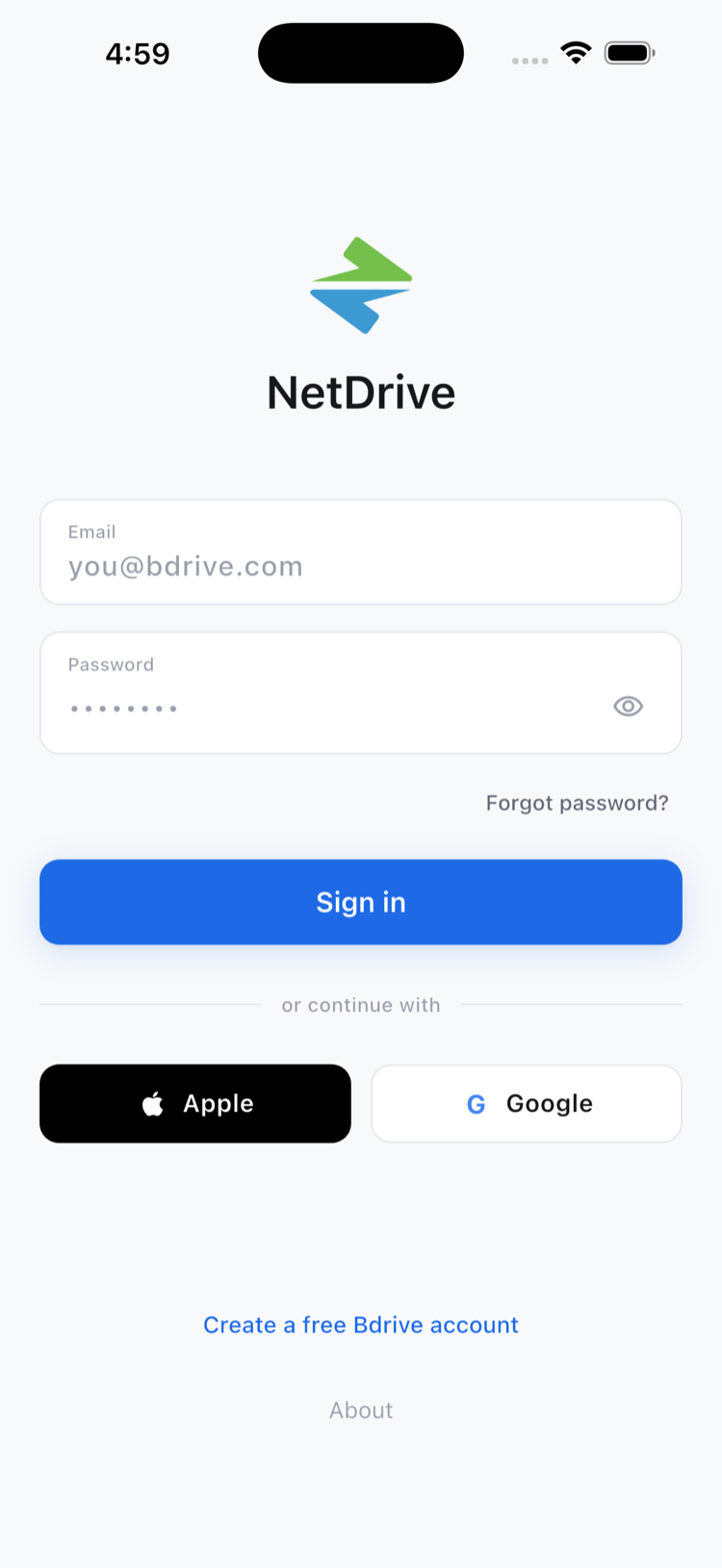
- Create a free Bdrive account at netdrive.net if the firm doesn’t already have one.
- Install NetDrive Mobile from the App Store or Google Play on the devices used in the field.
- Add each relevant drive — the firm’s SharePoint or Google Drive, plus any client-specific cloud for the matter — through the Add a drive sheet.
- Sign out on shared devices once the day’s session is done, so the next person starts clean.
Wrap-up
A case file scattered across a firm’s own cloud and two or three client accounts doesn’t need to slow down a hearing when every one of them opens in the same app. For the sign-up flow in more detail, see NetDrive Mobile — Getting Started; for how login security works day to day, see NetDrive Mobile Sign-In and Credential Security; and for SharePoint specifically, see Browse SharePoint on iPhone & Android.
— Robin, NetDrive