Mount OneDrive for Business on Linux — NetDrive's Experimental Build

Mount OneDrive for Business as an Ubuntu mount point with NetDrive's experimental Linux build. Covers Azure AD sign-in, install steps, and verification.
A data engineer maintains ETL scripts on an Ubuntu box that need to read reference spreadsheets a finance team keeps in OneDrive for Business. Right now that means downloading each file by hand through a browser and re-uploading it whenever finance edits the source. NetDrive’s Linux build mounts that same OneDrive for Business library as a regular Ubuntu mount point, so a cron job’s open() call reaches the current file directly instead of a stale local copy.


Mount OneDrive for Business on Linux
NetDrive lets Google Drive, OneDrive, S3, SFTP, WebDAV and more appear as native drives on Windows and macOS — no syncing, no full downloads.
- OneDrive for Business appears as a regular Ubuntu mount point
- Files stream on demand — no sync client, no full download first
- Works with Microsoft 365 work and school accounts
Free trial. Lifetime and subscription plans available.
Why a Linux Box Needs This
OneDrive for Business is the Microsoft 365 document store tied to a work or school account, authenticated through Azure AD rather than a personal Microsoft account. Microsoft doesn’t ship a native OneDrive sync client for Linux, so a Linux workstation or CI runner that needs those files is usually stuck with manual browser downloads or a teammate on Windows forwarding attachments. NetDrive has supported OneDrive for Business since its first release, and the same connection type is available on its Linux build — the library resolves reads directly against Microsoft’s servers through the mount point, without a local sync folder to keep current.
Installing NetDrive on Ubuntu
NetDrive for Linux isn’t in Ubuntu’s package repositories, so installation goes through GitHub:
- Go to github.com/NetDrive/installer and download the release matching your Ubuntu version.
- Follow that repository’s release notes — a driver component needs to install before NetDrive can mount anything.
- Install the NetDrive package itself.
- Launch NetDrive. First run loads the driver component, which may prompt for
sudo.
The minimum supported version is Ubuntu 16.04. Updates ship as GitHub releases rather than through apt upgrade. Linux carries the same experimental label NetDrive’s own comparison page uses across the board — treat a Linux OneDrive for Business mount as suitable for a dev workstation or CI runner rather than something you’d stake an unattended production job on without testing it yourself first.
Step-by-Step: Connect OneDrive for Business on Ubuntu
- Open NetDrive’s Drive Manager and click + Add Drive.
- Select OneDrive for Business from the list of connection types — it’s listed separately from personal OneDrive.

- Sign in with your Microsoft 365 work or school account through the Azure AD OAuth flow that opens in your default browser. On a headless Ubuntu box without a browser installed, complete the one-time authorization from another machine signed into the same account.
- Set a mount point — a path like
/mnt/onedrive-business, or any empty directory you have write access to. - Click Connect. NetDrive authenticates and mounts the library at that path.
Verifying the Mount Before You Depend On It
Confirm the mount actually took from a terminal rather than trusting the GUI alone:
# Confirm the mount is listed
mount | grep onedrive

# Or just try listing it
ls /mnt/onedrive-business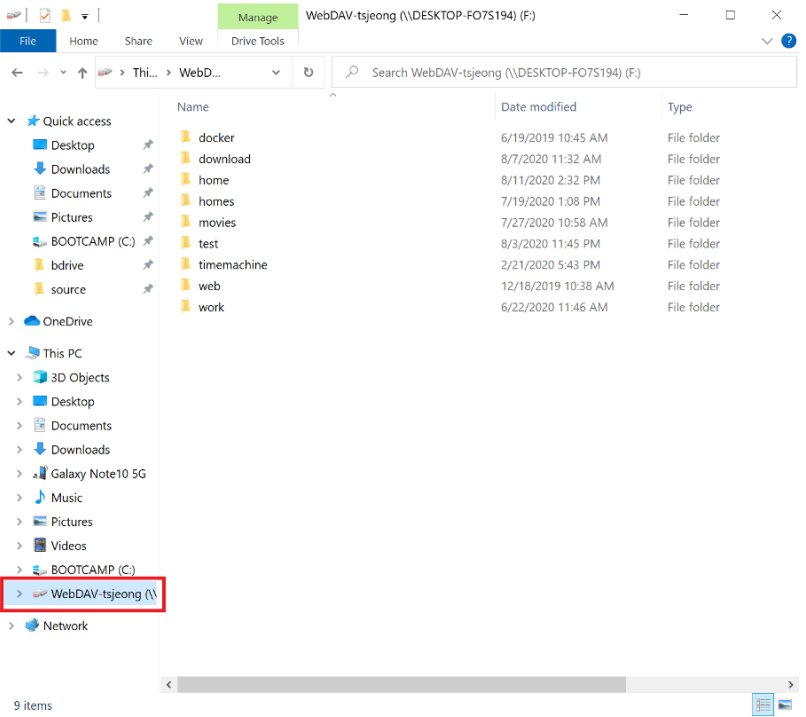
If the listing comes back empty on the first try, give it a moment before assuming the mount failed — a large document library can take a few seconds to populate its root. If it’s still empty after that, re-check the Azure AD sign-in step first; an interrupted browser flow is the most common reason a OneDrive for Business connection fails to finish on a headless box.
What to Plan Around on the Linux Build
- Separate release cadence — the Linux driver component is maintained on its own schedule, so a fix that lands on Windows or macOS doesn’t automatically ship to Linux the same week.
- No
aptintegration — installation and updates go through GitHub releases, not Ubuntu’s default package manager. - Windows and macOS are the hardened targets — NetDrive’s own guidance treats them as production-ready; Linux is labeled experimental. A dev workstation or CI runner reading occasional files is a reasonable fit. An unattended production job depending on OneDrive for Business access is worth testing thoroughly on your own hardware first.
Wrap-up
Mounting OneDrive for Business on Ubuntu gets a Linux box the same drive-style access NetDrive provides on Windows and macOS, through an installer that lives on GitHub instead of apt. For the same provider on a more heavily tested platform, see Mount OneDrive for Business on Windows with NetDrive or Mount OneDrive for Business on macOS with NetDrive. For the broader Linux picture, see NetDrive on Ubuntu Linux.
— Casey, NetDrive