Mount Tencent Cloud COS on Linux — NetDrive's Experimental Ubuntu Build

Mount a Tencent Cloud COS bucket at a native Ubuntu mount point using NetDrive's experimental Linux build. SecretId setup, endpoints, and verification.
A short-video platform’s transcoding pipeline runs on a fleet of Ubuntu workers that need to read raw uploads straight out of Tencent Cloud Object Storage (COS) — no SDK wired into every worker script, just a path a ffmpeg job can open. Copying source files down before each job wastes disk and time once the queue is processing thousands of clips a day. NetDrive’s Linux build mounts a COS bucket at a regular Ubuntu mount point, so a worker’s file read reaches the bucket directly, the same interaction NetDrive gives Windows and macOS users at a drive letter.


Mount Tencent Cloud COS on Linux
NetDrive lets Google Drive, OneDrive, S3, SFTP, WebDAV and more appear as native drives on Windows and macOS — no syncing, no full downloads.
- COS buckets appear as a regular Ubuntu mount point
- Files stream on demand — no full bucket download before a job starts
- Runs alongside S3, Alibaba Cloud, and 20+ other providers on the same box
Free trial. Lifetime and subscription plans available.
Tencent Cloud on NetDrive’s Linux Build
NetDrive added Tencent Cloud support in version 3.17.799 (November 2022), the same release that added Alibaba Cloud. On Windows and macOS that support is treated as production-grade; on Linux it carries the experimental label NetDrive applies to the entire Linux build rather than to any specific provider. The current NetDrive release across all desktop platforms is 3.19.7.
NetDrive for Linux isn’t distributed through apt or a distro package manager — it ships as a GitHub release at github.com/NetDrive/installer, with Ubuntu 16.04 as the minimum supported version.
Installing NetDrive on Ubuntu
- Go to github.com/NetDrive/installer and download the release that matches your Ubuntu version.
- Follow the bundled release notes to install the driver component NetDrive needs before it can mount anything — the process may prompt for
sudo. - Install the NetDrive package.
- Launch NetDrive from a terminal or your desktop environment’s application menu.
Linux builds ship on their own release schedule, separate from Windows and macOS updates. A fix that lands for one platform this week isn’t guaranteed to reach the Linux build the same week — worth knowing if unattended worker nodes depend on a specific NetDrive behavior.
Gathering Tencent COS Credentials
Collect these before opening NetDrive, all from the Tencent Cloud console:
- SecretId and SecretKey — from CAM → API Keys (
console.cloud.tencent.com/cam/capi). - Bucket name — shown as
<BucketName>-<AppId>, for exampleraw-uploads-1250000001. - Region and endpoint — such as
ap-guangzhou, giving an endpoint ofcos.ap-guangzhou.myqcloud.com.
Step-by-Step: Connect Tencent Cloud on Ubuntu
- Open NetDrive’s Drive Manager and click + Add Drive.
- Select Tencent Cloud from the list of connection types.
- Enter the SecretId and SecretKey, the endpoint (
cos.<region>.myqcloud.com), and the full bucket name including its AppId suffix. - Set a mount point — a path like
/mnt/cos-uploads, or any empty directory your user account can write to. - Click Connect. NetDrive authenticates against Tencent COS and mounts the bucket at that path.
Verifying the Mount Before You Depend On It
Confirm the mount from a terminal rather than trusting a file manager alone, especially on an experimental build:
# Confirm the mount is listed
mount | grep cos

# Or just try listing it
ls /mnt/cos-uploads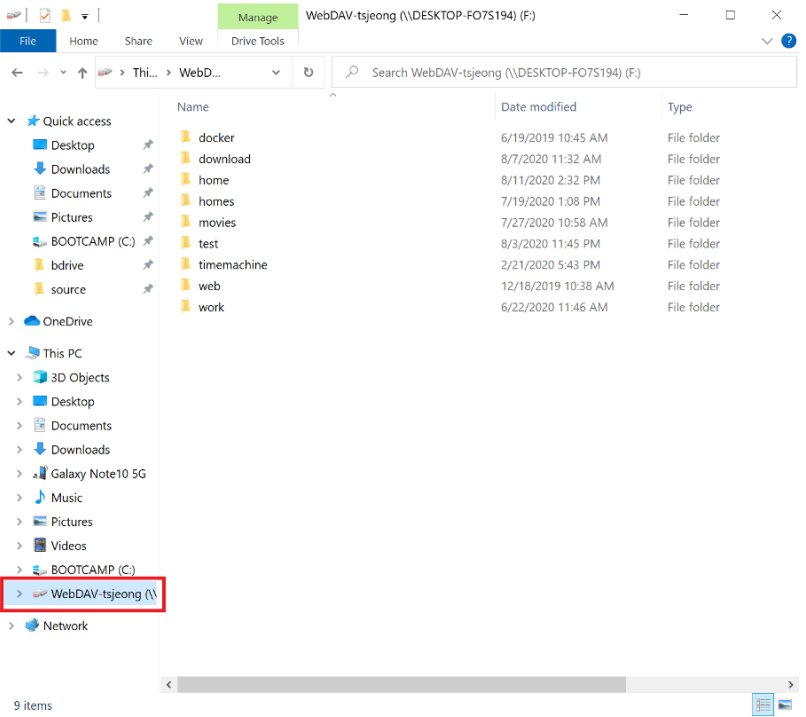
Mount point stays empty after Connect — check that the directory exists and is writable by the user running NetDrive. An unwritable or missing mount point is the most common cause of a silent failure on Linux.
Authentication fails on first attempt — double-check that the bucket name includes its AppId suffix (raw-uploads-1250000001, not just raw-uploads) and that the endpoint’s region matches the bucket’s actual region in the console. A mismatched region endpoint is the most common cause of a rejected connection even when the SecretId and SecretKey are correct.
A bucket with a large object count lists slowly the first time — the Linux build streams directory listings the same way Windows and macOS do, so a bucket holding tens of thousands of objects takes a moment to populate on first browse.
Background Uploads for Write-Heavy Jobs
For a transcoding pipeline that writes processed output back to a bucket after each job, NetDrive queues those writes in the background rather than blocking the process that triggered them:
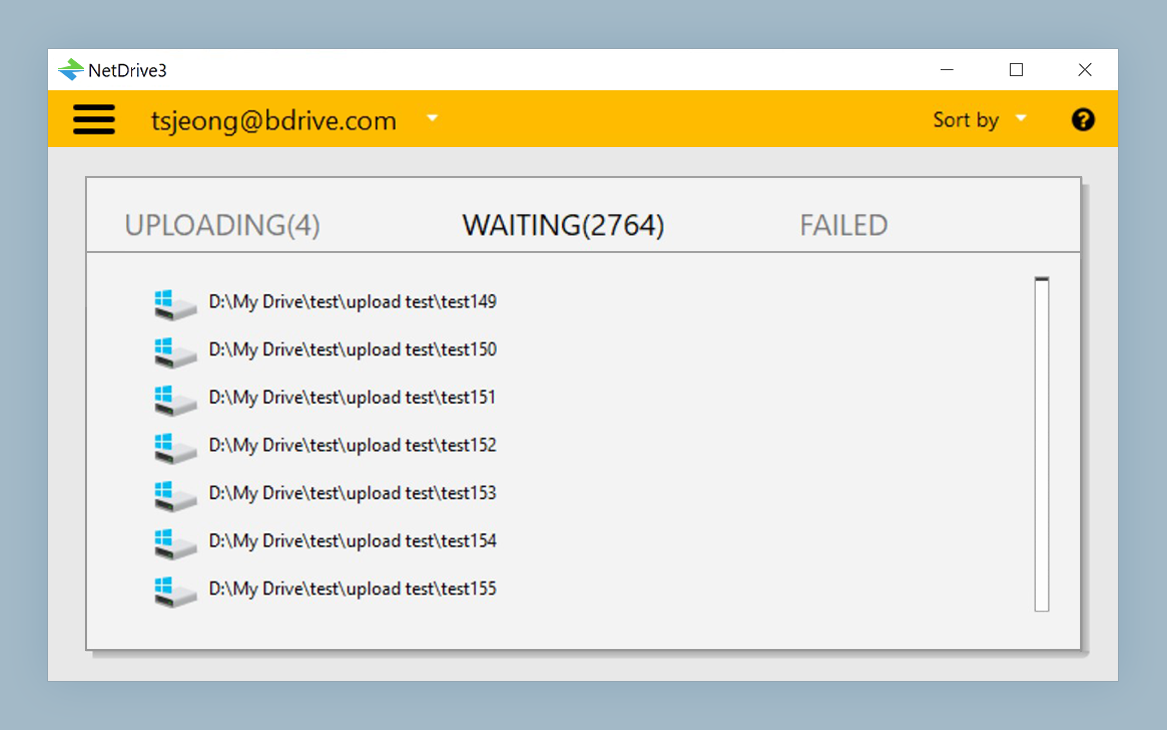
This matters for a worker script that needs to move on to the next item in its queue immediately after handing off the output file, rather than waiting on the upload to finish before it can continue.
What to Plan Around on the Linux Build
- Separate release cadence — the Linux driver ships on its own schedule, independent of Windows and macOS.
- No package-manager integration — installation and updates go through GitHub releases, not
apt. - Windows and macOS remain the hardened targets — treat an unattended production worker fleet on Linux as something to test thoroughly on your own hardware first, given the experimental label.
Wrap-up
Mounting Tencent Cloud COS on Ubuntu gives a Linux worker fleet the same drive-style access NetDrive provides on Windows and macOS, through an installer distributed on GitHub instead of apt. For the same provider on a more heavily tested platform, see Mount Tencent Cloud on Windows with NetDrive; for the broader Linux picture, see NetDrive on Ubuntu Linux; and for another region-specific provider on this same Linux build, see Mount Alibaba Cloud on Linux with NetDrive.
— Robin, NetDrive