NetDrive Mobile for Insurance Adjusters — Claim Photos From the Field

Insurance adjusters use NetDrive Mobile to upload property damage photos straight from the camera to a claim's SharePoint folder and review prior reports on Box, all on-site.
An adjuster finishes a storm-damage inspection with forty photos of a roof and a flooded basement, and the claim needs those photos in the carrier’s SharePoint folder before the file moves to underwriting that afternoon. The prior year’s inspection report for the same address sits in a different system entirely — the carrier’s document archive on Box. Two providers, one phone, and no laptop until the drive back to the office. NetDrive Mobile keeps both in the same app instead of switching between a SharePoint app and a Box app mid-inspection.
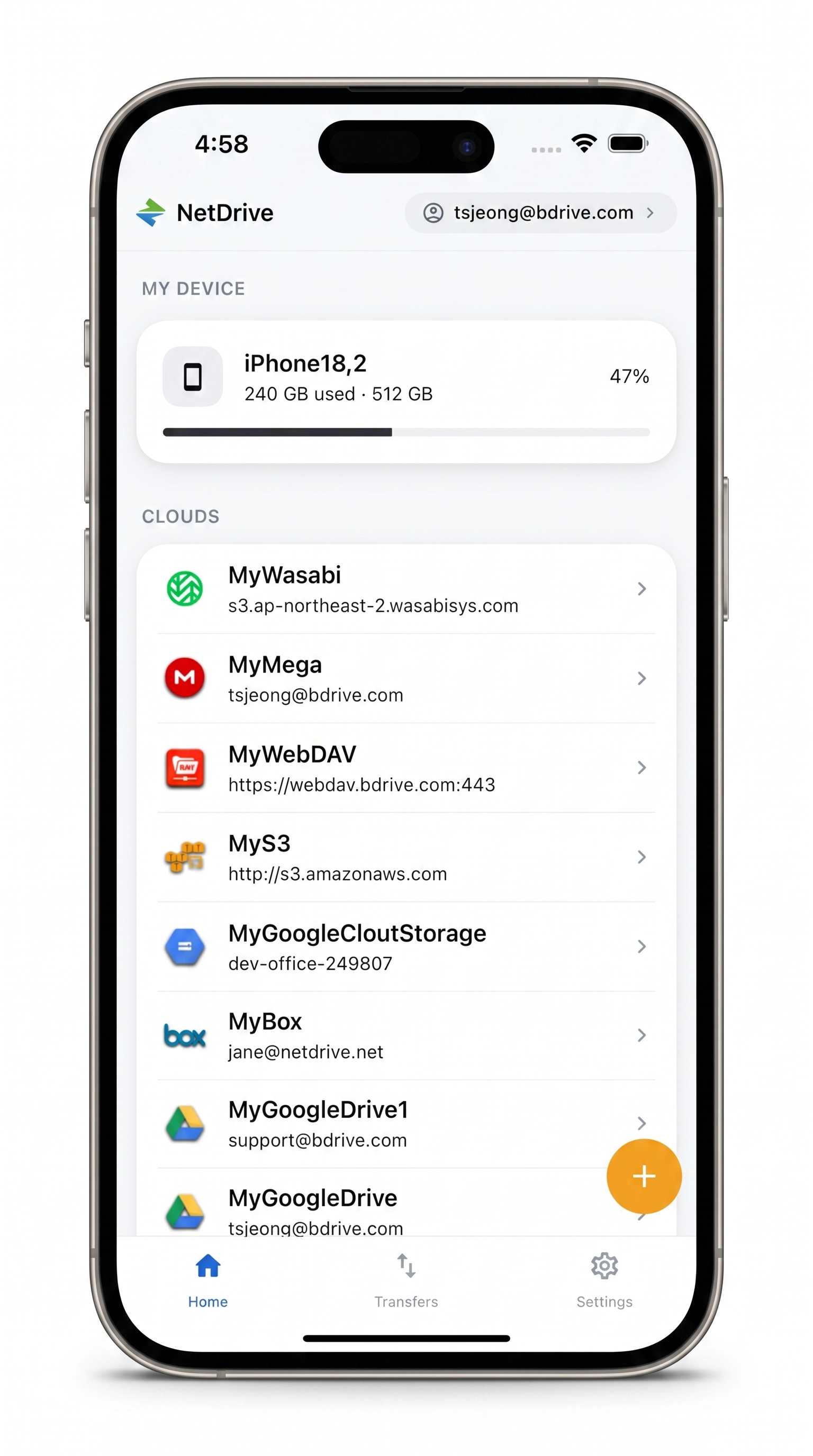
Every claim folder, one app on-site
NetDrive Mobile opens Google Drive, Dropbox, OneDrive, S3, WebDAV, SFTP and more in one app — browse, upload, download, and preview right from your phone.
- Upload straight from the camera roll to the claim folder
- Check a prior inspection report on Box without leaving the app
- Rename and sort photos into the claim structure before submitting
Free Bdrive account required.
Why One Claim Touches Two or Three Cloud Systems
A single claim rarely lives in one place. The carrier’s active-claims workflow might run on SharePoint because it’s tied into a Microsoft 365 back office, while a document archive of closed claims and prior inspection history sits in Box because that’s what a third-party claims administrator standardized on years earlier. An adjuster working several claims a day doesn’t get to pick one system — they need whichever one the current claim number points to, from a phone, standing in a driveway.
Installing a separate app per provider means separate logins and separate places to remember where a file went. NetDrive Mobile’s home screen lists every connected cloud side by side, so moving from the SharePoint claim folder to the Box archive is a tap, not an app switch. The adjuster’s Bdrive account — free to set up — is what holds those connections together.
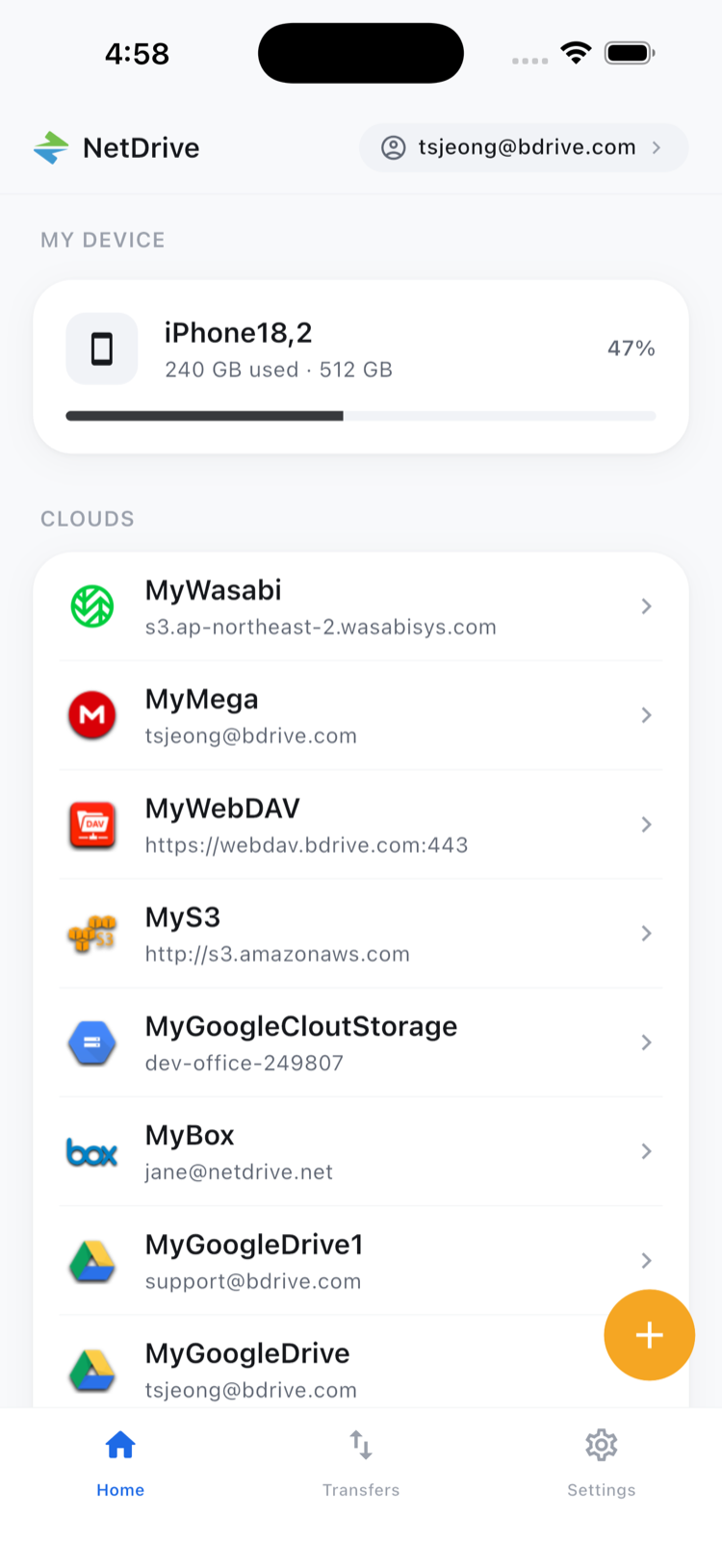
Getting Photos From the Roof to the Right Claim Folder
- Open the app and select the SharePoint connection tied to the carrier’s claims site.
- Browse to the claim number’s folder — created ahead of time by the office, or new for a first notice of loss.
- Tap upload and choose Camera or Photos, then select the shots from the inspection: roof damage, water lines in the basement, serial numbers on damaged appliances.
- Watch the Transfers tab as each photo uploads with its own progress bar, cancelable individually if the wrong batch got tapped.
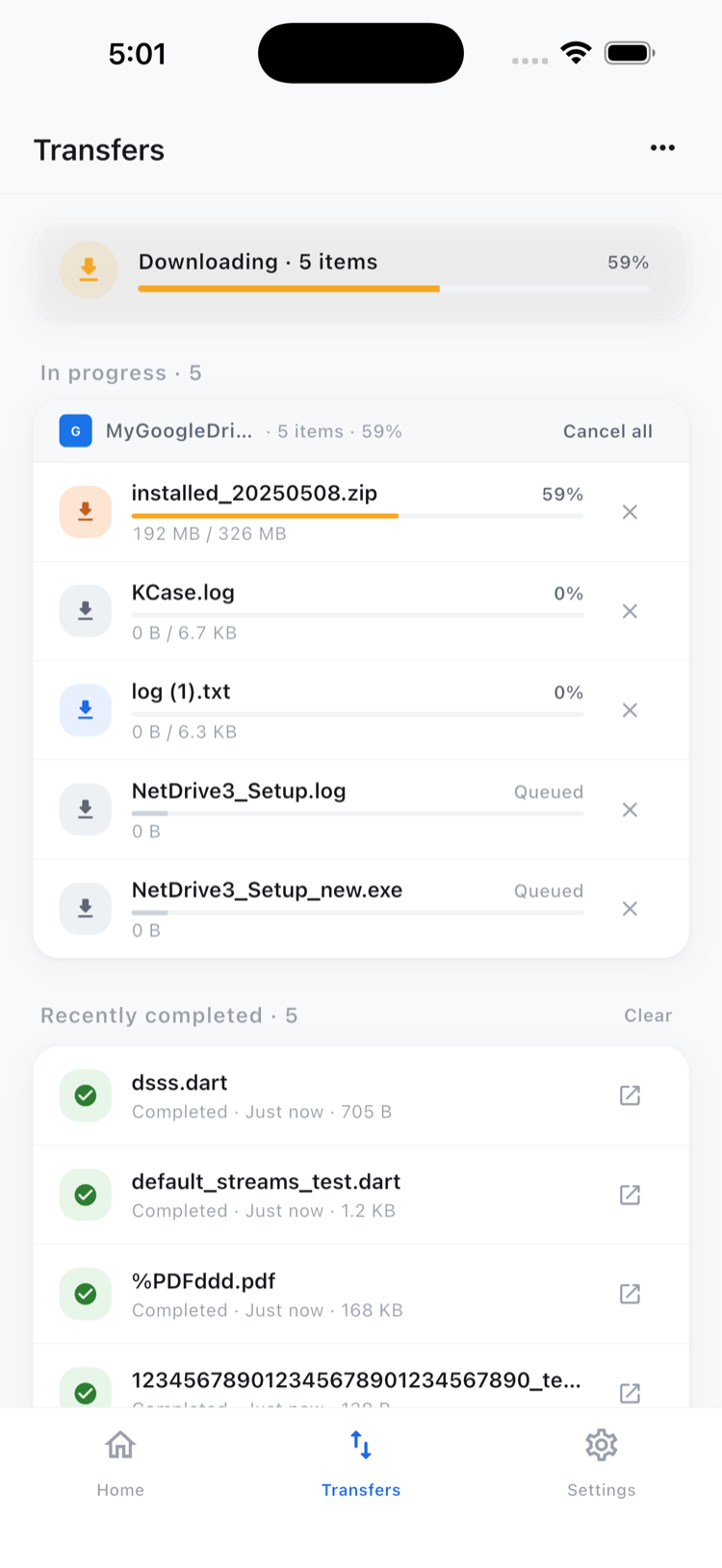
Uploads keep running in the background if a call comes in mid-transfer or the adjuster moves to the next stop on the route.
Sorting Before the File Moves to Underwriting
Not every photo from an inspection belongs in the final submission — some are duplicates, some are too blurry to use as evidence. Multi-select mode lets an adjuster check off the ones to discard and delete the batch in one action, or move the keepers into a subfolder like “Exterior” or “Basement” so underwriting isn’t left sorting forty unlabeled images later.
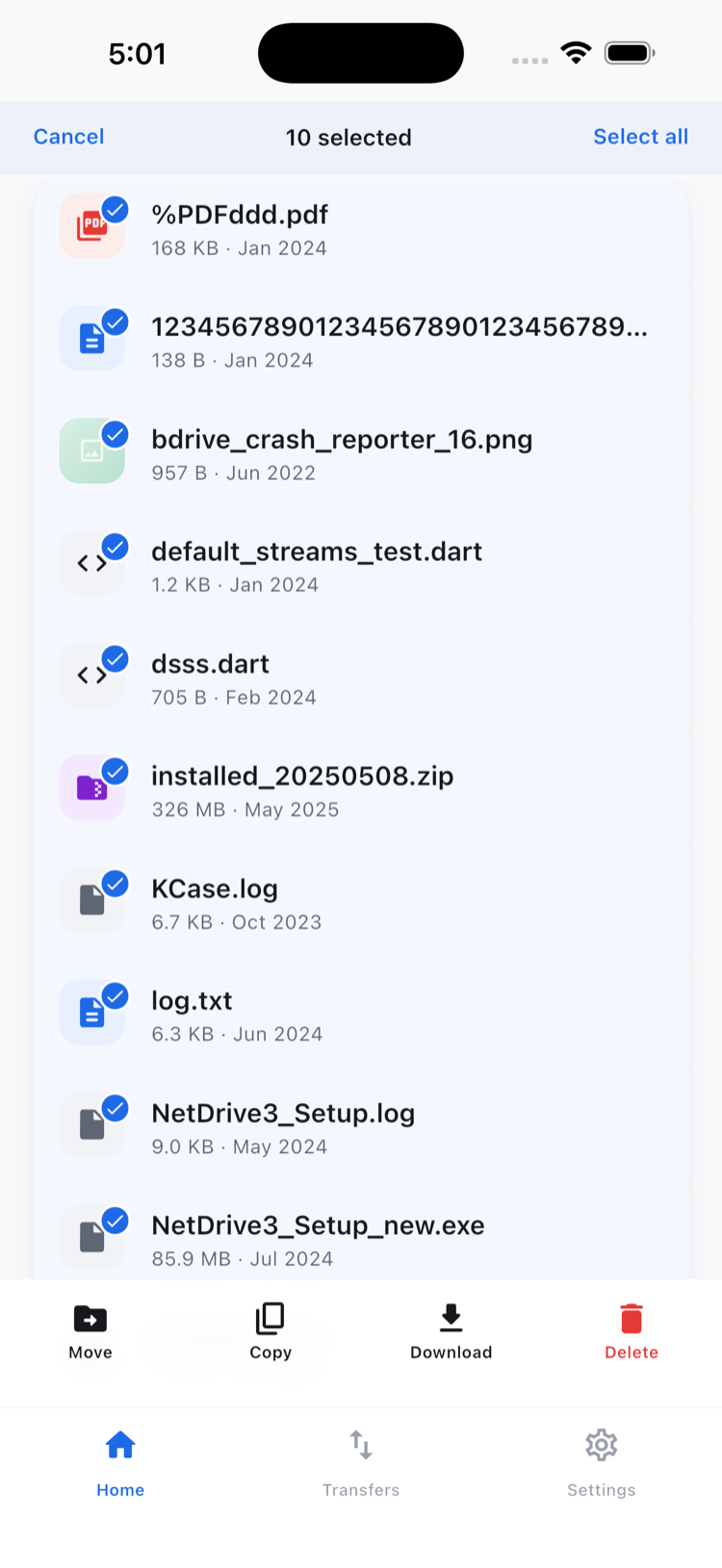
That move stays within the same SharePoint site — shifting a photo from a temporary “Inbox” folder into “Exterior” on the same claim works this way. Pulling a file out of the Box archive and depositing it directly into the SharePoint claim folder isn’t something the mobile app does; that kind of transfer between two different providers is what NetDrive’s sibling product RcloneView is built for.
Checking the Prior Report Before Leaving the Address
Before wrapping up, the same app opens the Box archive to preview last year’s inspection report for the same address — useful for confirming whether today’s roof damage is new or a continuation of a previously noted issue. In-app preview handles the PDF directly, so there’s no separate viewer app to install just to check one document in the driveway.
Wrap-up
Claims work moves between whichever system a carrier or claims administrator standardized on, and NetDrive Mobile’s value is not making an adjuster carry one app per provider to document a single job. For the photo cleanup workflow in more depth, see Organize Files On the Go. For a similar multi-stop field workflow in a different industry, see NetDrive Mobile for Field Teams.
— Robin, NetDrive