Fix Slow S3 Directory Listing When Mounting with NetDrive

Diagnose and fix slow file listing when NetDrive mounts large Amazon S3 buckets. Covers S3 API limits, NetDrive cache settings, and bucket structure best practices.
A backend team mounts an Amazon S3 bucket as a Windows drive letter via NetDrive for their CI fixture pipeline. Works flawlessly for months — until a refactor drops 40,000 new test fixture objects under a single S3 prefix. The next morning’s build hangs for 90 seconds during test setup, waiting for the fixture directory to populate in Explorer. NetDrive isn’t stalled; it’s making 40 sequential S3 API calls just to enumerate that one directory.
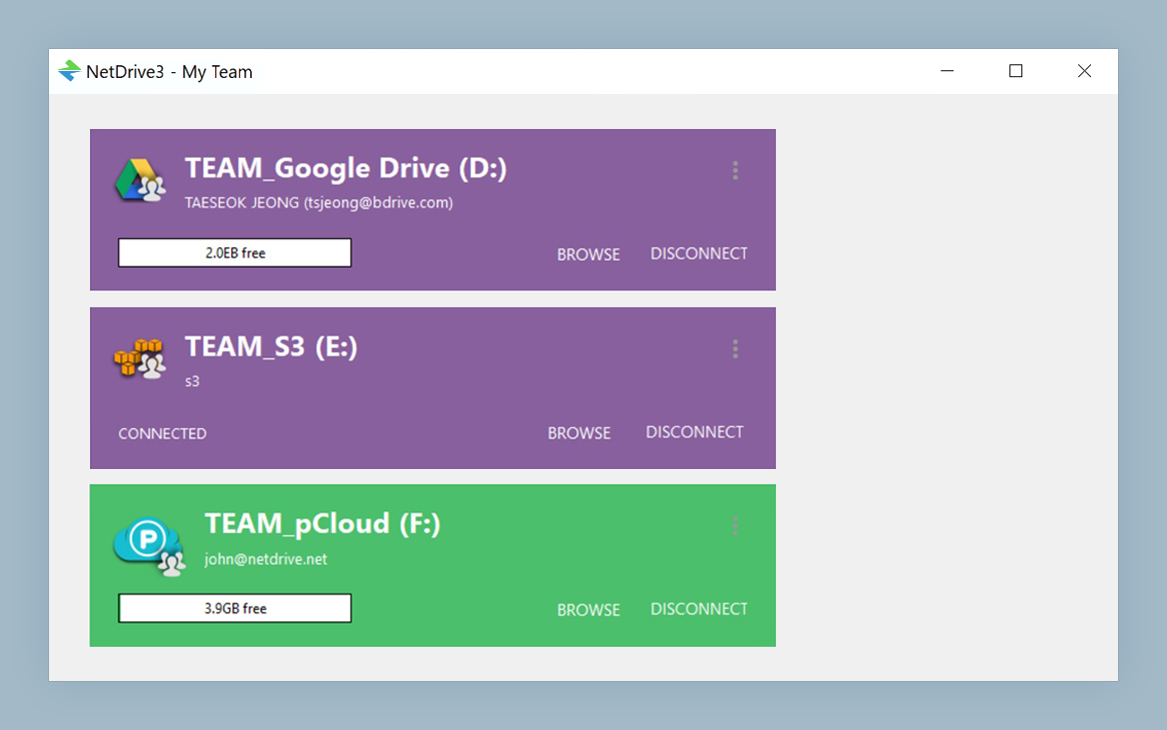
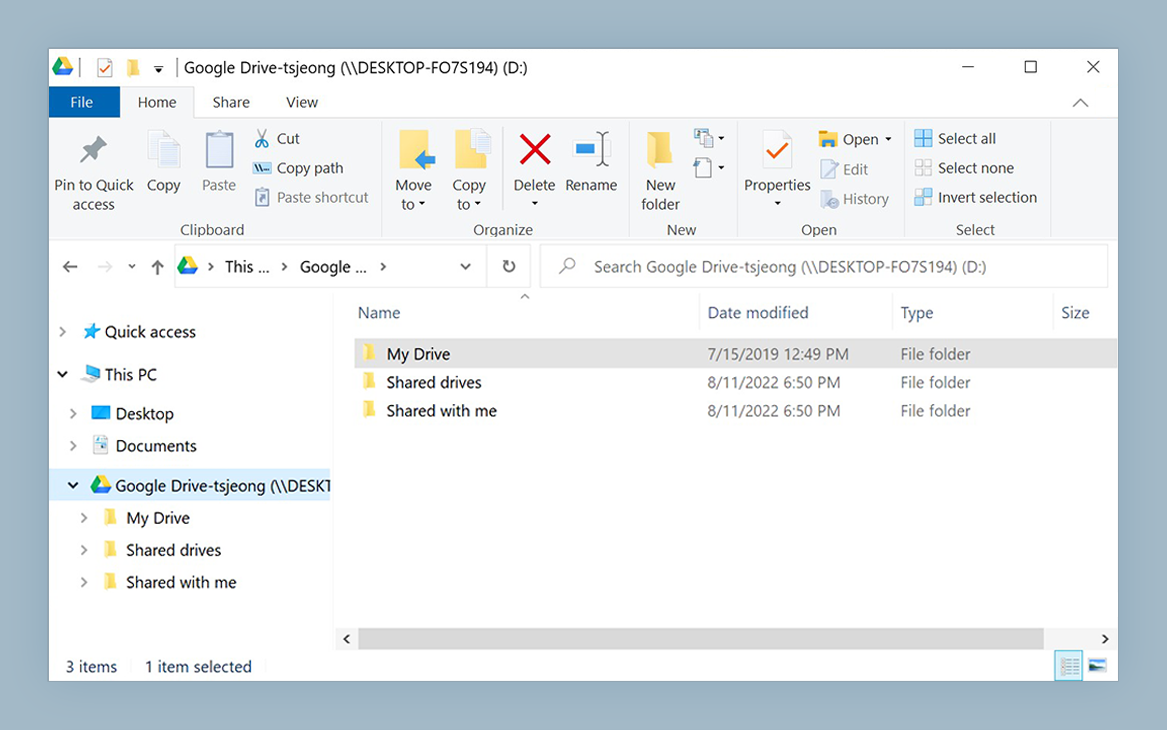
Mount S3 buckets as a native Windows or macOS drive
NetDrive lets Google Drive, OneDrive, S3, SFTP, WebDAV and more appear as native drives on Windows and macOS — no syncing, no full downloads.
- S3 buckets appear as D:, E:, or any drive letter on Windows
- Cached directory listings for faster repeat access after first mount
- Force-refresh specific folders when upstream objects change
Free trial. Lifetime and subscription plans available.
Why S3 listing is slower than a local filesystem
S3 is object storage, not a hierarchical filesystem. What looks like a folder named fixtures/integration/ is a shared key prefix — thousands of object keys that happen to start with that string. There are no actual directories. NetDrive (and every other S3 mount tool, including rclone and ExpanDrive) simulates directories by calling the S3 ListObjectsV2 API.
The catch: one ListObjectsV2 call returns at most 1,000 objects. A prefix holding 40,000 keys needs 40 sequential API calls to enumerate fully. At 50 ms per round-trip to the S3 endpoint (reasonable within the same AWS region), that’s 2 seconds of pure API overhead before the first file name renders in Explorer. Through a corporate proxy or to a different region, those 40 calls can stretch to 30–90 seconds.
This is not a NetDrive bug. It’s the S3 API contract — identical behavior affects aws s3 ls, rclone’s mount mode, and every other tool listing large S3 prefixes. The fix lives in two places: how NetDrive caches directory listings, and how you structure your bucket.

How NetDrive’s directory cache reduces repeat overhead
After the first listing of a large prefix, NetDrive caches the directory tree locally. The next time any process navigates to D:\fixtures\integration\, NetDrive returns the cached listing without a single S3 API call. This cache is persistent across sessions: after a cold boot, the cache is still warm from the previous mount, so the second-run listing is instant even if you restarted the build server overnight.
Cache storage size is configurable up to 1 TB (introduced in NetDrive 3.16.589). For a bucket with hundreds of thousands of objects distributed across dozens of prefixes, allocating more cache space keeps more of the tree warm between CI runs. Adjust this in the drive’s settings within Drive Manager.
The trade-off is staleness. If a colleague or an upstream pipeline uploads new objects to S3 directly — via the AWS console, a separate tool, or another machine — NetDrive’s cached view won’t reflect those changes until the cache expires or you trigger a refresh. To refresh a specific folder: right-click it in Windows Explorer → Refresh. NetDrive re-issues the ListObjectsV2 call for that prefix, updates the cache, and returns the current listing.
Bucket structure changes that cut listing overhead
These fixes require changes to how you organize your S3 bucket, but they pay dividends for every tool that reads it — not just NetDrive.
Flatten deep prefix hierarchies. Each level of nesting you navigate triggers its own listing call. A path like fixtures/integration/service-a/env-staging/2026/05/ has six levels — up to six sequential API calls before you reach the objects. Flatten it: fixtures/integration/service-a-staging-2026-05/ stores the same data with one listing call to reach the leaf.
Partition high-cardinality prefixes by time or category. If a single logs/ prefix holds 80,000 objects spanning two years of daily output, split into logs/2025/ and logs/2026/. When NetDrive lists logs/, it sees two sub-prefixes in a single API call. Navigating into logs/2026/ then does one more call for just that year.
Separate hot and cold data. Keep actively-read objects in a bounded prefix — fixtures/active/ — and archive older ones to fixtures/archive/. CI pipelines that mount the full bucket but only read fixtures/active/ list fast; the cold archive stays uncached and out of the critical path.
Set a Root path on the drive. In NetDrive’s S3 connection settings, the Root path field lets you mount a specific prefix as the root of the drive. Set it to fixtures/active and NetDrive treats that prefix as D:\. The rest of the bucket is never listed during the mount session — only the path your tooling actually needs.
Verify the endpoint region. Open the S3 connection in Drive Manager and confirm the region matches your bucket’s home region. A cross-region request adds 50–200 ms per API call. Across 40 paginated listing calls, that’s an avoidable 2–8 seconds of network latency on every cold directory open.
Wrap-up
Slow S3 directory listing is almost always a bucket structure problem rather than a NetDrive configuration problem. The S3 API’s 1,000-object-per-call limit is fixed; what you control is how many calls it takes to reach the objects your tools need. Flatten deep hierarchies, partition high-cardinality prefixes, set a root path to scope the mount, and let the directory cache keep repeat listings instant.
For teams hitting permission errors on S3 rather than performance issues, see Fix S3 Access Denied Error with NetDrive. If your CI pipeline uses Wasabi instead of AWS S3, the same listing behavior applies — see Mount Wasabi on Windows with NetDrive.
— Jay, NetDrive