NetDrive vs ExpanDrive — Cloud Mount for Windows and macOS Compared

Compare NetDrive and ExpanDrive across performance benchmarks, supported cloud providers, mount types, and team features to choose the right cloud-mount tool.
A SaaS engineering team needs to mount Wasabi buckets on a dozen Windows workstations and three macOS machines. Their first search turns up ExpanDrive because a blog post from 2021 ranks well—but before committing to a site license, it’s worth stress-testing the alternatives. This post puts NetDrive and ExpanDrive side-by-side on the metrics that matter for daily use: directory listing speed, large file throughput, cloud provider breadth, and collaboration features.
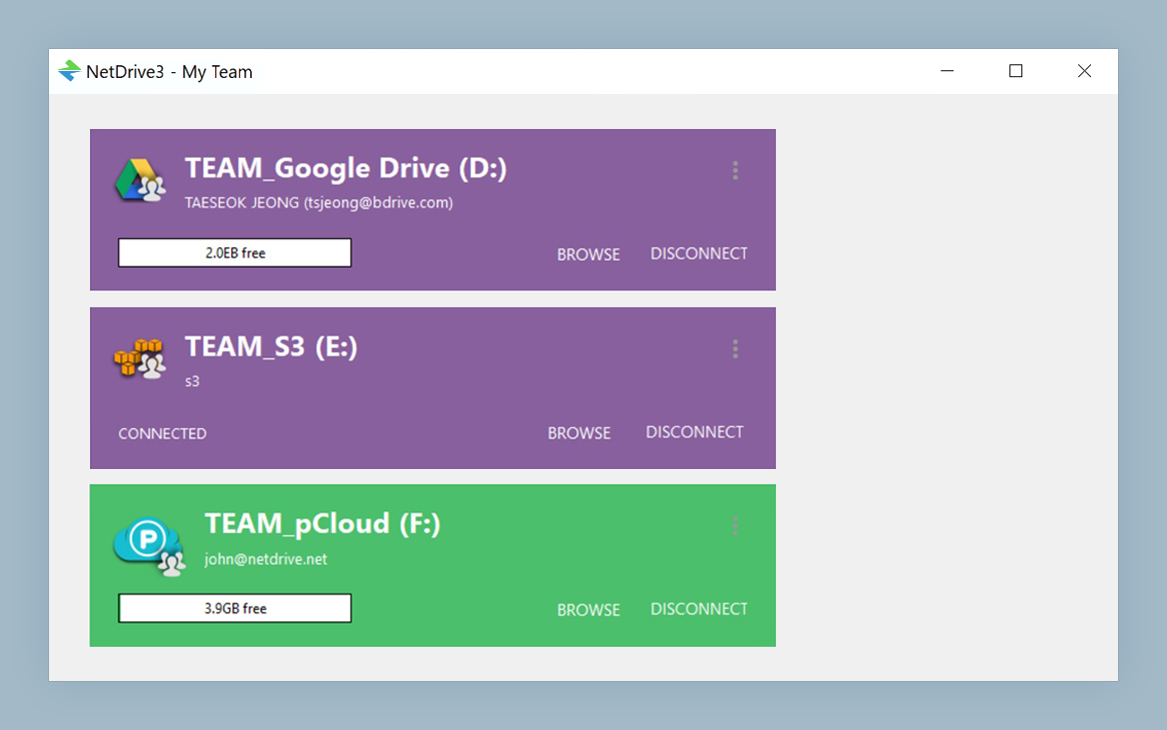
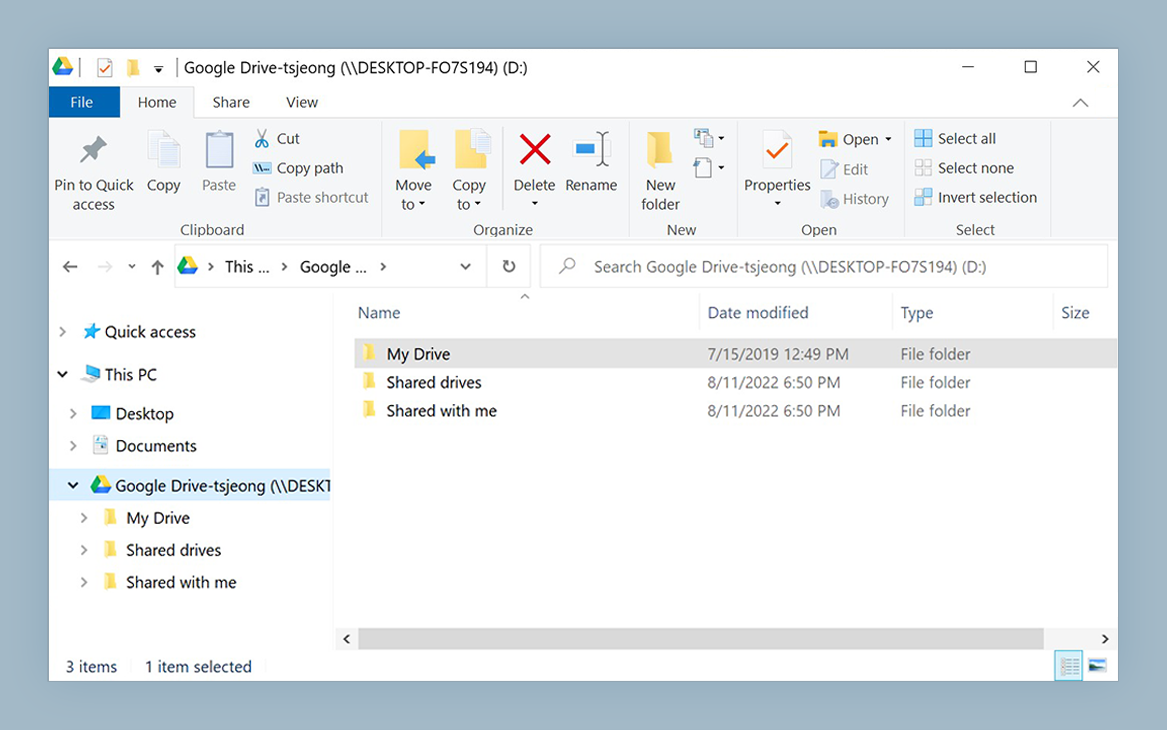
Mount 20+ cloud providers as native drives
NetDrive lets Google Drive, OneDrive, S3, SFTP, WebDAV and more appear as native drives on Windows and macOS — no syncing, no full downloads.
- Works on Windows 8, 10, 11 and macOS 14 Sonoma and later
- File locking, team licensing, and CLI automation included
- Free 7-day trial to evaluate on your actual workflow
Free trial. Lifetime and subscription plans available.
What Both Tools Do
NetDrive and ExpanDrive are cloud-mount utilities: they expose remote storage as a native drive letter (Windows) or volume (macOS). Neither requires a full sync before you can open files—you work with remote content through standard file manager operations while the tool handles protocol translation in the background.
Platform coverage: NetDrive runs on Windows (8, 10, 11, Server 2012 through 2022), macOS (14 Sonoma and later with NetDrive 3.18+), and Linux in an experimental build. ExpanDrive targets Windows and macOS. For teams running Windows Server or Terminal Server environments with multiple concurrent users, NetDrive’s multi-user support—in place since version 3.1.286—matters.
Performance: Directory Listing and Large File Transfer
NetDrive publishes benchmark results from controlled testing where the same hardware and network setup was used across all tools. The two scenarios most representative of real work are listing a large directory of small files (which exercises directory-listing optimization) and transferring a single large file (which exercises transfer throughput):
| Test | NetDrive | ExpanDrive |
|---|---|---|
| Windows — 10,000 files (WebDAV, 4 KB each) | 5 min | 27 min |
| Windows — 800 MB single file (WebDAV) | 79 sec | 80 sec |
| macOS — 10,000 files (WebDAV, 4 KB each) | 3 min | 5 min |
| macOS — 800 MB single file (WebDAV) | 85 sec | 86 sec |
Source: netdrive.net/comparison. Results from NetDrive’s own controlled testing on identical hardware; real-world numbers vary by network and storage backend.
The gap is largest on Windows directory listing: NetDrive finishes in 5 minutes where ExpanDrive takes 27. On macOS the margin is narrower (3 vs 5 minutes) but still meaningful. Large single-file transfer is neck-and-neck on both platforms—both tools stream the same bytes over the same connection, so protocol and network dominate.
For teams whose buckets contain hundreds of thousands of small assets (design files, code packages, log archives), the listing speed difference translates directly into minutes spent watching folder views populate before you can click anything.
Cloud Provider Coverage
NetDrive supports over 20 storage types, including:
- Consumer: Google Drive, OneDrive, OneDrive for Business, Dropbox, Dropbox Business, Box, pCloud, Mega, Yandex Disk, Google Photos (app-uploaded items only — Google API policy)
- Object storage: Amazon S3 and S3-compatible backends (Wasabi, MinIO, Backblaze B2), Google Cloud Storage, Azure Blob Storage, Azure File Storage, OpenStack Swift
- Enterprise: SharePoint
- Regional: Tencent Cloud, Alibaba Cloud, KT ucloud biz
- Protocol: WebDAV, FTP/FTPS, SFTP
Absent from NetDrive’s list: iCloud Drive (Apple’s policy prevents third-party mounting—this is an OS constraint, not a NetDrive gap) and Hubic (service shut down; removed in 3.17.799). Both NetDrive and ExpanDrive dropped Amazon Drive support after Amazon closed the consumer API.
NetDrive-Specific Capabilities
Beyond provider breadth and speed, NetDrive includes several features that are uncommon in this category:
Four mount types. In addition to the standard network drive, NetDrive supports read-only drive (prevents accidental writes to archival buckets), local disk (appears as a non-network drive—necessary for applications that reject UNC or network paths), and removable drive. The read-only option alone is worth noting for anyone protecting production assets.
File locking for all file types. When multiple workstations mount the same remote path, any user can lock a file via the right-click menu. A lock icon appears in File Explorer and Finder for everyone else on the team. Microsoft Office locking has been in NetDrive since 3.8.921 (2019); all-file-type locking arrived in 3.9.1190 (2020). For teams collaborating on shared cloud storage without a dedicated collaboration platform, this reduces write conflicts.
Team licensing. An administrator configures drives once in the team management console and publishes them to team members—no per-person credential entry. Onboarding a 20-person team onto a shared Wasabi bucket is a single operation rather than 20 separate setups.
CLI (nd3cmd). Available since 3.8.921, nd3cmd lets you script drive operations from a terminal window—useful for server environments where you need to automate repeated mount and unmount sequences without clicking through the GUI.
What NetDrive Does Not Do
Worth stating plainly before you decide: NetDrive does not offer offline mode (every file access requires a live connection to the remote) or client-side encryption (data is encrypted in transit by the cloud provider’s protocol, but NetDrive adds no additional encryption layer at rest). If either is a hard requirement for your security policy, evaluate tools that explicitly target those features.
Picking the Right Tool
Choose NetDrive if you need Windows Server support with multiple concurrent users, file locking for collaborative team workflows, faster directory listing on large buckets, or scripted operations via nd3cmd.
ExpanDrive is a reasonable alternative for individual users or small teams on Windows and macOS who don’t require team publishing or file locking—particularly if an existing license or a provider integration specific to their setup tips the decision.
For step-by-step setup once you’ve decided, the per-provider guides walk through credential configuration: start with mounting Amazon S3 on Windows or review the Mountain Duck comparison for another angle on how NetDrive fits the cloud-mount landscape.
— Morgan, NetDrive