NetDrive Mobile for Journalists — Filing Photos and Video From the Field
Reporters use NetDrive Mobile to upload photos and video from a phone straight into the newsroom's cloud, and preview a source's files without switching apps.
A reporter covering a breaking story on location has twenty minutes before the desk needs a photo and a short clip, and the newsroom’s asset library lives in Box while the source who sent background documents used a personal Google Drive link. Opening two single-cloud apps to file one story, on a spotty connection, standing in a parking lot, is exactly the kind of friction that costs a deadline. NetDrive Mobile keeps both clouds in the same app, so filing doesn’t wait for a trip back to the office.
File from the scene, not from the desk
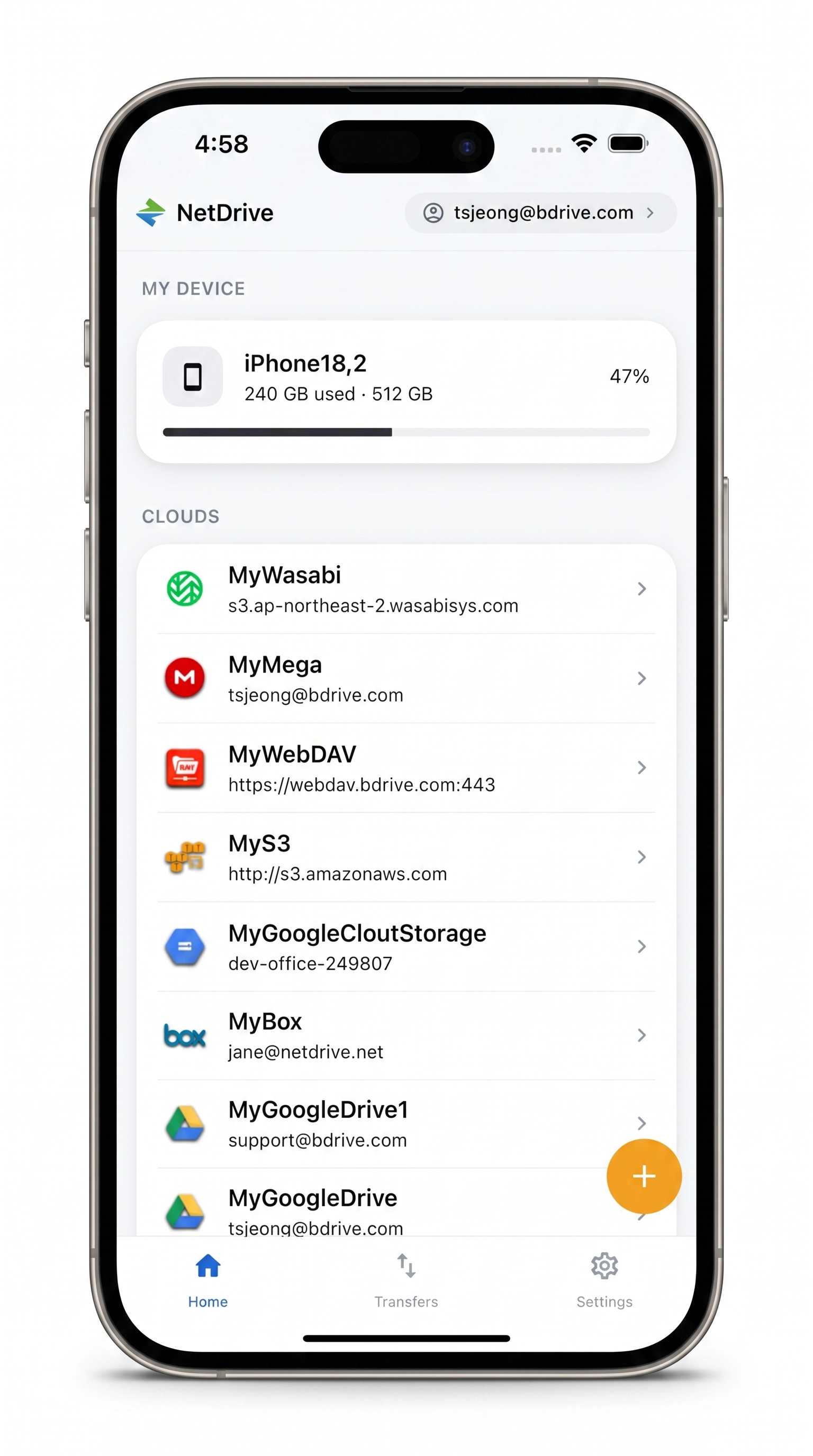
NetDrive Mobile opens Box, SharePoint, Dropbox, Google Drive, S3 and more in one app — upload straight from the camera and preview before you file.
- Every newsroom and source cloud in one app, no switching
- Upload photos and video from the camera with live progress
- Preview a shot or clip before it goes out
Free Bdrive account required.
Why one app per cloud doesn’t work on deadline
Most cloud apps assume you only need one provider. That’s a reasonable assumption at a desk, but it breaks down in the field, where a newsroom’s asset management runs on Box or SharePoint while a freelancer’s raw footage arrives through whatever cloud a source happens to use — often a personal Dropbox or Google Drive link with no advance notice. Switching apps to find a file, re-entering credentials, or discovering the wrong app is signed into the wrong account all eat into the minutes before a filing deadline.
Every newsroom and source cloud, one app
NetDrive Mobile connects each cloud as its own drive and lists them together on the home screen — the newsroom’s Box archive next to a source’s shared Google Drive folder, without merging them into a single pool. Moving or copying a file stays inside the cloud it came from; the point is not having to leave the app to check a second cloud mid-story.
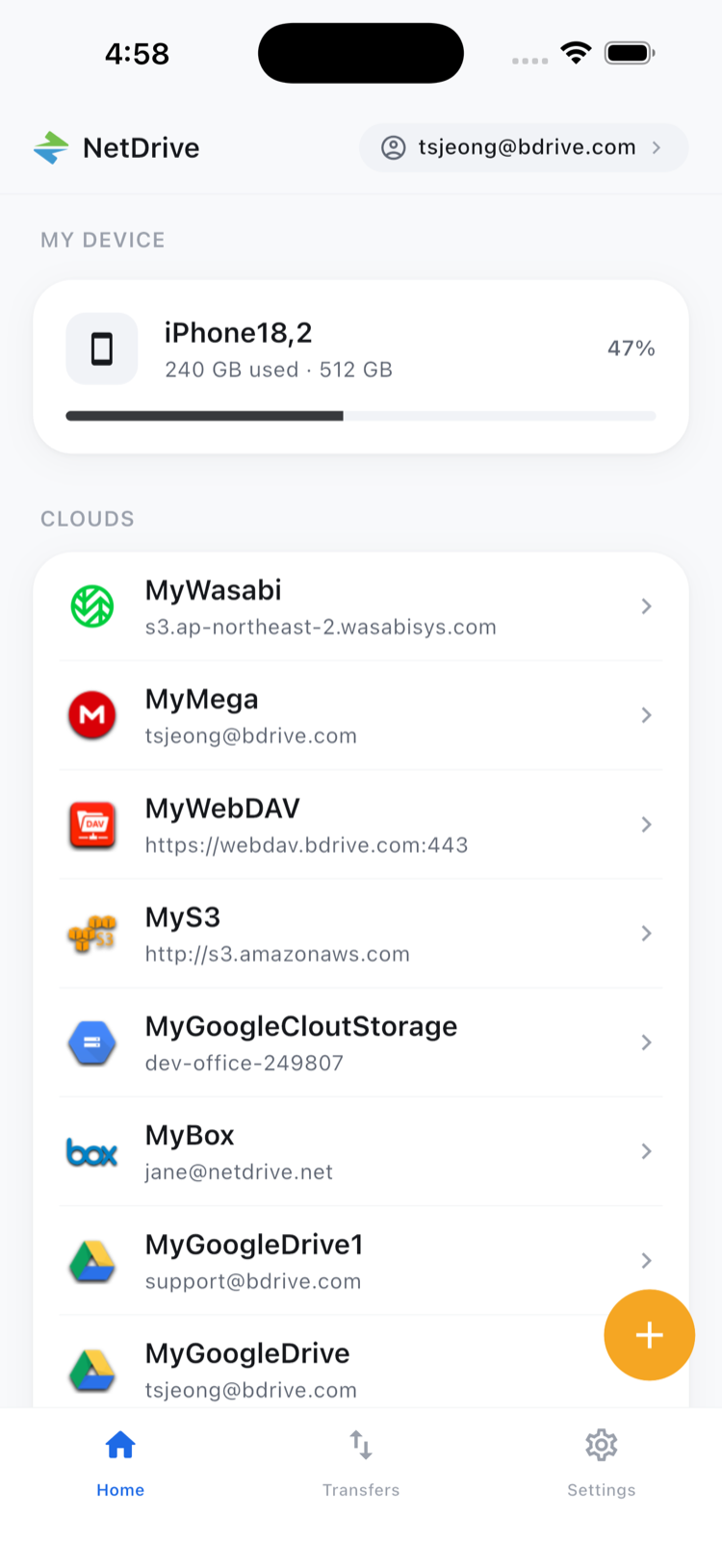
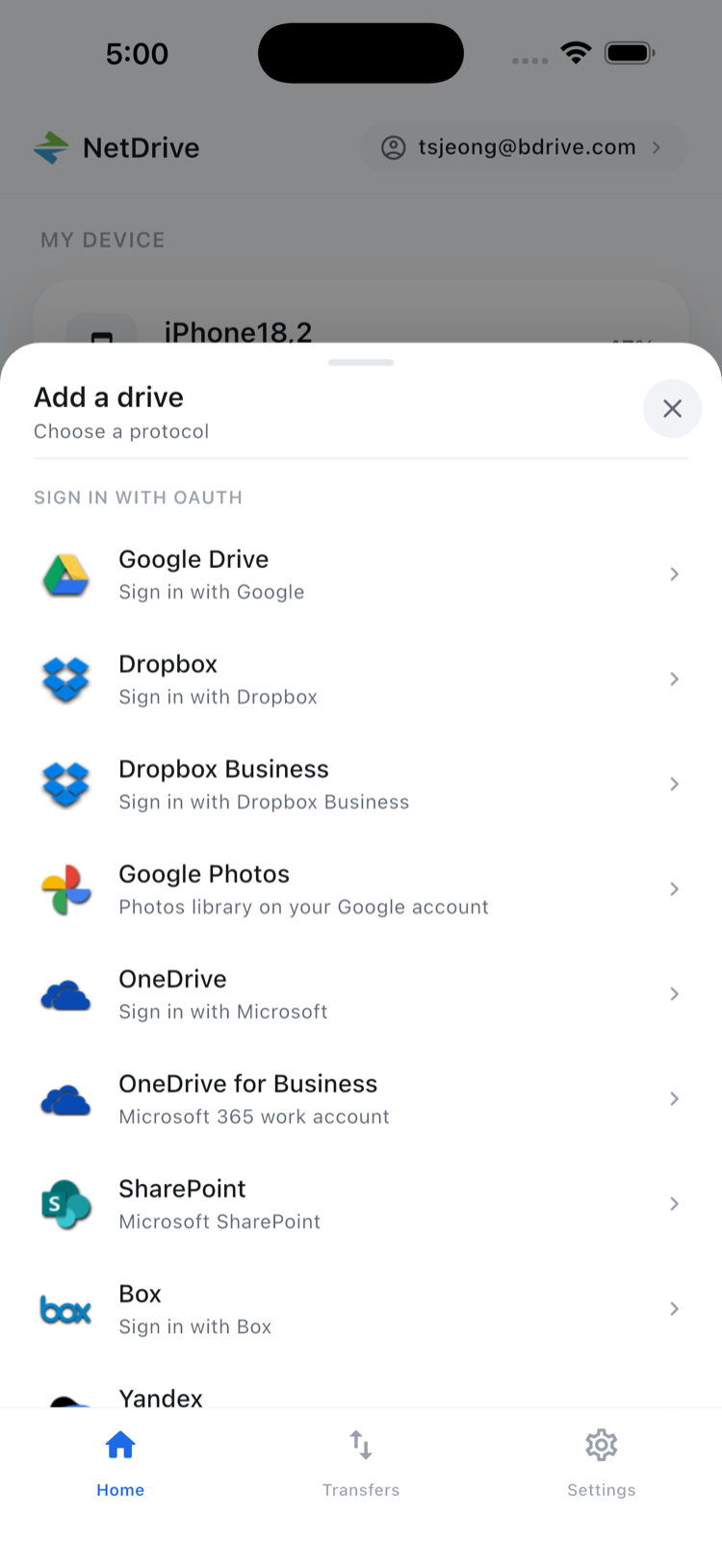
Setting up a new source’s cloud takes one pass through the Add a drive sheet: pick the provider, sign in, and it’s available for the rest of the assignment. A free Bdrive account covers every drive added afterward, so a reporter isn’t creating a new login for every outlet or source that shows up.
Filing straight from the camera
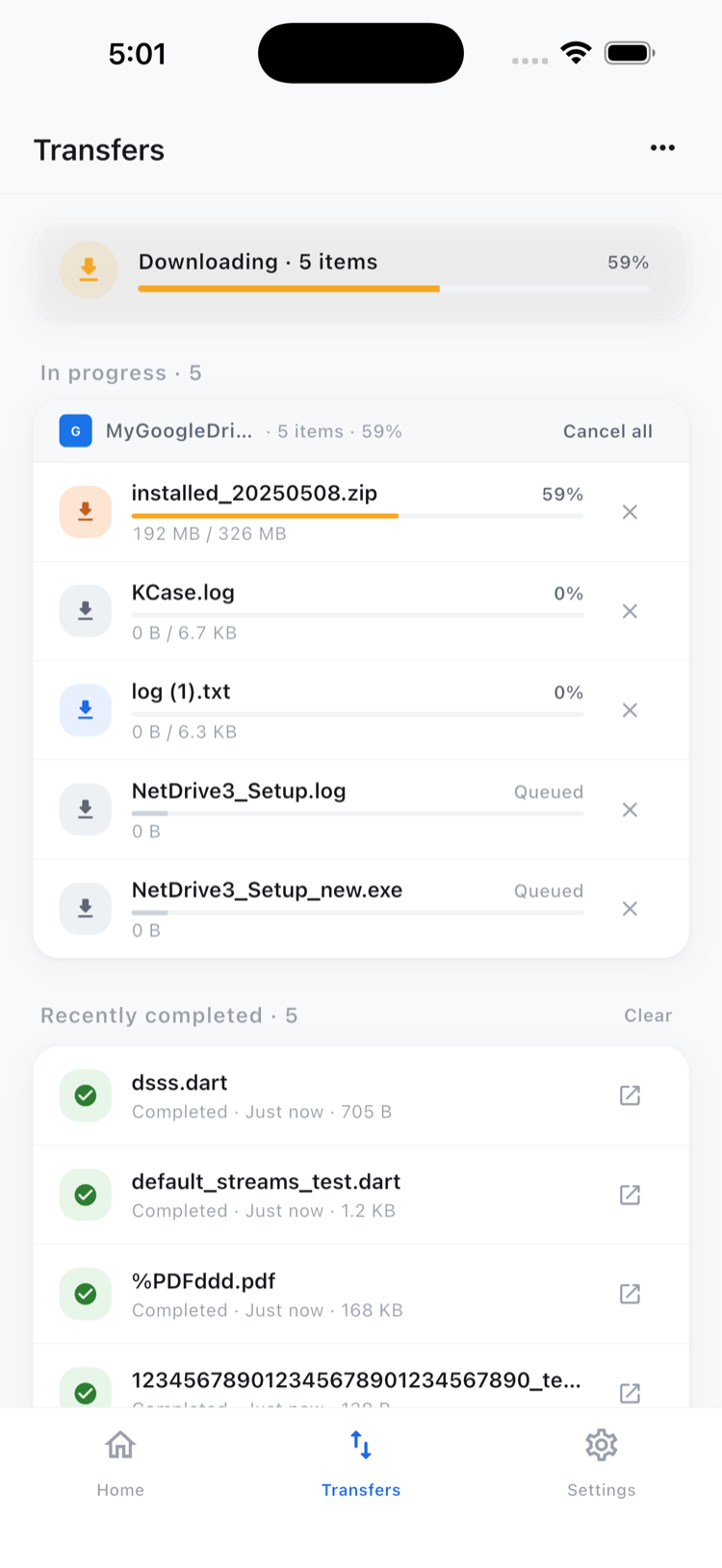
The moment a photo or a short clip is shot, it can go into the newsroom’s Box or SharePoint folder without plugging the phone in first. Open the destination drive, navigate to the assignment’s folder, and upload directly from the camera or photo library. Transfers run in the background with live per-file progress and the option to cancel, so a reporter can queue several shots and keep working the scene instead of watching a progress bar.
Checking the shot before it goes out
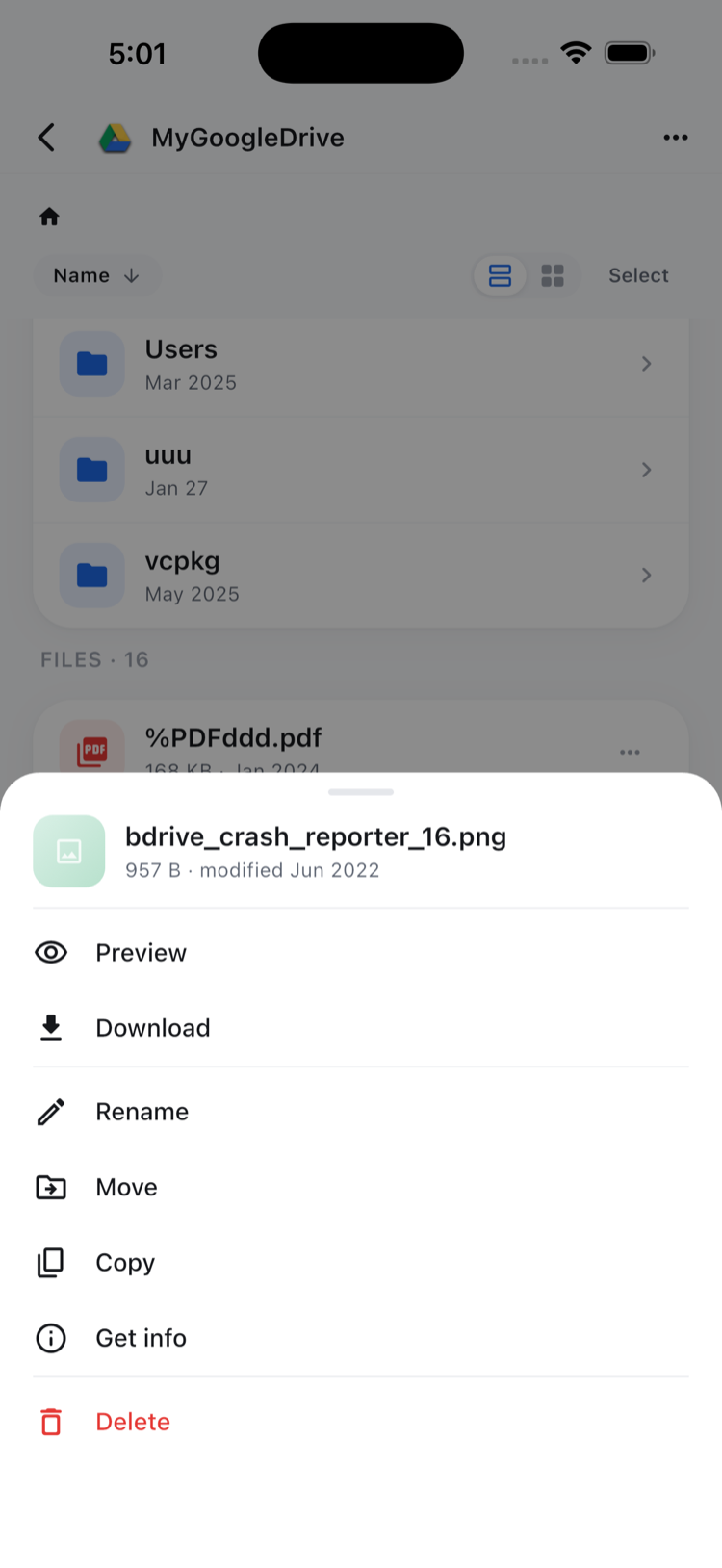
Filing the wrong take, or a photo with the wrong subject in frame, costs more time to fix after publication than it would have taken to check before sending. NetDrive Mobile’s in-app preview opens photos, video, and documents without downloading a separate copy first — tap the file in the file action sheet, confirm it’s the right one, and upload it.
Setting up before an assignment
- Create a free Bdrive account at netdrive.net if you don’t already have one.
- Install NetDrive Mobile from the App Store or Google Play.
- Add the newsroom’s cloud — Box, SharePoint, or whichever provider the desk uses — through the Add a drive sheet.
- Add each source’s cloud as it comes up during an assignment, without needing a new account for each one.
Wrap-up
A story’s assets rarely sit in one place by the time it’s ready to file, and NetDrive Mobile doesn’t require pretending otherwise — every connected cloud shows up in the same app, ready to receive an upload or open a preview. For the initial setup in more detail, see NetDrive Mobile — Getting Started; for more on batch uploads specifically, see Multi-File Transfers on NetDrive Mobile; and for in-app preview, see In-App Preview on NetDrive Mobile.
— Tayson, NetDrive