NetDrive Desktop vs NetDrive Mobile — Which One Do You Need?

NetDrive mounts cloud storage as a drive on Windows and macOS. NetDrive Mobile browses, uploads, and previews files on iPhone and Android. Here's how they differ.
Someone searches “NetDrive,” lands on the App Store listing for NetDrive Mobile, installs it, and goes looking for the drive-letter feature they read about in a Windows setup guide. It isn’t there — because that’s a different product, built for a different job. NetDrive and NetDrive Mobile share a name and a company, but they solve two different problems, and mixing them up is the single most common source of confusion for new users.
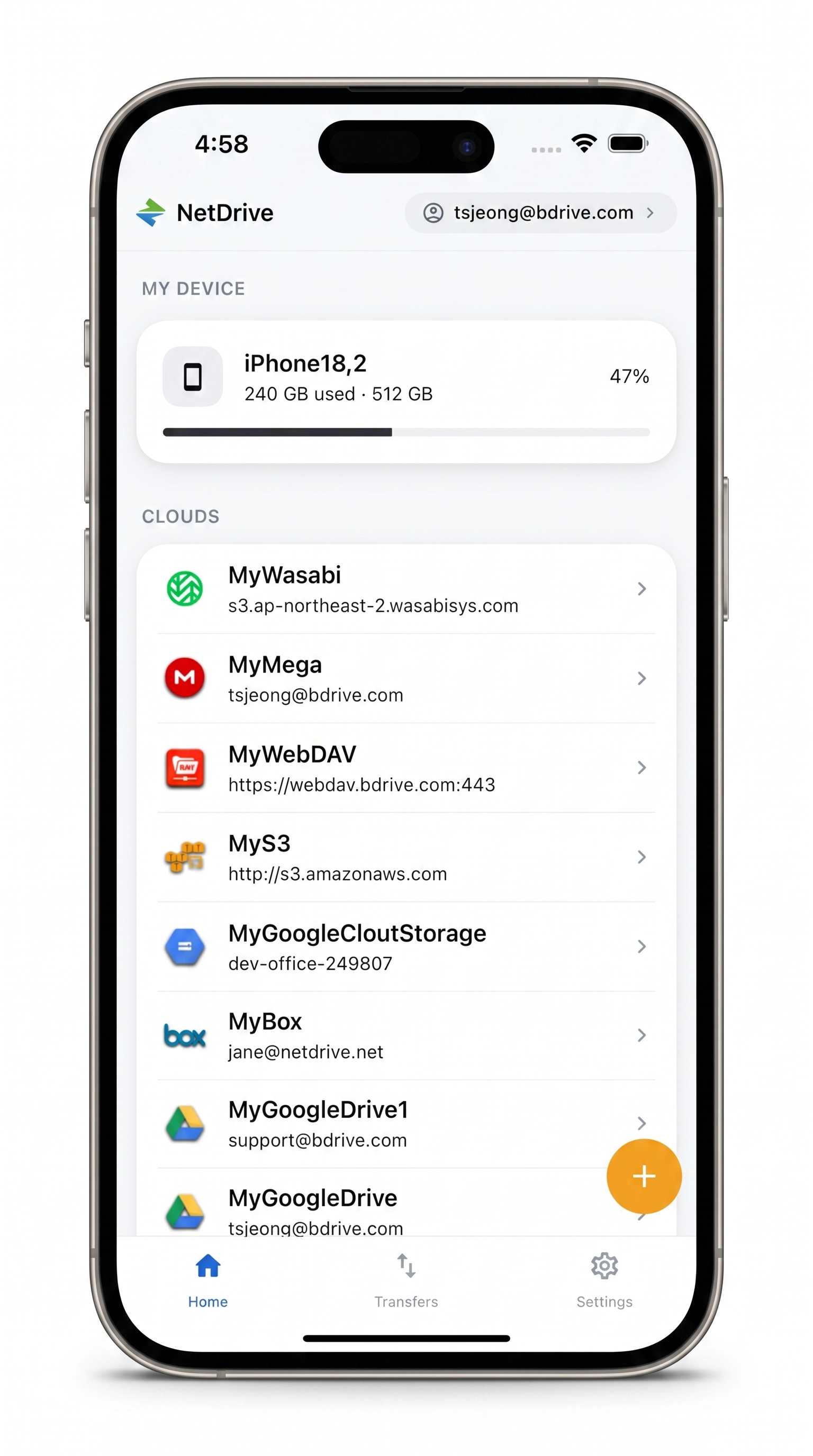
Every cloud, right on your phone
Browse, upload, download, and preview files from Google Drive, Dropbox, S3, and more — no drive letter required.
- One app for every cloud account you use
- Multi-file transfers with live progress and cancel
- Free Bdrive account — same login family as NetDrive desktop
Free Bdrive account required.
Two different jobs
NetDrive (desktop, Windows and macOS) mounts a cloud account as a native drive. Once mounted, Google Drive, an S3 bucket, or a SharePoint library shows up in Explorer or Finder as its own drive letter or volume, and any application on your computer can open, edit, and save files on it directly — no separate sync folder, no re-upload step.
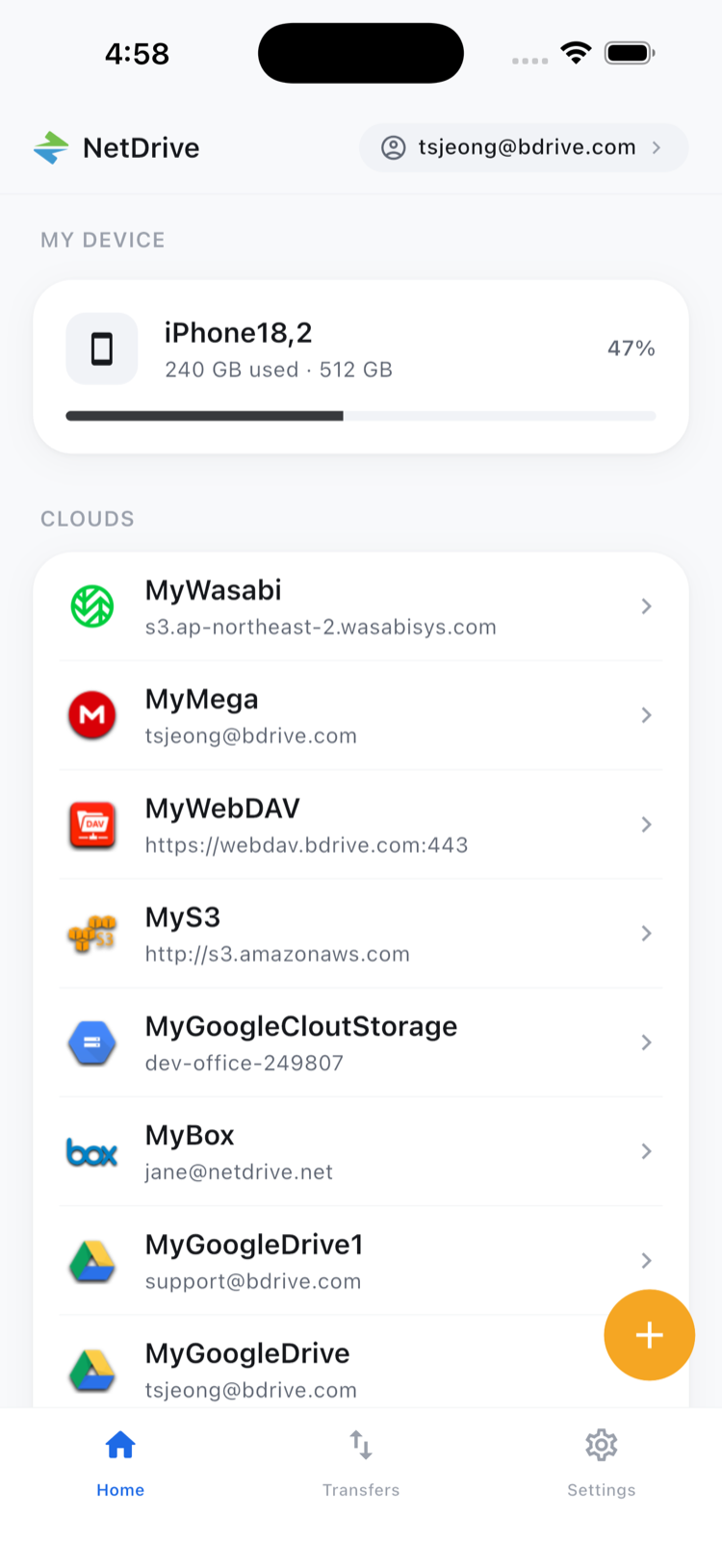
NetDrive Mobile (iOS and Android) does not mount anything. It’s a standalone app where you browse, upload, download, and preview files across every cloud account you’ve connected, one screen at a time. “Mount” is a desktop concept — phones don’t have drive letters or a Finder to extend, so the mobile app is built as a file manager instead.

What NetDrive (desktop) is built for
If you need a cloud account to behave like local storage for whatever application you’re already using — Premiere Pro reading raw footage, Excel saving directly back to a shared drive, a build script reading fixtures — that’s a desktop mount. NetDrive runs on Windows 8 and later and on macOS 14 (Sonoma) and later, with an experimental Ubuntu Linux build. Files stream on demand rather than fully syncing, background uploads keep saves from blocking your work, and features like file locking and auto-mount on boot are desktop-only — they don’t have a mobile equivalent.
What NetDrive Mobile is built for
If you’re away from your desk and just need to grab a file, drop off a photo, or check something on a job site, that’s NetDrive Mobile. It runs on iOS 15.0+ and Android, requires a free Bdrive account, and covers the everyday moves: browsing folders, multi-file upload and download with live progress, in-app preview for documents and images and video, and 2FA codes delivered as a tappable notification instead of a separate authenticator app. Copy and move inside the app stay within a single connected cloud — NetDrive Mobile doesn’t copy a file directly from one provider to another (Google Drive straight to an S3 bucket, say); that cross-provider transfer job belongs to a different tool entirely.
The provider list is nearly identical
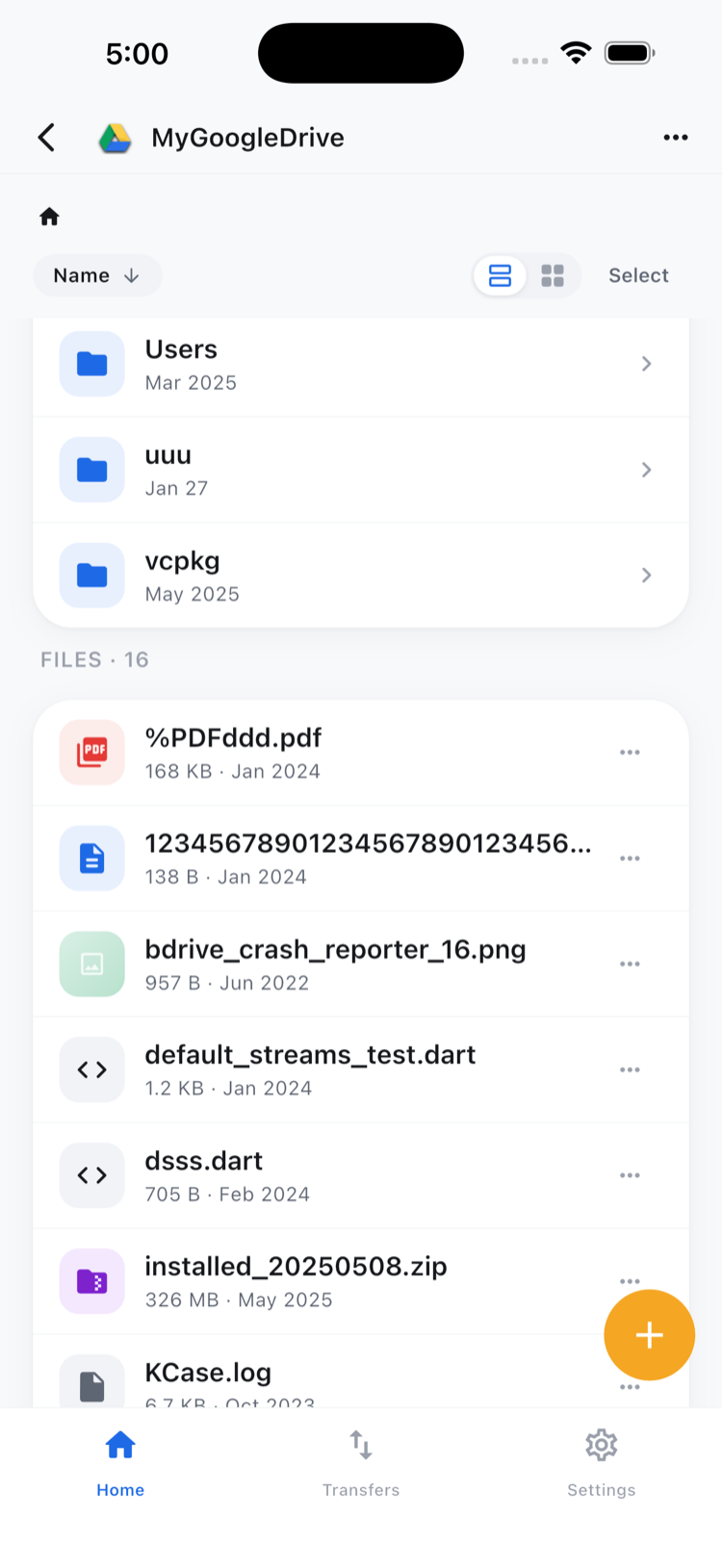
This is where the two products overlap the most: NetDrive Mobile’s “Add a drive” picker covers almost the same clouds as desktop — Google Drive, OneDrive and OneDrive for Business, Dropbox and Dropbox Business, Box, pCloud, Mega, Yandex Disk, SharePoint, Amazon S3 and S3-compatible storage, Backblaze B2, Azure Blob and Azure File Storage, OpenStack Swift, Alibaba Cloud, Tencent Cloud, WebDAV, FTP, and SFTP. So switching between the two apps for the same account doesn’t mean relearning which clouds are supported — it’s the same list, just accessed a different way.
Which one do you actually need?
- Need a cloud drive to behave like local storage for desktop apps? Get NetDrive for Windows or macOS.
- Need to check, grab, or upload a file while you’re on your phone? Get NetDrive Mobile for iOS or Android.
- Managing files for a team that works both at a desk and in the field? Most people end up running both — NetDrive on their workstation for daily editing, NetDrive Mobile for anything that comes up away from it.
Both apps run on a free Bdrive account, so setting one up doesn’t commit you to the other — you can install NetDrive Mobile today to see whether it covers what you need, independent of whether desktop NetDrive is already running on your machine.
Wrap-up
The short version: NetDrive mounts, NetDrive Mobile browses. If you came here from a Windows or macOS setup guide looking for the phone app, or from the App Store looking for a drive letter, now you know which one to grab. NetDrive Mobile — Every Cloud You Use, In One App covers the mobile app in more depth, and Mount Google Drive on Windows 11 is a good starting point on the desktop side.
— Kai, NetDrive