NetDrive vs WebDrive — WebDAV Mount Performance and Provider Breadth

A data-backed comparison of NetDrive and WebDrive for mapping WebDAV shares and cloud storage as a Windows or macOS drive, using published benchmark numbers.
An IT admin standardizing on one drive-mapping tool for a mixed environment — an on-prem WebDAV share alongside Google Drive and an S3 bucket — will run into WebDrive and NetDrive on the same shortlist. Both map remote storage as a lettered Windows drive. The difference shows up once you look past WebDAV at what else each tool connects to, and at how they actually perform under load.
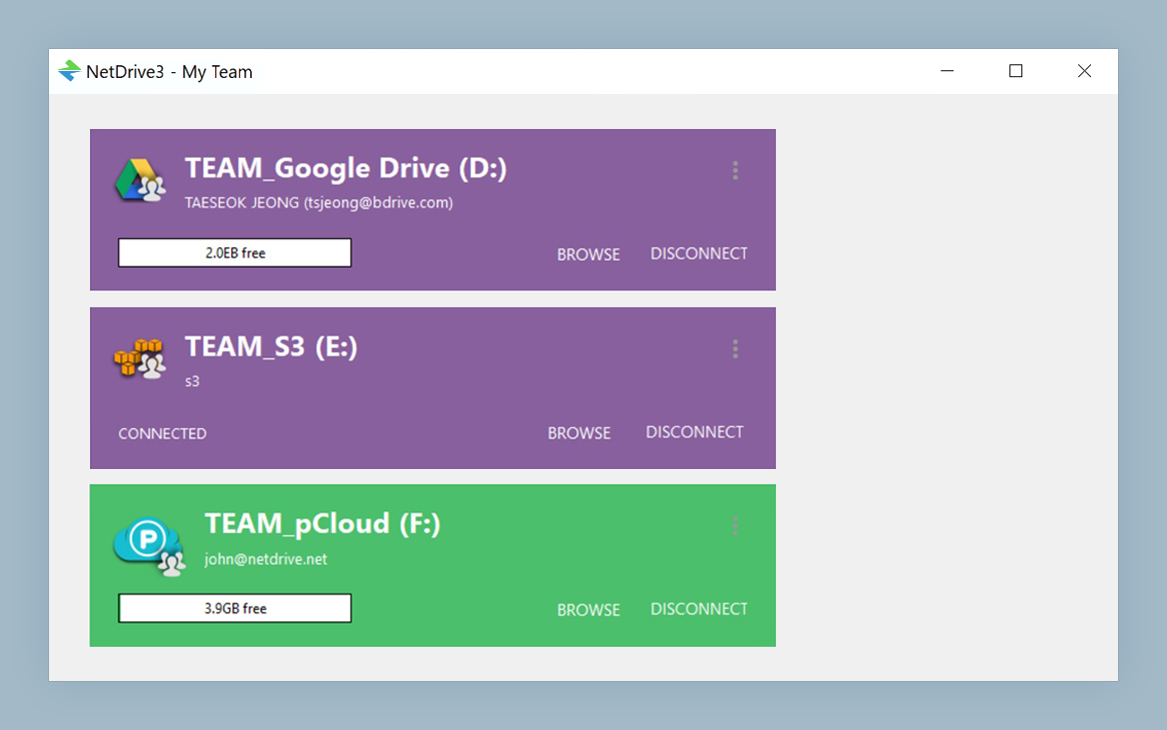
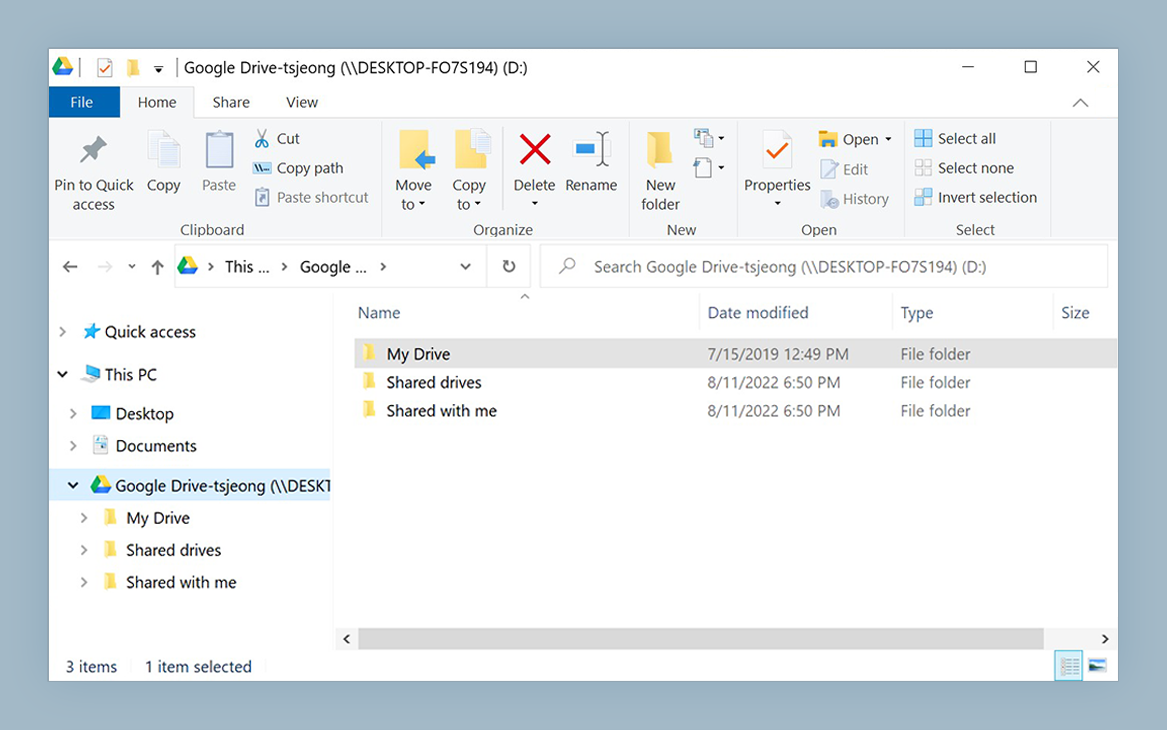
Mount WebDAV, S3, Google Drive, and more — one tool
NetDrive lets Google Drive, OneDrive, S3, SFTP, WebDAV and more appear as native drives on Windows and macOS — no syncing, no full downloads.
- Native API connections for 20+ providers, not just WebDAV
- Four mount types: network, read-only, local disk, removable
- Windows 8–11, Server 2012–2022, and macOS 14+
Free trial. Lifetime and subscription plans available.
What Each Tool Actually Connects To
WebDrive maps network storage — WebDAV shares, FTP servers, and similar — as a Windows drive letter, and it’s the tool NetDrive benchmarks itself against most directly for WebDAV performance. NetDrive covers the same WebDAV/FTP/SFTP ground, but most of its 20+ supported connections are native API integrations rather than a WebDAV layer: Google Drive, OneDrive, Dropbox, Box, SharePoint, Amazon S3, Azure Blob and File Storage, Backblaze B2, and several regional clouds including Tencent Cloud and Alibaba Cloud.
That distinction matters for a common scenario: mounting Google Drive or S3 directly through the provider’s own API avoids running a separate WebDAV bridge (like a self-hosted rclone serve webdav instance) just to get a drive letter. If your environment is genuinely WebDAV-only — an on-prem NAS, for instance — that difference disappears and the comparison comes down to raw protocol performance.
Benchmark Numbers: WebDAV Head-to-Head
NetDrive publishes its own comparison benchmarks run against several WebDAV-capable mount tools, including WebDrive, on identical test hardware. These are NetDrive’s own measurements under conditions NetDrive selected — treat them as one data point, not a universal result, since network latency and cache configuration will shift the numbers in any real environment.
| Scenario | NetDrive | WebDrive |
|---|---|---|
| Windows — 10,000 × 4 kB files (WebDAV) | 5 min | 4 min |
| Windows — 800 MB single file (WebDAV) | 79 sec | 89 sec |
| macOS — 10,000 × 4 kB files (WebDAV) | 3 min | 77 min |
| macOS — 800 MB single file (WebDAV) | 85 sec | 94 sec |
The results aren’t one-sided. On the Windows small-files test, WebDrive finished a minute faster than NetDrive — worth knowing if your workload on Windows is dominated by large directories of small WebDAV files, like a repository mirror or a font library. Large single-file transfers are close on both platforms regardless of tool. The macOS small-files scenario shows the widest gap between the two, though it’s the one case in this set where NetDrive’s own testing shows a large margin.
Mount Flexibility Beyond WebDAV Mapping
Where NetDrive diverges further from a WebDAV-only tool is in mount type selection. Every connection — WebDAV or otherwise — can be mounted as one of four types:
- Network drive — the default, appears as a standard network location
- Read-only drive — write-protected at the OS level, useful for distributing reference material
- Local disk — reports to Windows as a local volume, which matters for apps that refuse to write to network-type drives
- Removable drive — behaves like a USB device (since NetDrive 3.7.687)
This matters beyond WebDAV specifically: if the same drive-mapping tool also needs to handle a Google Drive account, an S3 bucket for build artifacts, and a NAS share over SFTP, having one consistent set of mount-type options across all of them simplifies the setup compared to running separate tools per protocol.
When to Pick Which
NetDrive fits better if:
- Your environment mixes WebDAV with API-based clouds (Google Drive, S3, OneDrive, SharePoint) and you want one tool for all of it
- You’re on macOS as well as Windows — WebDrive’s comparison numbers here show a large gap
- You need read-only or local-disk mount types for specific applications
WebDrive is worth a look if:
- Your environment is WebDAV-only on Windows, and the small-file listing scenario above resembles your daily workload
- You already have WebDrive deployed and aren’t adding non-WebDAV cloud connections
Wrap-up
Neither tool wins across every scenario, and the numbers above come from a single controlled test run rather than your specific network path. For a mixed WebDAV-plus-cloud environment, the 7-day trial is the fastest way to see whether NetDrive’s provider breadth offsets the one Windows scenario where WebDrive measured faster.
Related: Mount WebDAV on Windows with NetDrive · Fix Slow S3 Directory Listing in NetDrive · NetDrive vs Mountain Duck
— Robin, NetDrive