Which Clouds Work in NetDrive Mobile — Supported Providers and Protocols

See which clouds and protocols NetDrive Mobile can add on iPhone and Android, from Google Drive and Dropbox to S3, WebDAV, FTP, and SFTP, plus a few limits.
Before you install a multi-cloud app, you want one answer: will it open the storage I actually use? A designer with files on Google Drive, a client’s SharePoint, and a Wasabi bucket needs to know that before switching apps. This page lists what NetDrive Mobile can add on iPhone and Android, and where the edges are.
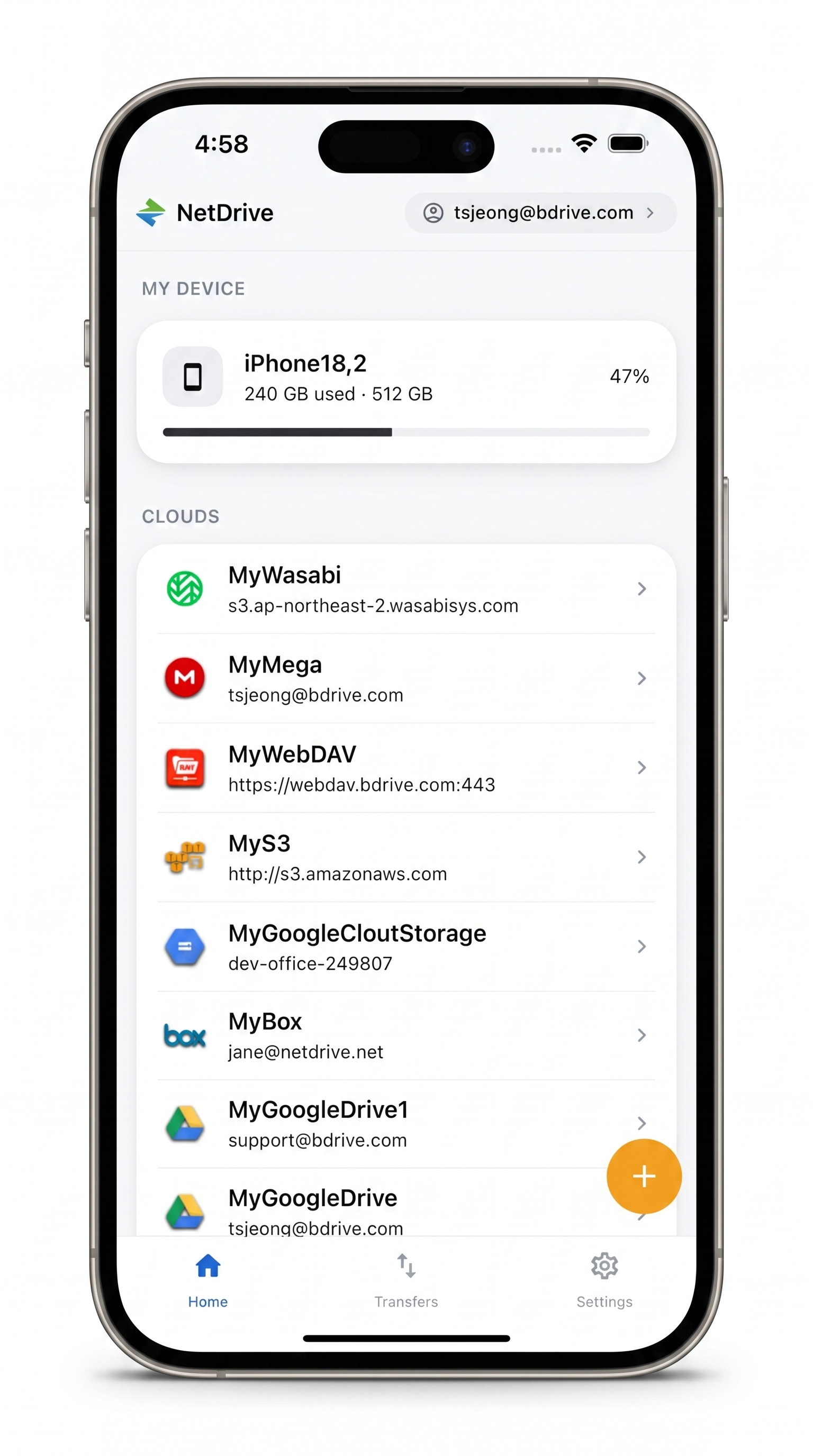
Every cloud you use, one app
Add your drives once, then switch between them without leaving NetDrive Mobile.
- Consumer clouds, object storage, and file protocols together
- Browse, preview, upload, and download in one place
- Free Bdrive account to get started
Free Bdrive account required.
The Providers You Can Add
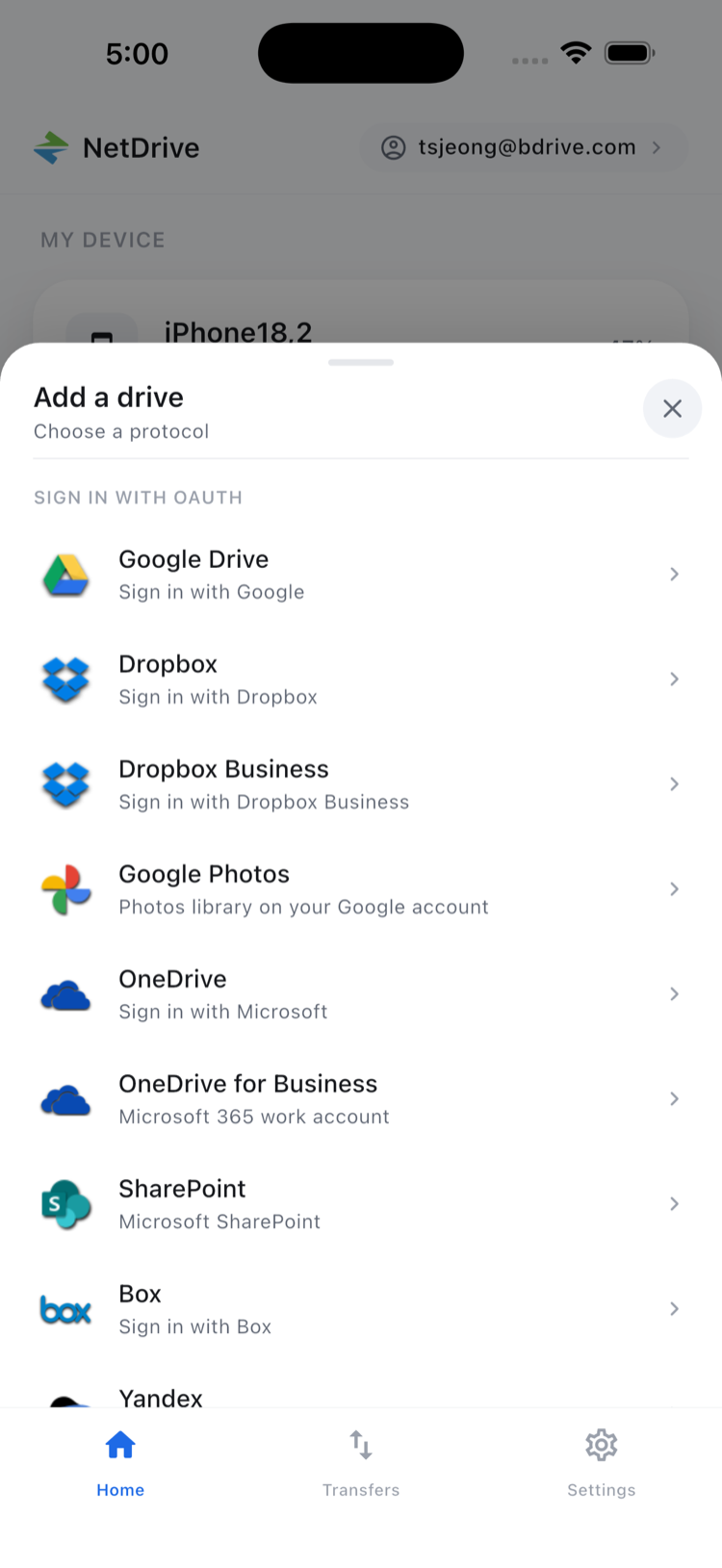
NetDrive Mobile groups what you can connect in its Add a drive sheet. These are the families it covers:
| Family | What you can add |
|---|---|
| Consumer clouds | Google Drive, OneDrive, OneDrive for Business, Dropbox, Dropbox Business, Box, pCloud, MEGA, Yandex Disk |
| Google extras | Google Cloud Storage, and Google Photos with a limit (see below) |
| Enterprise | SharePoint |
| Object storage | Amazon S3 and S3-compatible services such as Wasabi, plus Backblaze B2, Azure Blob Storage, Azure File Storage, and OpenStack Swift |
| Regional clouds | Alibaba Cloud, Tencent Cloud |
| File protocols | WebDAV, FTP and FTPS, SFTP |
| This device | Local storage on your phone |
That spread means a developer’s S3 bucket, a home NAS reached over WebDAV or SFTP, and a team’s SharePoint library can sit on the same home screen.
How Adding a Drive Works
Adding a provider is a few taps, not a settings maze.
- Sign in to NetDrive Mobile with your free Bdrive account.
- Open the Add a drive sheet from the home screen.
- Pick a provider or protocol from the list.
- Authenticate with that service, or enter the host and credentials for a protocol such as SFTP.
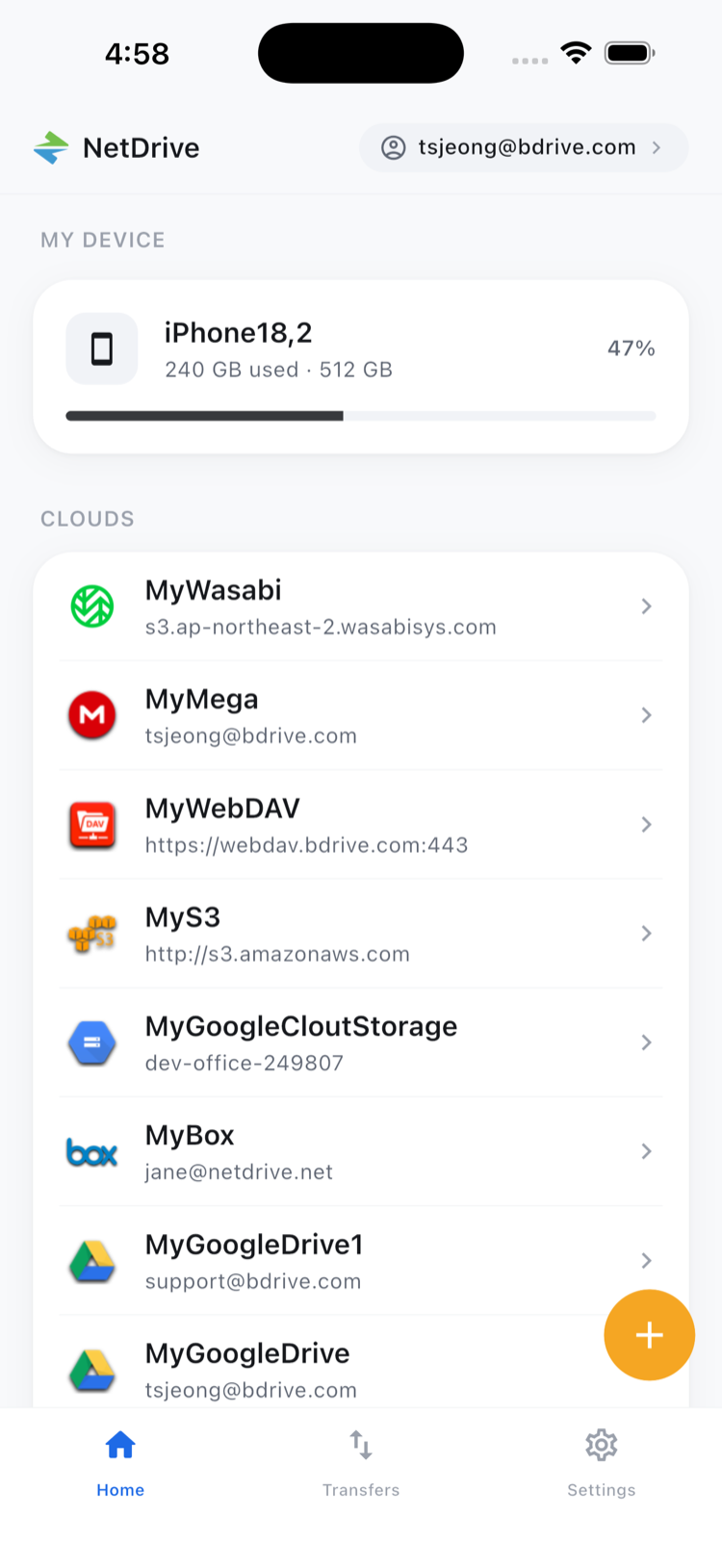
- Return to the home screen, where the new drive appears under Clouds.
You can add more than one account of the same provider, so a personal and a work Google Drive can live side by side.
What You Can Do Once It Is Connected
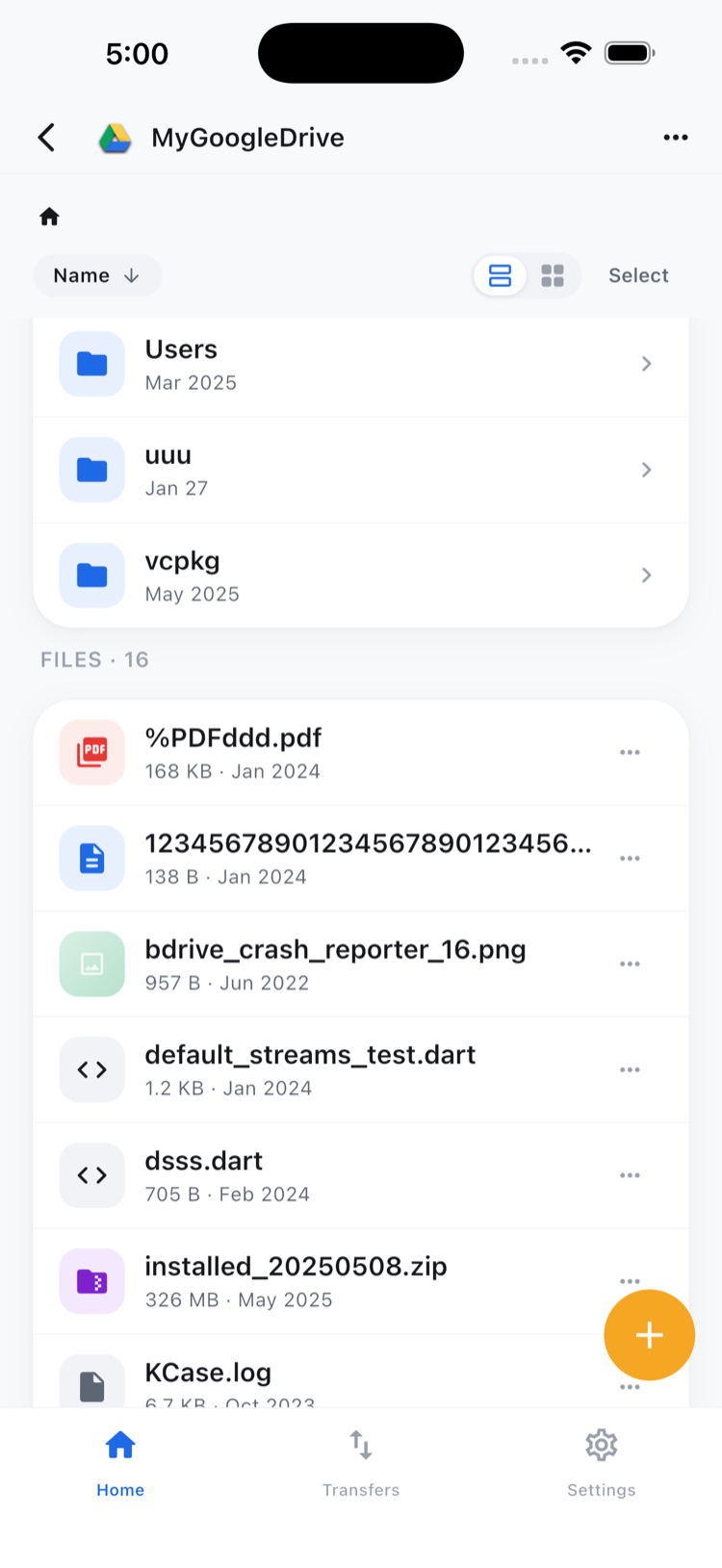
Every connected drive opens in the same file browser, so the habits carry over from one provider to the next. You can list folders, preview documents, images, and video in the app, upload from the camera, photos, or files, and download several files at once with live progress and a cancel option. Rename, copy, move, and delete work too, and copy and move stay inside a single cloud.
Limits Worth Knowing
- Google Photos is limited. Since Google’s 2025 policy change, third-party apps can open only items that the app itself uploaded. Photos taken on your phone or uploaded from the web will not appear, and that is expected behavior, not a bug.
- Not every desktop provider is on mobile. The mobile list is close to the desktop list but not identical. If you rely on a less common provider, check the Add a drive sheet before planning around it.
- No direct cloud-to-cloud moves. NetDrive Mobile does not copy a file straight from one provider to another. To get a file from one cloud to another, download it to your device and upload it again. For bulk transfers between clouds, RcloneView is the better tool.
- Mobile browses and transfers. The desktop app presents a cloud as a drive in Explorer or Finder. The phone app opens files in its own browser instead. See NetDrive Desktop vs Mobile for the difference.
Wrap-up
If your storage is a mainstream cloud, an S3-style bucket, or a server speaking WebDAV, FTP, or SFTP, NetDrive Mobile most likely opens it. To get set up, follow NetDrive Mobile — Getting Started, or read how multiple cloud accounts work in one app.
— Morgan, NetDrive