Fix NetDrive Mount Disconnects After macOS Sleep — Troubleshooting Guide

If your NetDrive mount drops every time your Mac wakes from sleep, here are the proven steps to diagnose and prevent disconnects on macOS Sonoma and later.
You close your MacBook lid during a meeting, open it an hour later, and your mounted cloud drive has disappeared from Finder—the project folder you had open shows “location not available.” This sleep-wake disconnect is the most common macOS-specific complaint for macFUSE-backed cloud mounts, and NetDrive is no exception. The good news: version 3.17.960 shipped targeted improvements to sleep-wake mount stability, and there are concrete steps to prevent the issue from recurring.
More Reliable Cloud Mounts on macOS
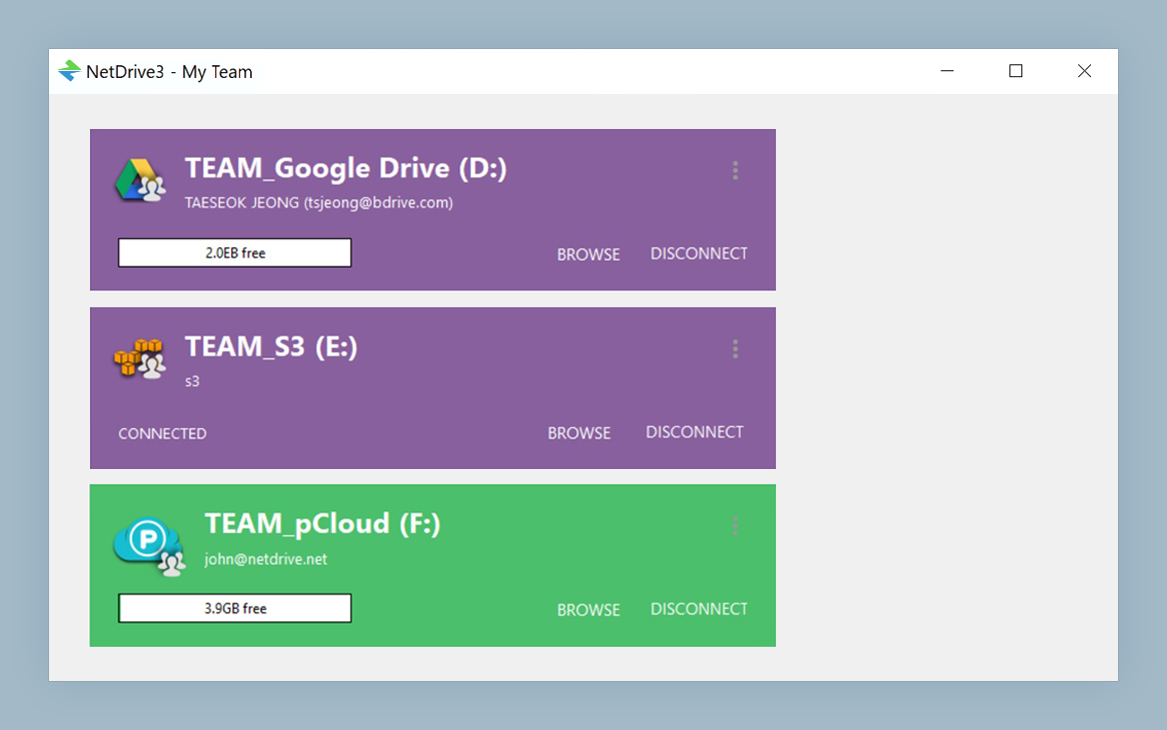
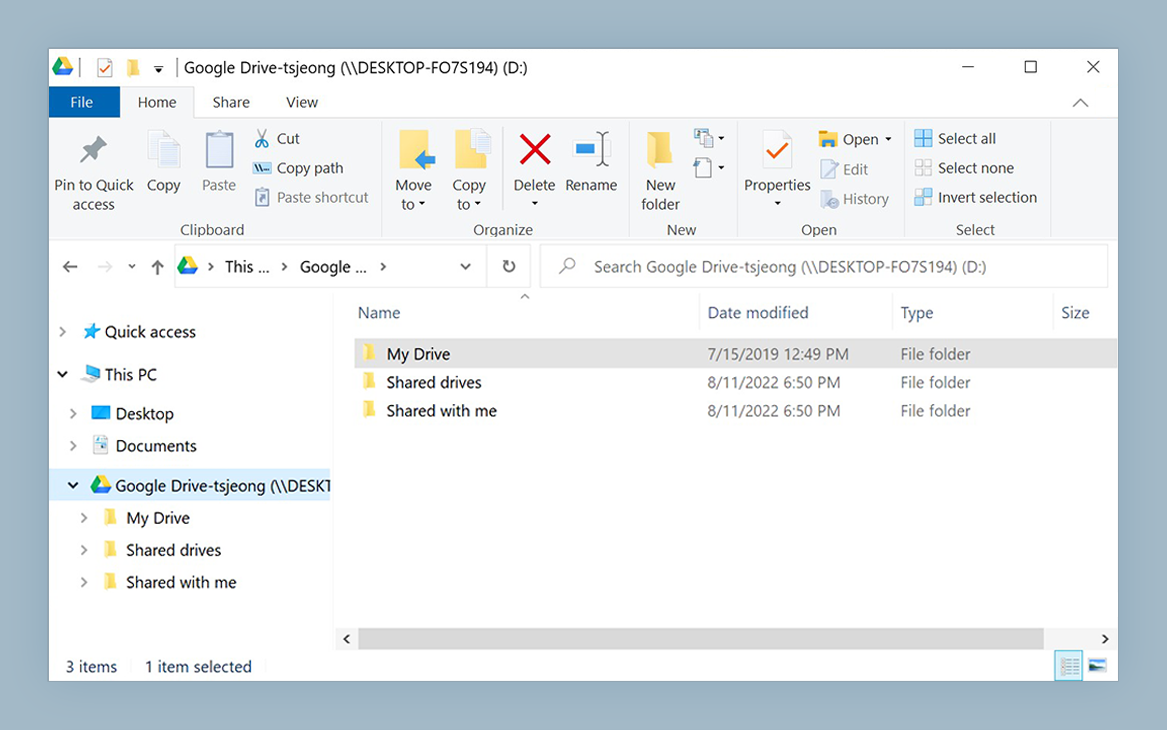
NetDrive lets Google Drive, OneDrive, S3, SFTP, WebDAV and more appear as native drives on Windows and macOS — no syncing, no full downloads.
- Auto-remount after sleep or wake on macOS Sonoma and later
- macFUSE-backed native Finder integration
- Set remount at login or at boot for unattended Macs
Free trial. Lifetime and subscription plans available.
What Actually Happens When macOS Sleeps
When macOS enters sleep, the kernel suspends network interfaces to reduce power draw. Any filesystem backed by those interfaces—including NetDrive’s macFUSE layer—loses its connection to the underlying cloud storage provider. On wake, the network comes back up, but the FUSE mount point may already be in an error state that macOS does not automatically recover.
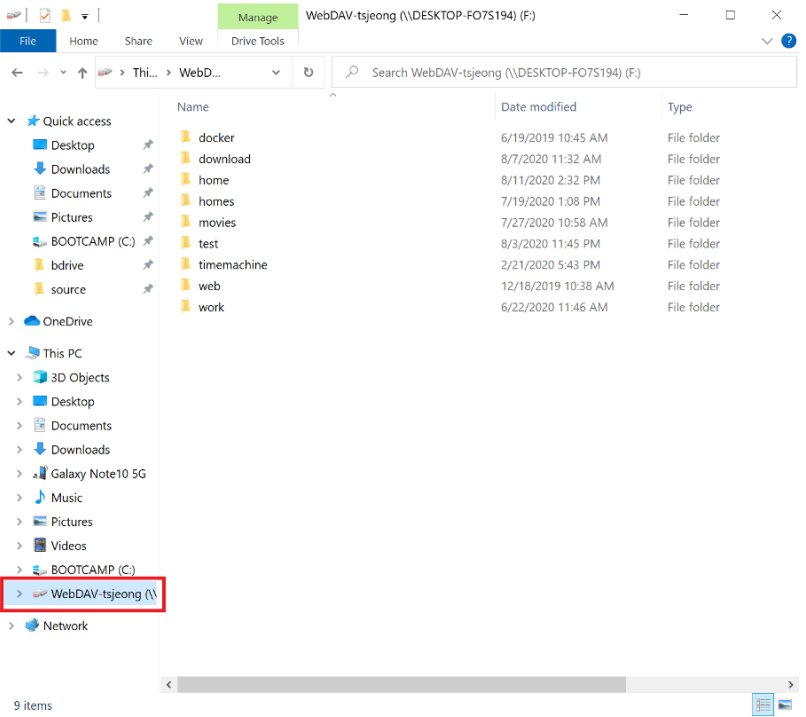
NetDrive uses a modified version of macFUSE (formerly osxfuse) as its filesystem driver on macOS. This kernel extension is listed explicitly on the NetDrive download page as a required dependency. When the kernel extension cannot re-establish communication with the NetDrive process after wake, the Finder volume disappears. Your data is not at risk—files already uploaded are intact on the cloud provider’s side—but the mount is gone until you remount.
macOS 14 Sonoma and later is the minimum supported version for NetDrive 3.18 and above. If you’re on macOS 13 Ventura or earlier, use NetDrive 3.17; the 3.18+ builds require Sonoma. This matters for sleep behavior because macOS 14 changed how kernel extensions interact with power management events.
Check Your Versions First
The single most effective fix is updating to the latest NetDrive release. Version 3.17.960 (released 2023-05-08) specifically addressed mount stability after sleep events. The current release, 3.19.7, includes all subsequent stability work on top of that baseline. Download it from netdrive.net/download/mac.
To see your installed version: click the NetDrive icon in the macOS menu bar, open Preferences or About NetDrive, and note the version string. If it reads anything below 3.17.960, update before continuing.
While you’re auditing your setup, verify that macFUSE itself is also current. An outdated macFUSE kernel extension causes instability even when NetDrive is fully up to date. macFUSE is available at osxfuse.github.io. After updating macFUSE, a reboot is required for the new kernel extension to load. After the reboot, try inducing a sleep-wake cycle and see if the disconnect reproduces.
Step-by-Step Recovery and Prevention
Immediate recovery after a disconnect:
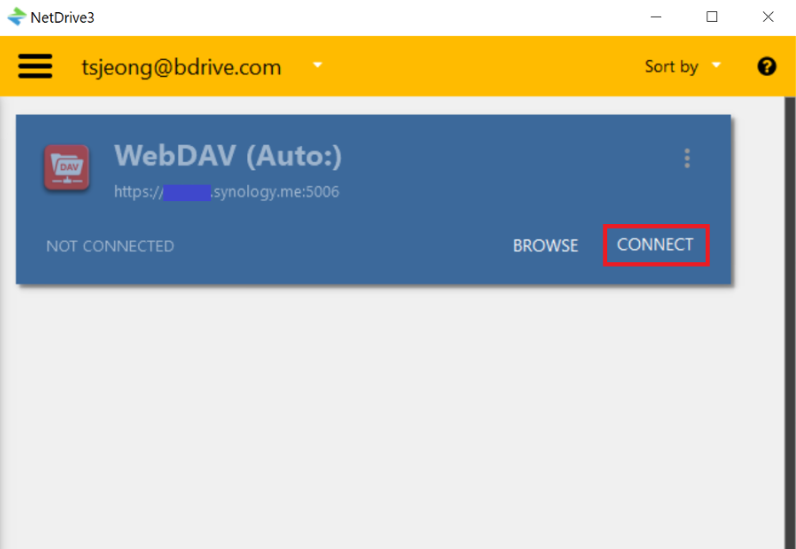
- Click the NetDrive icon in the macOS menu bar to open the Drive Manager.
- Find the disconnected drive—it will show an inactive or error status indicator.
- Click the Mount button next to the drive entry. The volume should reappear in Finder within a few seconds.
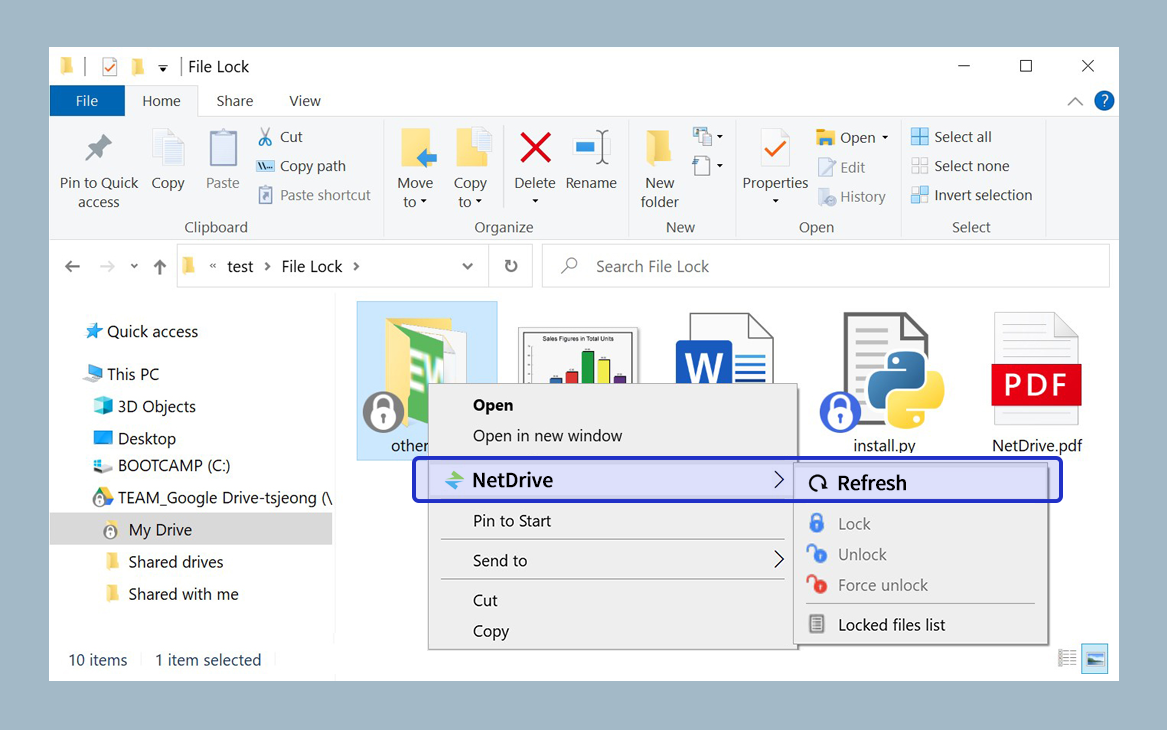
- If mounting fails, try Force Folder Refresh from the drive’s context menu inside NetDrive. This clears the local cache and requests a fresh directory listing from the provider.
Preventing disconnects going forward:
- Auto-mount on Login: In the drive’s settings within NetDrive, set the auto-mount trigger to Login. macOS typically fires a login event during a screensaver-protected wake sequence, which triggers NetDrive to remount without manual intervention.
- Auto-mount on Boot: For Macs that serve as always-on file servers or shared workstations, the Boot auto-mount option reconnects drives before any user logs in, bypassing the login-screen dependency.
- Avoid open file handles through the mount at sleep: If you have an application with an active write to a file on the mounted drive, save and close that file before closing the lid. FUSE mounts are not hibernation-safe—open file handles through the mount can result in partial writes if the network disappears mid-transfer.
If Disconnects Continue After Updating
If the problem persists after updating both NetDrive and macFUSE, consider these additional causes:
Provider-side throttling: Cloud providers sometimes rate-limit reconnection attempts from the same IP. A burst of reconnect requests at wake time can trigger temporary throttling that looks identical to a network error. Check your provider’s web dashboard for error logs or temporary suspension notices.
Mount type: In Drive Manager, edit the drive settings and try switching the mount type from Network Drive to Local Disk. The local disk mount type uses a different interaction path with the OS and can behave more predictably across sleep-wake cycles in some configurations.
macOS system logs: Open Console.app, filter for netdrive or fuse, and inspect the log entries around the time of your last wake event. This often reveals whether the disconnect is coming from macFUSE losing its handle, from the provider rejecting the reconnect, or from a macOS security policy blocking the kernel extension from reloading.
For persistent or unusual cases, the NetDrive community forum at support.bdrive.com contains indexed threads sorted by macOS version and symptom. Searching for your specific macOS version alongside “sleep” or “wake” usually surfaces threads with matching hardware and software configurations.
Wrap-up
Sleep-wake disconnects on macOS are a macFUSE kernel behavior, not a data loss event. The practical fix is straightforward: update NetDrive to 3.19.7, keep macFUSE current, and set the auto-mount option to Login so the drive reconnects automatically on wake. For additional guidance, start with the NetDrive support forum and the WebDAV Synology troubleshooting guide if your provider is a self-hosted server.
— Casey, NetDrive