NetDrive on Ubuntu Linux — Experimental Cloud Drive Mounting

NetDrive's Linux build runs on Ubuntu 16.04 and later as an experimental release. Here's how installation, mounting, and provider setup differ from Windows and macOS.
A self-hosted media server running Ubuntu needs its Backblaze B2 archive or an SFTP backup target to show up as a regular mount point, without writing a custom rclone unit file and babysitting it after every reboot. NetDrive ships a Linux build for exactly this, distributed straight from GitHub rather than a package repository — but it carries a label worth taking seriously: experimental.
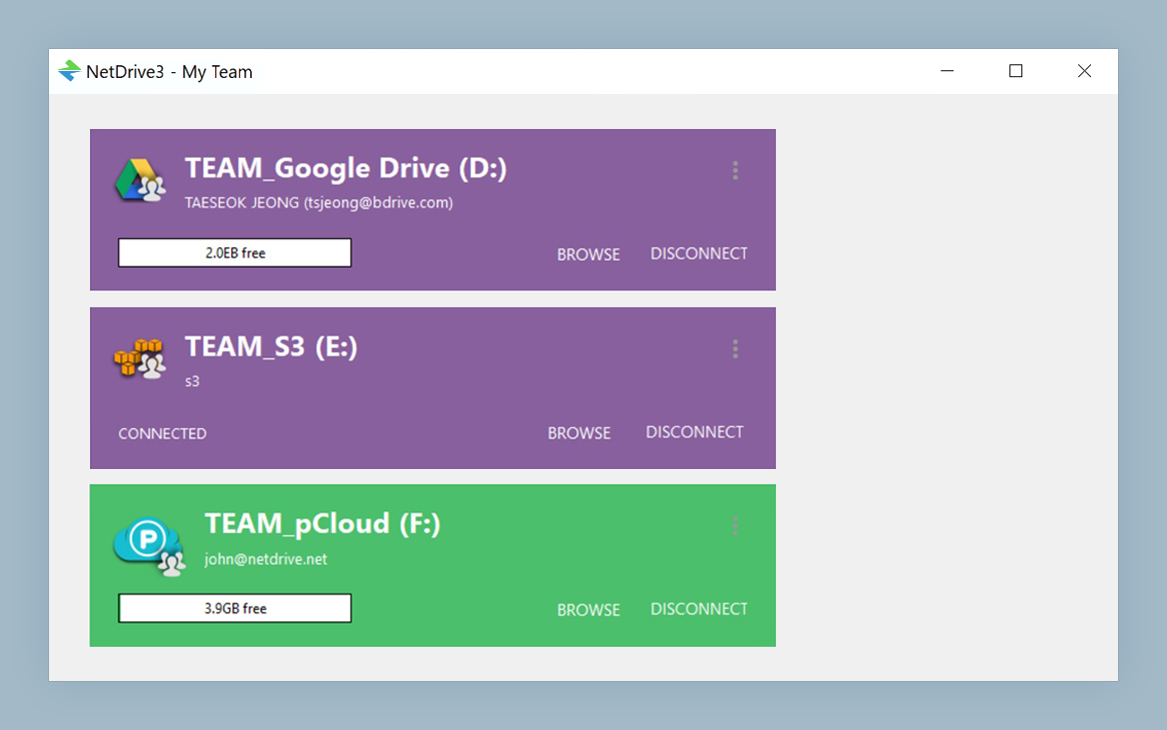
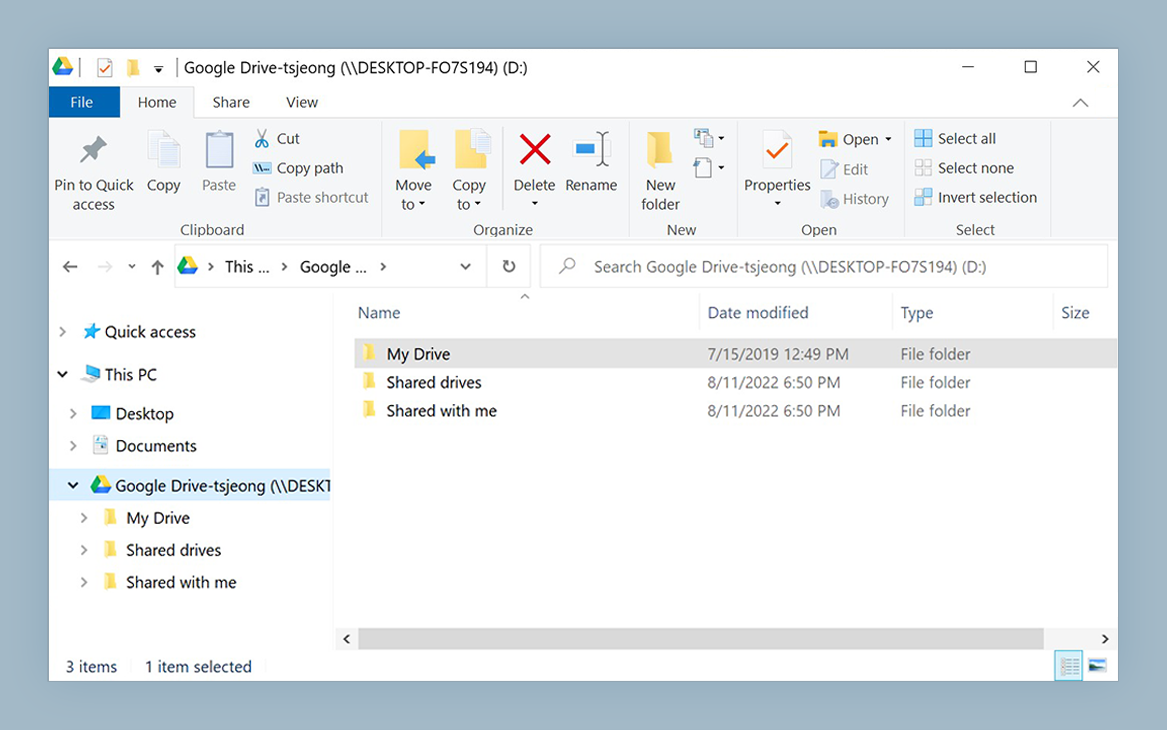
Mount cloud storage on Ubuntu with NetDrive
NetDrive lets Google Drive, OneDrive, S3, SFTP, WebDAV and more appear as native drives on Windows and macOS — no syncing, no full downloads.
- Runs on Ubuntu 16.04 and later
- Same provider list as the Windows and macOS builds
- Distributed and updated via GitHub, not a Linux package manager
Free trial. Lifetime and subscription plans available.
What “Experimental” Means on Linux
NetDrive’s own comparison page marks its Linux support with an asterisk that decodes to “experimental” — this is not marketing caution, it’s the accurate status. Windows and macOS are NetDrive’s primary, actively hardened targets; the Linux build gets the same provider connections but hasn’t gone through the same breadth of testing across distributions and kernel versions. If you need a mount that has to survive unattended for months on a production server, budget time for testing your specific Ubuntu version and workload before relying on it, and keep a fallback (a scheduled rclone sync, for instance) for anything mission-critical.
That caveat aside, the minimum supported version is Ubuntu 16.04. Under the hood, NetDrive’s Linux build handles the same job its Windows and macOS counterparts do: translating standard filesystem calls into requests against whatever cloud provider you’ve connected, so the mounted folder behaves like any other directory to the applications reading and writing to it.
Installing NetDrive on Ubuntu
NetDrive for Linux isn’t packaged as a .deb in Ubuntu’s default repositories. Instead:
- Go to github.com/NetDrive/installer and grab the latest release for your Ubuntu version.
- Follow the installer repository’s release notes for your specific Ubuntu version — there’s a required driver component to install before NetDrive can mount anything.
- Install the NetDrive package itself.
- Launch NetDrive. On first run it needs to load the driver component, which may require root privileges or a
sudoprompt depending on how your system is configured.
Because distribution happens through GitHub releases rather than apt, you’re responsible for checking for new releases yourself rather than getting them through apt upgrade.
Adding a Cloud Provider
Once NetDrive is running, adding a provider follows the same drive-list flow as Windows and macOS:
- Open NetDrive’s Drive Manager.
- Click + Add Drive and choose a provider — Amazon S3, Backblaze B2, SFTP, WebDAV, Google Drive, and the rest of NetDrive’s supported list are all available on the Linux build, the same as on Windows and macOS.
- Complete the authentication flow for that provider (OAuth in a browser for consumer clouds, or credentials directly for SFTP/WebDAV/S3-style endpoints).
- Set a mount point and connect.
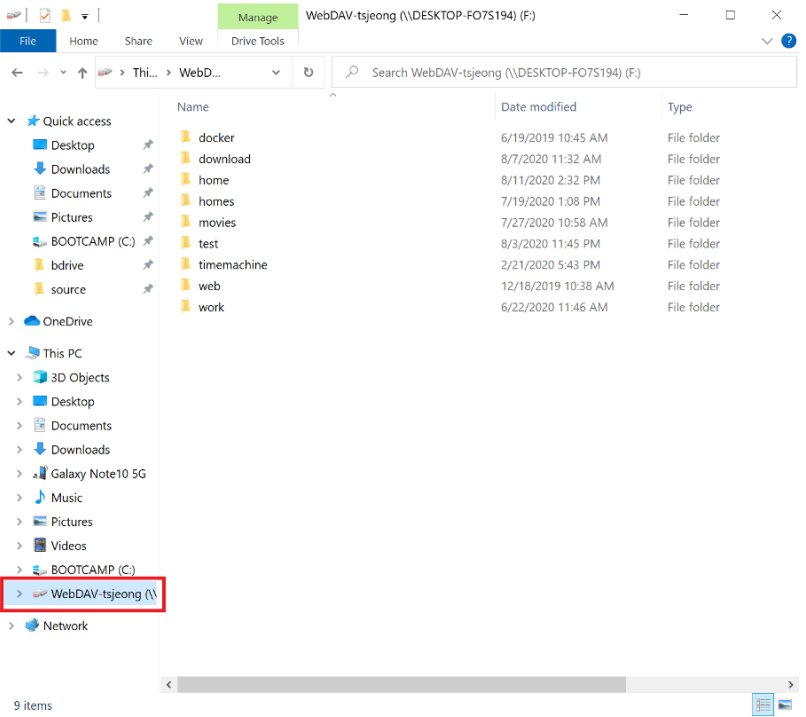
After connecting, confirm the mount actually took by checking it from a terminal (mount piped to grep for your mount point, or simply ls on the mount point) rather than assuming success from the GUI alone — worthwhile due diligence on an experimental build.
Where Linux Differs from Windows and macOS
A few things to plan around before standardizing on the Linux build:
- Filesystem driver: the Linux driver component is separately maintained from the Windows and macOS builds — release cadence and bug fixes don’t necessarily land on the same schedule across all three.
- Distribution channel: GitHub releases only, no Ubuntu PPA or Snap package as of this writing — factor manual update checks into your maintenance routine.
- Recommended primary platforms: NetDrive’s own guidance treats Windows and macOS as the stable, recommended environments. Linux is a fit for testing, personal projects, and workloads where you can tolerate some instability — not yet the platform to bet a production pipeline on without your own validation.
None of this rules out Linux for the right use case — a home NAS supplement, a dev box that needs occasional access to an S3 bucket, a headless test environment — but go in knowing the support tier you’re on.
Wrap-up
NetDrive’s Ubuntu build gets you the same cloud-mount experience as the Windows and macOS versions, backed by the same provider connections, but ships through GitHub rather than Ubuntu’s package manager and carries an explicit experimental label. Test it against your own Ubuntu version and workload before depending on it for anything unattended. For the same providers on a more heavily tested platform, see Mount Amazon S3 on macOS with NetDrive or Mount SFTP Server on Windows with NetDrive.
— Alex, NetDrive