Mount Alibaba Cloud on Linux — NetDrive's Experimental Build

Mount an Alibaba Cloud OSS bucket as an Ubuntu mount point with NetDrive's experimental Linux build. RAM keys, endpoint setup, and verification steps.
A data pipeline running on an Ubuntu box needs to read model checkpoints stored in an Alibaba Cloud OSS bucket, but the team’s tooling expects a plain filesystem path, not an SDK call wired into every script. Downloading the whole bucket first defeats the point when the checkpoints run into hundreds of gigabytes. NetDrive’s Linux build mounts that OSS bucket at a regular Ubuntu mount point, so a training script’s open() call reaches the object directly, same as it would with a bucket mounted on Windows or macOS.


Mount Alibaba Cloud OSS on Linux
NetDrive lets Google Drive, OneDrive, S3, SFTP, WebDAV and more appear as native drives on Windows and macOS — no syncing, no full downloads.
- OSS buckets appear as a regular Ubuntu mount point
- Files stream on demand — no sync client, no full bucket download first
- Runs alongside S3, Wasabi, Tencent Cloud, and 20+ other providers
Free trial. Lifetime and subscription plans available.
Why a Mount Point Beats the SDK for This
Alibaba Cloud’s own tooling — the ossutil CLI or the OSS SDKs — works fine when a script is written specifically to call it. It’s a worse fit when the consumer is something you don’t control: a training job that expects torch.load() to open a local path, a grep across a directory of log exports, or a legacy tool that was never going to be rewritten to speak an object-storage API. NetDrive resolves those reads against the bucket through the mount point, so anything that opens files by path works without modification.
Alibaba Cloud support has been in NetDrive since version 3.17.799 (November 2022), the same release that added Tencent Cloud. The current release, 3.19.7, is recommended for the Linux build as for every other platform.
Installing NetDrive on Ubuntu
NetDrive for Linux ships through GitHub rather than Ubuntu’s package repositories:
- Go to github.com/NetDrive/installer and download the release matching your Ubuntu version.
- Follow that repository’s release notes to install the driver component NetDrive needs before it can mount anything.
- Install the NetDrive package itself.
- Launch NetDrive. First run loads the driver component, which may prompt for
sudo.
The minimum supported version is Ubuntu 16.04. Because updates come as GitHub releases instead of through apt upgrade, note that in whatever runbook covers the box. Linux carries the same experimental label NetDrive’s comparison page applies across the board — Windows and macOS get the bulk of the testing, so a Linux OSS mount fits a dev box, a training node, or a CI runner better than an unattended production job you haven’t tested yourself first.
What You Need Before Connecting
- AccessKey ID and AccessKey Secret — create a RAM user scoped to OSS permissions in the Alibaba Cloud console, then generate a key pair under that user rather than using the account’s root key.
- OSS endpoint — the region-specific endpoint for the bucket, such as
oss-cn-hangzhou.aliyuncs.comoross-us-west-1.aliyuncs.com, visible on the bucket’s Overview page. - Bucket name — the exact name of the bucket to mount.
Step-by-Step: Connect Alibaba Cloud on Ubuntu
- Open NetDrive’s Drive Manager and click + Add Drive.
- Select Alibaba Cloud from the list of connection types.
- Enter the AccessKey ID and Secret, the OSS endpoint, and the bucket name.
- Set a mount point — a path like
/mnt/oss-checkpoints, or any empty directory you have write access to. - Click Connect. NetDrive authenticates and mounts the bucket at that path.
Verifying the Mount Before You Depend On It
Confirm the mount actually took from a terminal rather than trusting the GUI alone:
# Confirm the mount is listed
mount | grep oss

# Or just try listing it
ls /mnt/oss-checkpoints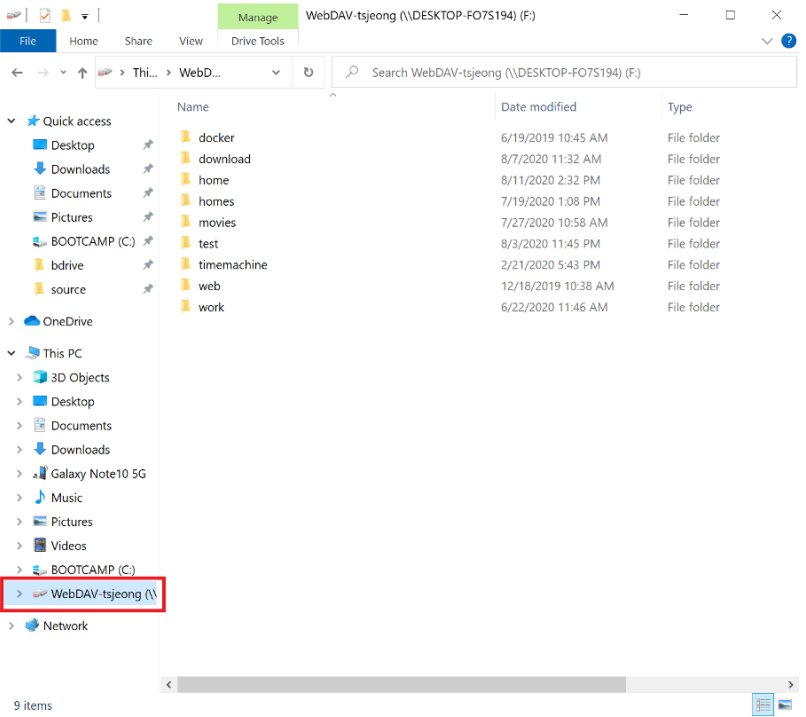
If the listing comes back empty at first, give it a moment — a bucket with a large number of objects can take a few seconds to populate its root. If it’s still empty after that, double-check the AccessKey pair and endpoint before anything else; a mismatched region endpoint is the most common reason an OSS connection fails to authenticate on the first attempt.
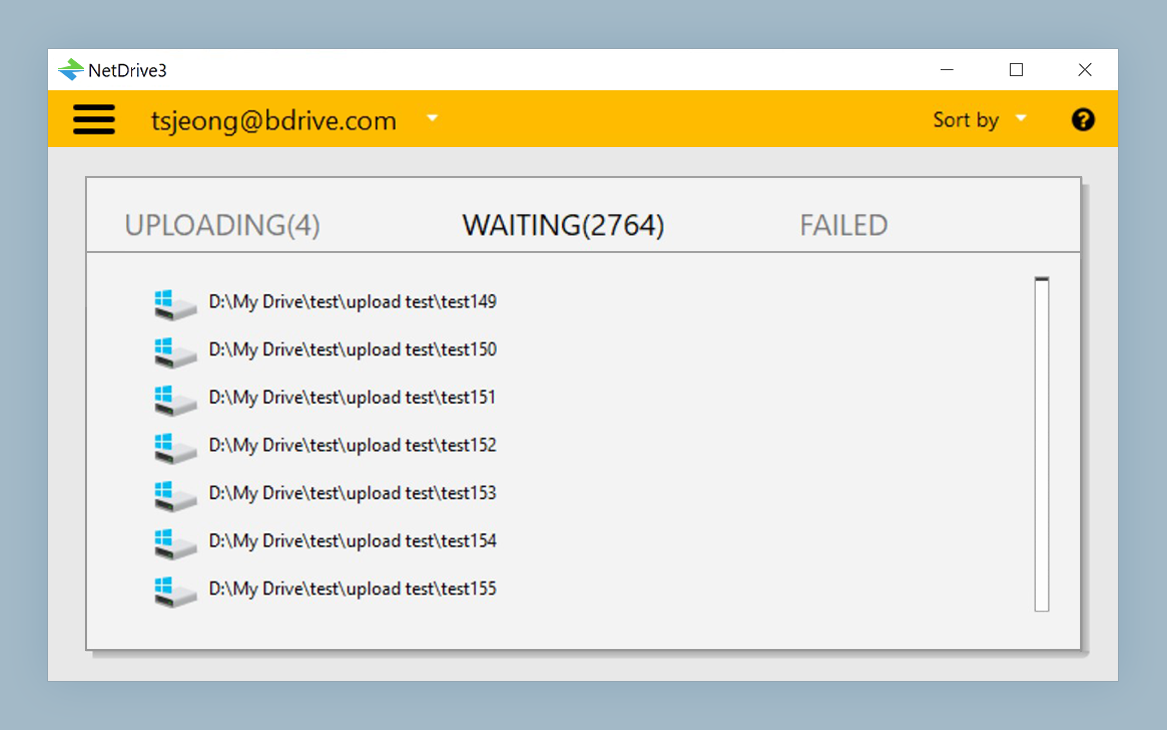
For write-heavy jobs — pushing a batch of processed output objects back to the bucket after a run — NetDrive queues the transfer in the background rather than blocking the process that triggered it.
What to Plan Around on the Linux Build
- Separate release cadence — the Linux driver component ships on its own schedule, so a fix that lands on Windows or macOS doesn’t automatically reach Linux the same week.
- No
aptintegration — installation and updates go through GitHub releases, not Ubuntu’s default package manager. - Windows and macOS are the hardened targets — NetDrive’s own guidance treats them as production-ready; Linux is labeled experimental. Test thoroughly on your own hardware before pointing an unattended production job at a Linux OSS mount.
Wrap-up
Mounting Alibaba Cloud OSS on Ubuntu gives a Linux box the same drive-style access NetDrive provides on Windows and macOS, through an installer that lives on GitHub instead of apt. For the same provider on a more heavily tested platform, see Mount Alibaba Cloud on Windows with NetDrive or Mount Alibaba Cloud on macOS with NetDrive. For the broader Linux picture, see NetDrive on Ubuntu Linux.
— Alex, NetDrive