Mount Mega on Linux — NetDrive's Experimental Ubuntu Build
Mount Mega cloud storage at a native Linux mount point with NetDrive's experimental Ubuntu build, including 2FA login and step-by-step setup.
A data scientist running batch jobs on an Ubuntu workstation keeps the raw datasets in a personal Mega account — cheap storage, encrypted at rest, and already paid for. Every job that touches those files currently starts with a manual download through Mega’s web client, which means someone has to be at the keyboard before a script can even begin. NetDrive’s Linux build mounts that Mega account at a regular path, so /mnt/mega/datasets/ is just there, and a cron job can read it the same way it reads any other directory.


Mount Mega on Ubuntu
NetDrive lets Google Drive, OneDrive, S3, SFTP, WebDAV and more appear as native drives on Windows and macOS — no syncing, no full downloads.
- Runs on Ubuntu 16.04 and later
- Mounts your Mega account at a Linux mount point — no manual downloads
- Two-factor login carries over from the same Mega account you use elsewhere
Free trial. Lifetime and subscription plans available.
Mega on NetDrive’s Linux Build
NetDrive added Mega support in version 3.11.204 (July 2020), with two-factor authentication following in 3.14.309 (December 2020). On Windows and macOS, that support runs on NetDrive’s mainline release. On Linux, it inherits the experimental label that applies to the entire Linux build — not to Mega specifically — so treat this as a build worth testing before you depend on it for a production pipeline. The current NetDrive release across all platforms is 3.19.7.
NetDrive for Linux doesn’t come from apt or a distro package manager. It’s distributed as a GitHub release at github.com/NetDrive/installer, and Ubuntu 16.04 is the minimum supported version.

Installing NetDrive on Ubuntu
- Go to github.com/NetDrive/installer and download the release built for your Ubuntu version.
- Follow the bundled release notes — a driver component installs before NetDrive can mount anything, and the install may prompt for
sudo. - Install the package.
- Launch NetDrive from a terminal or your desktop environment’s application menu.
Because the Linux build ships as GitHub releases rather than through apt upgrade, it tracks its own release cadence. A fix that lands for Windows or macOS this week isn’t guaranteed to reach the Linux build on the same day — worth knowing if a script depends on a specific NetDrive behavior.
Connecting Your Mega Account
Mega’s own two-factor authentication carries over into NetDrive, so have your authenticator app ready before you start.
- Open NetDrive’s Drive Manager and click + Add Drive.
- Select Mega from the list of connection types.
- Email and password — enter the same credentials you use to sign in at mega.nz.
- Two-factor code — if 2FA is enabled on the account, NetDrive prompts for the six-digit code from your authenticator app at this step.
- Mount point — a path like
/mnt/mega, or any empty directory your user can write to. - Click Connect. NetDrive authenticates against Mega and mounts the account at that path.
Verifying the Mount
Check from a terminal rather than relying on a file manager alone, particularly on an experimental build:
# Confirm the mount is listed
mount | grep mega

# Or just try listing it
ls /mnt/mega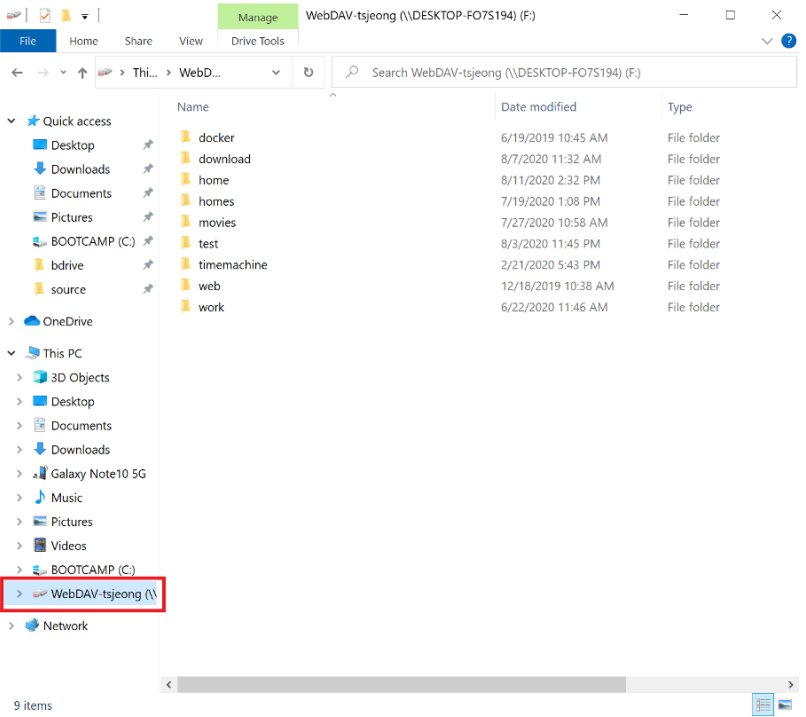
Mount point stays empty after Connect — check that the directory exists and is writable by the user running NetDrive. An unwritable or missing mount point is the most common cause of a silent failure on Linux.
Stuck at the 2FA prompt — codes are time-limited; if the prompt rejects a code, wait for the authenticator app to generate a fresh one rather than retrying the same value. A code entered a few seconds late is the usual cause.
Large accounts take a while to list the first time — the Linux build streams directory listings the same way Windows and macOS do. An account with tens of thousands of files can take a moment to populate on first browse even after a successful connection.
Wrap-up
Mounting Mega on Ubuntu brings the same drive-style access NetDrive offers on Windows and macOS to a Linux workstation or build server, through an installer distributed on GitHub rather than a package repository. For the broader Linux picture, see NetDrive on Ubuntu Linux; for the same provider on a more heavily tested platform, see Mount Mega on Windows with NetDrive; and if the 2FA prompt gives you trouble, Fix Mega 2FA Authentication Errors with NetDrive walks through the credential and code-timing issues that apply on any platform.
— Tayson, NetDrive