Browse OneDrive for Business on iPhone & Android — NetDrive Mobile
Access your organization's OneDrive for Business files from iPhone or Android with NetDrive Mobile — browse, preview, and upload without a laptop.
A consultant standing in a client’s lobby needs the signed statement of work that’s sitting in the firm’s OneDrive for Business account, not in an email chain from three weeks ago. Digging through the Microsoft OneDrive app while also juggling a personal OneDrive account signed into the same phone gets confusing fast. NetDrive Mobile connects to a work or school OneDrive account as its own entry, separate from any personal cloud already added, and puts it one tap away.
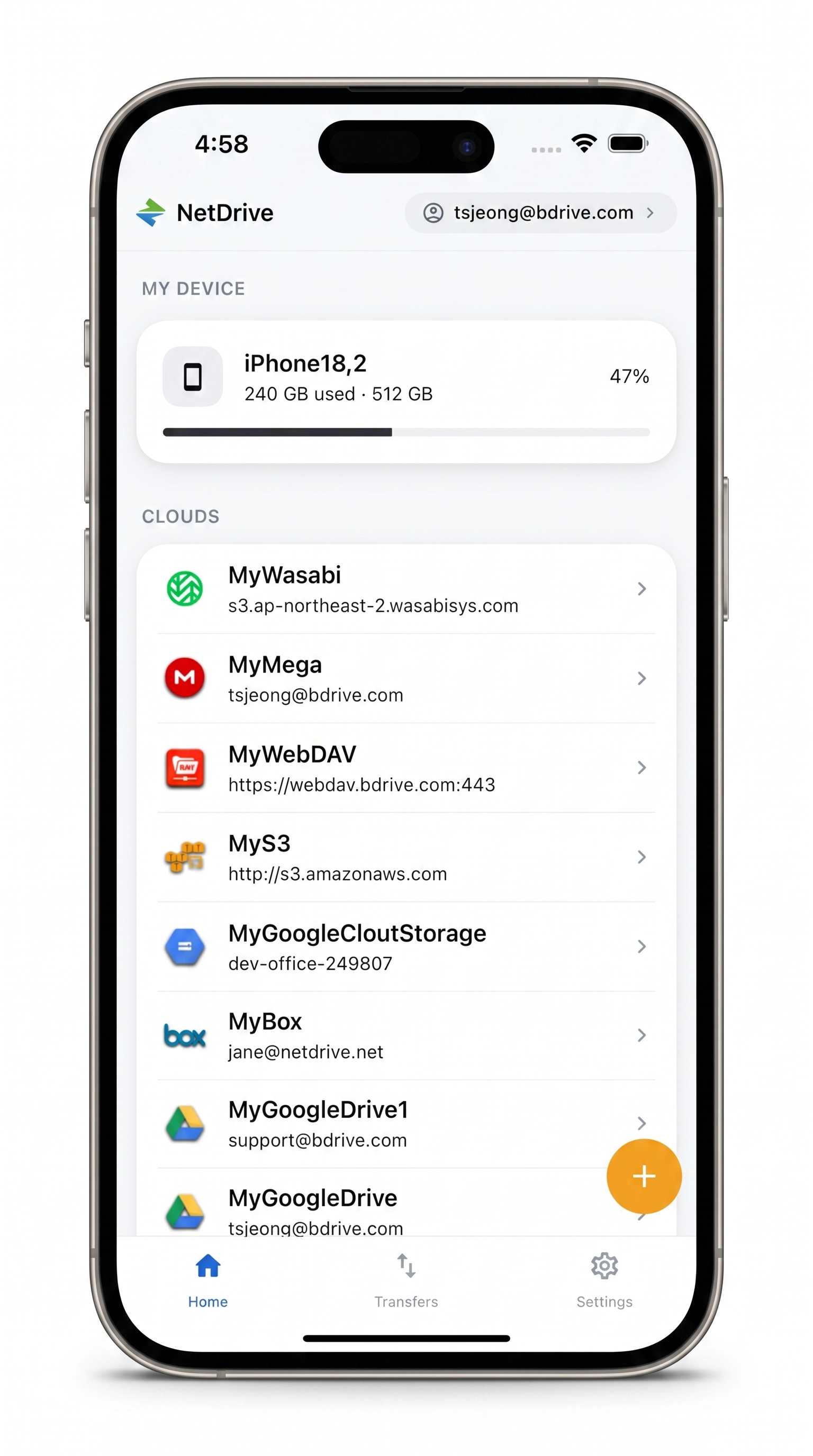
Your organization's OneDrive, one tap away
NetDrive Mobile opens Google Drive, Dropbox, OneDrive, S3, WebDAV, SFTP and more in one app — browse, upload, download, and preview right from your phone.
- Browse OneDrive for Business folders alongside your other clouds
- Preview documents and spreadsheets without downloading first
- Upload a signed PDF or job-site photo straight from your phone
Free Bdrive account required.
Adding a OneDrive for Business Account
Open NetDrive Mobile and tap Add a drive on the home screen. The provider sheet lists OneDrive for Business as a separate entry from personal OneDrive, so a work account and a personal account can both live in the app without one login overwriting the other.
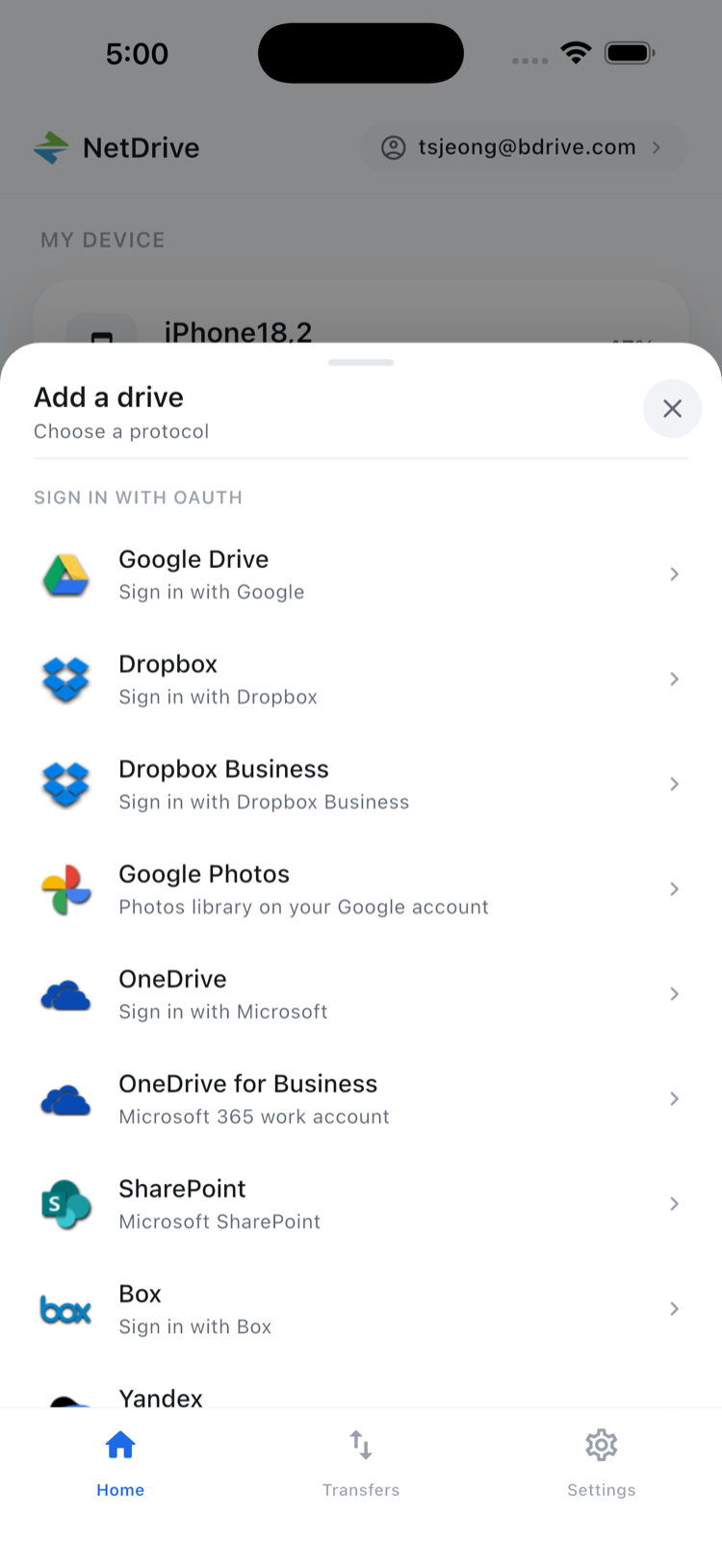
Tap it and sign in with the organization’s Microsoft work or school account, completing whatever multi-factor authentication the organization requires. NetDrive Mobile stores the resulting access token in the phone’s secure storage — iOS Keychain or Android Keystore — so re-authentication isn’t needed every time the app opens, only when the token expires or the organization enforces periodic sign-in.
Finding Files Without Switching Apps
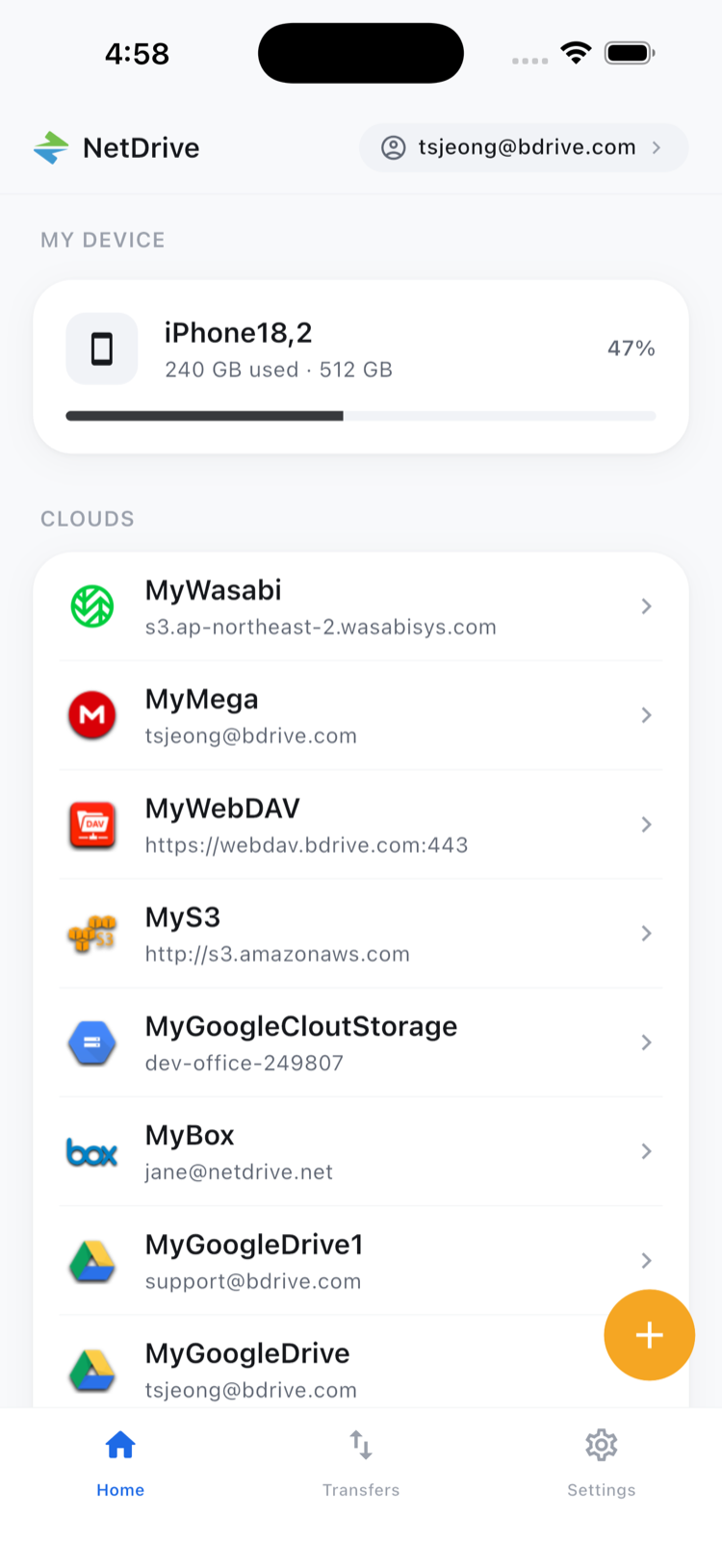
Once connected, OneDrive for Business appears on the home screen as its own card, alongside any other clouds already added — a personal OneDrive, a shared Dropbox, an S3 bucket for project archives. Tap into it and the file browser opens on the account’s folder structure, with sort options and a grid or list toggle for folders full of scanned documents or site photos.
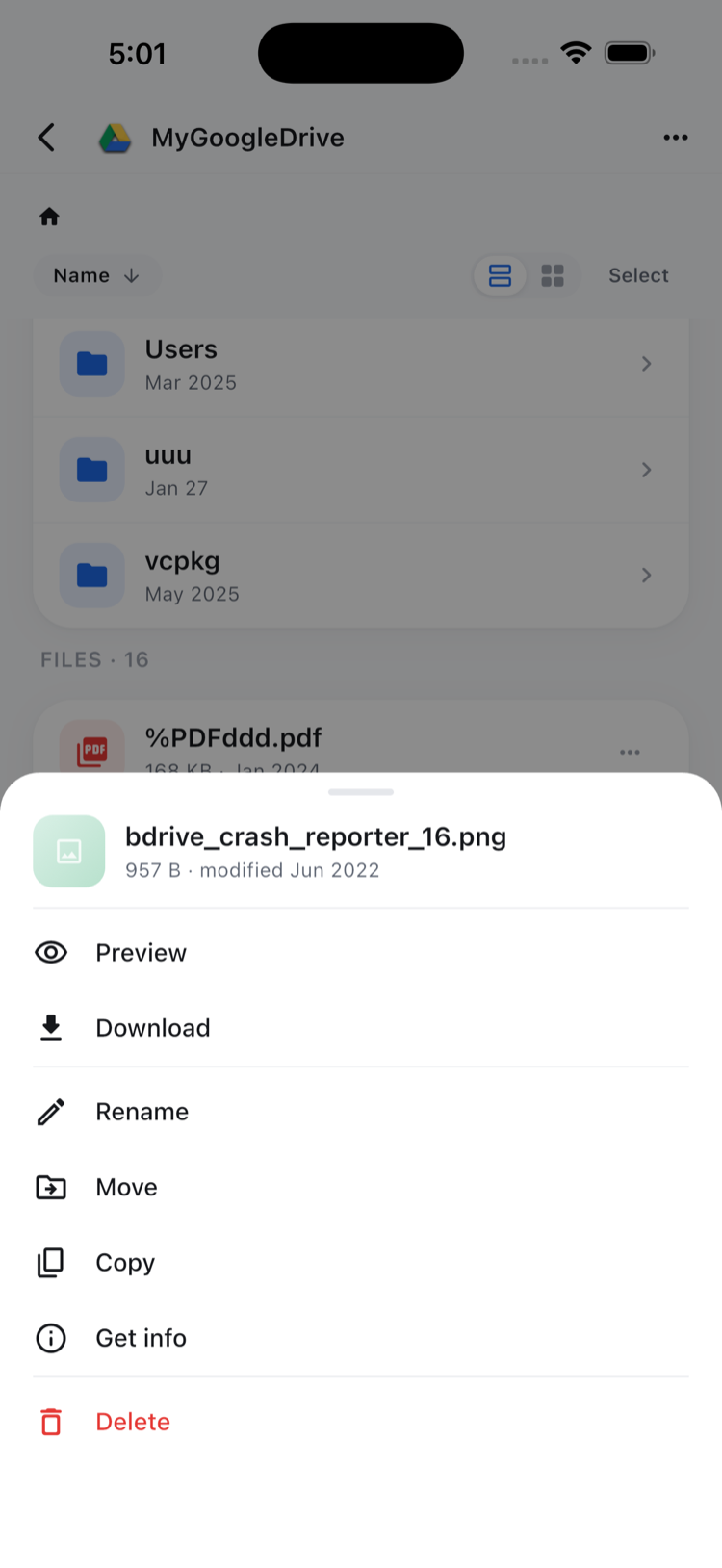
Tapping a file opens the action sheet — Preview, Download, Rename, Move, Copy, Get info, Delete. Choosing Preview opens common document, spreadsheet, and image formats directly inside the app, so confirming it’s the right version doesn’t mean downloading it first and hunting for it afterward in the phone’s Files app.
Uploading From the Field
Navigate to the destination folder, tap the upload button, and choose from the camera, photo library, or device files. A field inspector uploading photos from a walkthrough, or a consultant attaching a signed contract right after a meeting, gets it into the shared OneDrive for Business folder in under a minute — no need to find a laptop first. The Transfers tab shows progress in real time and lets an upload be canceled if it was started by mistake.
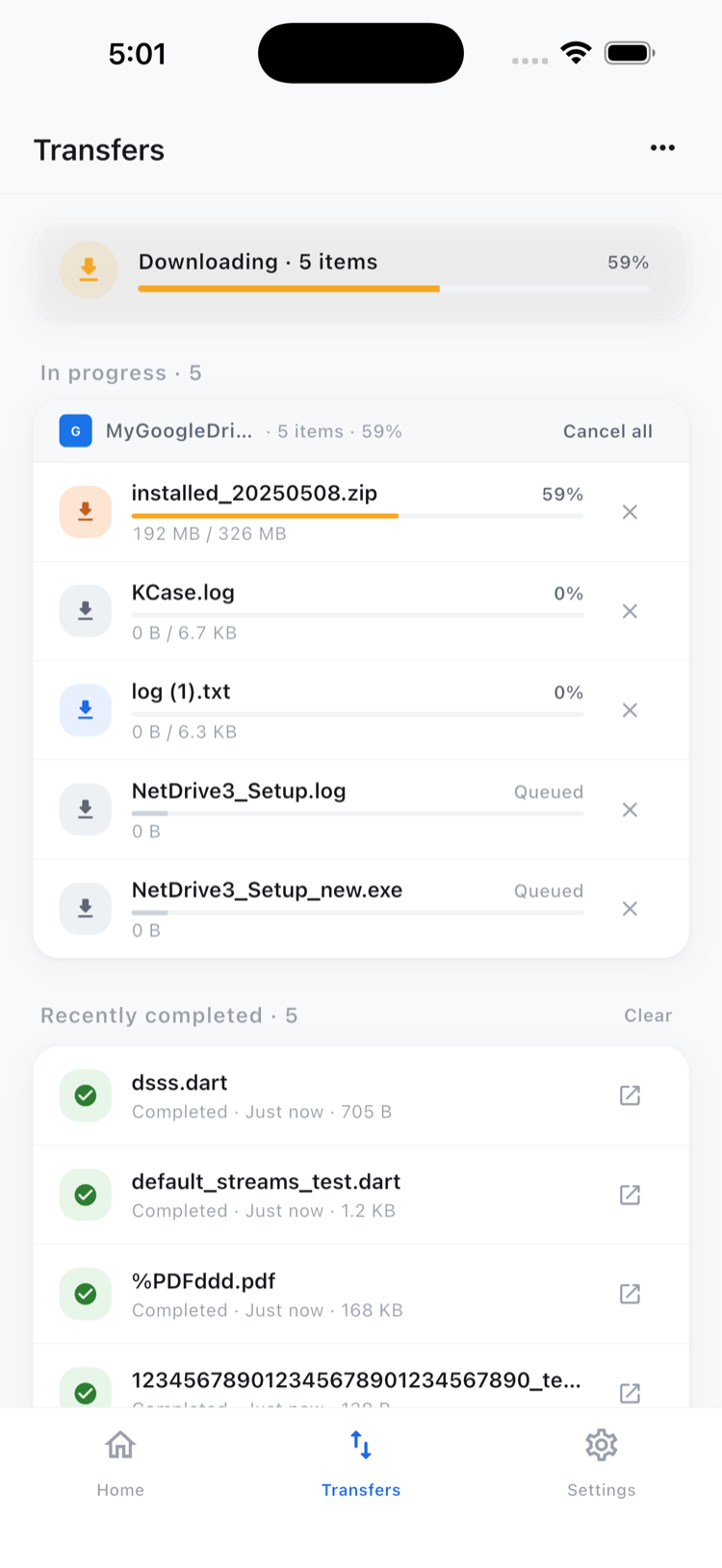
For batches, tap Select to enter multi-select mode, check off multiple files, and use the bottom toolbar to download, move, or copy them together instead of one at a time.
Staying Within One Account
Copy and move operations inside NetDrive Mobile work within the same connected OneDrive for Business account — reorganizing a project folder, or copying a template into several client folders, doesn’t require downloading anything to the phone first. Moving a file from OneDrive for Business into a different provider, such as a personal Dropbox or an S3 bucket, still means downloading it to the device and uploading it to the other cloud separately; direct cloud-to-cloud transfer between different providers is handled by NetDrive’s sibling product, RcloneView, not by NetDrive Mobile.
Wrap-up
Adding OneDrive for Business to NetDrive Mobile keeps a company’s files reachable the moment they’re needed, without waiting for a laptop or switching between two OneDrive logins on the same phone. For related setups, see Browse SharePoint on iPhone & Android for connected document libraries, or NetDrive Mobile: every cloud in one app for what else the app covers.
— Tayson, NetDrive