Mount ImageKit on macOS — A Finder Drive for Your Media Library

Mount ImageKit's media library as a native macOS drive with NetDrive. Manage image and video assets in Finder without the ImageKit web console.
A marketing coordinator at a mid-size e-commerce brand keeps every product photo, listing video, and web banner in ImageKit’s media library — the same library the storefront’s CDN pulls from. Getting a new batch of retouched product shots in usually means opening the ImageKit dashboard, drilling into the right folder, and dragging files into a browser upload widget one session at a time. NetDrive now supports ImageKit as a provider, so that library can show up as an ordinary folder in Finder instead of a browser tab that has to stay open every time a shoot comes back from the photographer.


Give your ImageKit library a Finder icon
NetDrive lets Google Drive, OneDrive, S3, SFTP, WebDAV and more appear as native drives on Windows and macOS — no syncing, no full downloads.
- Drag product photos and video straight into ImageKit from Finder
- No browser tab or upload widget for routine transfers
- Sits alongside your other mounted clouds in one drive manager
Free trial. Lifetime and subscription plans available.
What Changes Once ImageKit Has a Mount Point
ImageKit is built as media storage — a library an app or CDN reads from, organized into folders the same way any file storage is, but normally reached through a web dashboard or an API integration rather than a desktop client. Mounting it through NetDrive gives that library a place in the macOS file system: it appears in Finder’s sidebar like any other volume, so a Quick Look preview, a drag-and-drop copy, or a Save As from Photoshop or Lightroom all work against it directly.
There’s no second copy of the library syncing to local disk first. Saving or copying a file onto the mounted drive pushes it to ImageKit as a background upload, the same way NetDrive handles every other provider it supports — Google Drive, S3, Backblaze B2, and the rest.

Adding an ImageKit Drive on macOS
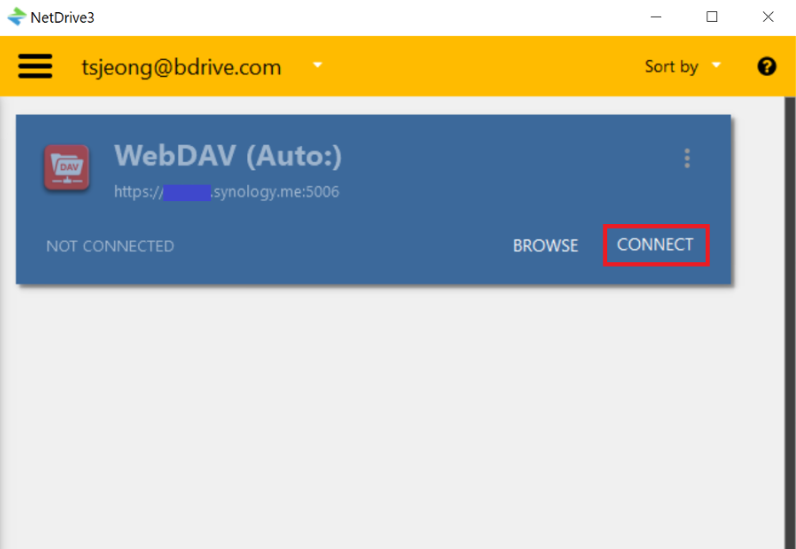
- Open NetDrive → click Add a Drive in the drive manager.
- Select ImageKit from the provider list.
- Sign in with the ImageKit account credentials when prompted.
- Confirm the mount point NetDrive suggests, then click Mount.
The ImageKit library shows up in Finder within a few seconds, next to whatever other providers are already configured. NetDrive 3.18 and later require macOS 14 Sonoma or newer — Ventura and earlier stay on NetDrive 3.17.
Working With Media Assets Day to Day
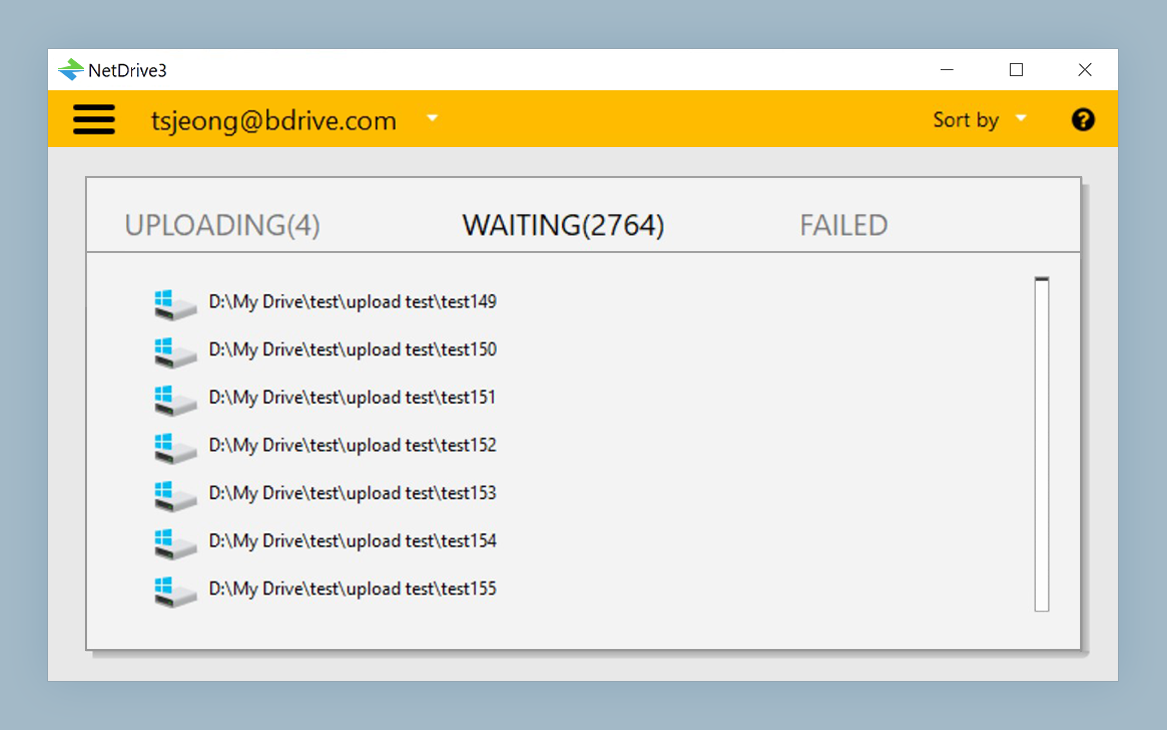
Once mounted, moving a folder of finished renders onto the ImageKit drive queues a background upload — visible in NetDrive’s upload tray — so a batch of large video files doesn’t freeze Finder while it copies. Renames and folder reorganization happen through the mount point the same way they would on local storage, and NetDrive reflects the change back to ImageKit without a manual sync step.
For a team that also keeps long-term originals in S3 or Backblaze B2 and shares internal documents through SharePoint, that consistency is the real value: every one of those accounts lists in the same drive manager with the same mount status, instead of three browser tabs and three different upload interfaces to remember.
ImageKit is one of five providers NetDrive added support for this release cycle, alongside Koofr, Filen, Files.com, and OpenDrive — each aimed at a different kind of storage need, from European-hosted personal clouds to enterprise file exchange. Anyone standardizing on a media library provider can mount it next to whatever else the team already uses and compare the day-to-day experience directly.
Wrap-up
Mounting ImageKit as a Finder volume turns a browser-only media library into something that behaves like local storage for every app on the Mac. For related reading, see ImageKit on Windows, how Files.com mounts on Windows, or check NetDrive on Apple Silicon for platform-specific notes.
— Kai, NetDrive