Browse Alibaba Cloud on iPhone and Android — NetDrive Mobile
Access Alibaba Cloud Object Storage Service from iOS and Android with NetDrive Mobile. Browse, upload, download, and preview files alongside your other clouds.
A team running infrastructure on Alibaba Cloud often ends up checking object storage from a phone at the worst moment — confirming a log export landed, grabbing a config file before a call, previewing an image asset a designer just uploaded. Alibaba Cloud doesn’t have much of a native mobile story for its storage service, and NetDrive Mobile fills that gap by putting it in the same app as every other cloud you already use.
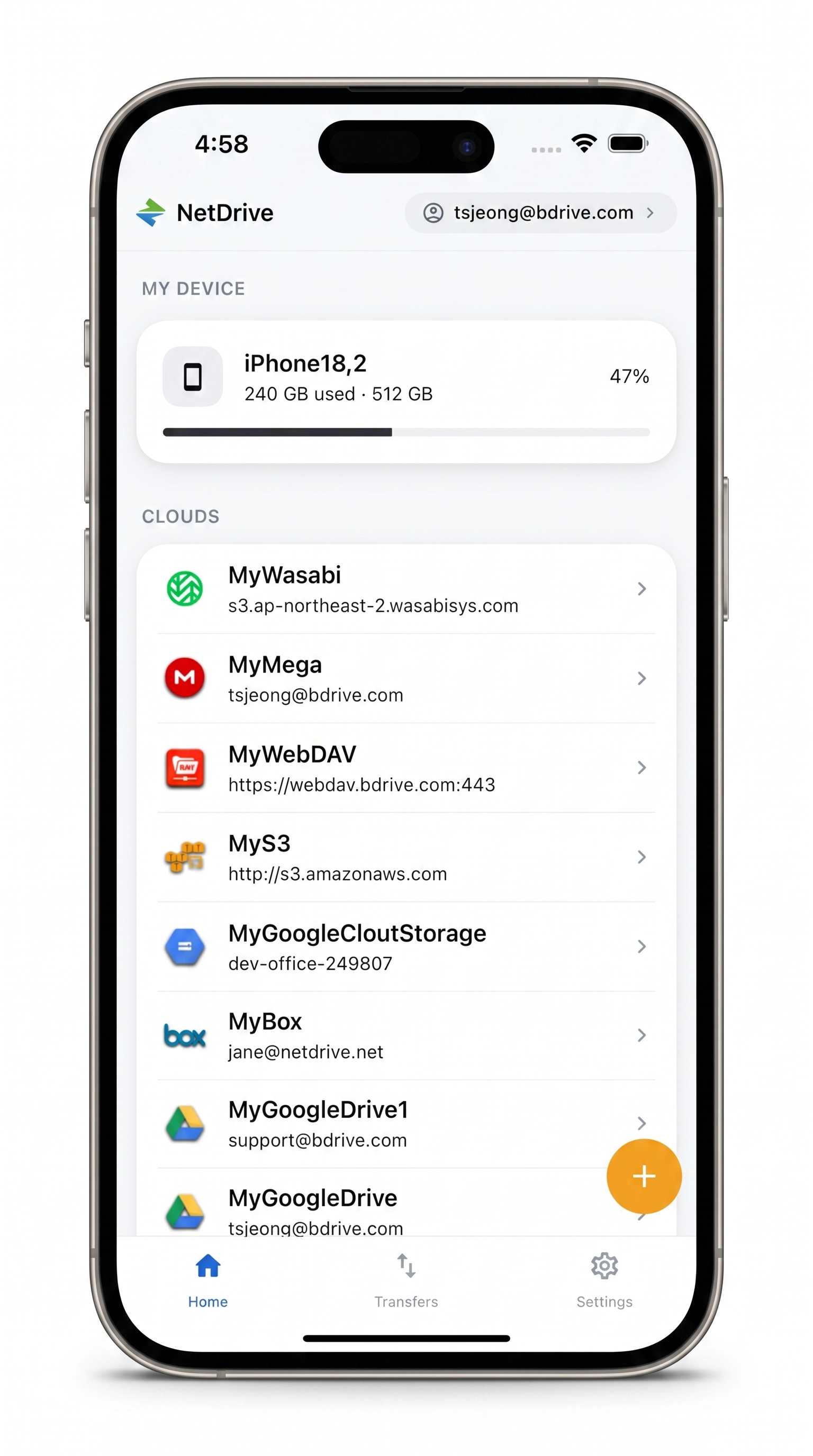
Alibaba Cloud, alongside everything else
Browse Alibaba Cloud object storage next to Google Drive, S3, Dropbox, and 30+ other providers in one app.
- Browse and manage Alibaba Cloud storage from iPhone or Android
- Upload photos and files straight from your device
- Preview documents and images without downloading them first
Free Bdrive account required.
Before You Start
NetDrive Mobile is a free download for iOS and Android, but it requires a free Bdrive account to sign in — register at netdrive.net first if you don’t already have one. The app runs on iOS 15 and later and on Android via Google Play, with Sign in with Apple and Sign in with Google available alongside email and password.
You’ll also need your Alibaba Cloud access key ID and access key secret, generated from the Alibaba Cloud console under access management. NetDrive Mobile authenticates directly with these credentials rather than an OAuth redirect, since Alibaba Cloud’s object storage uses key-based access.
Adding Your Alibaba Cloud Account
Once you’re signed in to NetDrive Mobile:
- On the home screen, tap the + icon to open the Add a drive sheet.
- Scroll the provider picker to Alibaba Cloud and tap it.
- Enter your access key ID, access key secret, and the endpoint/region for your storage bucket.
- Tap connect. Your Alibaba Cloud storage appears under Clouds on the home screen alongside any other providers you’ve already added.
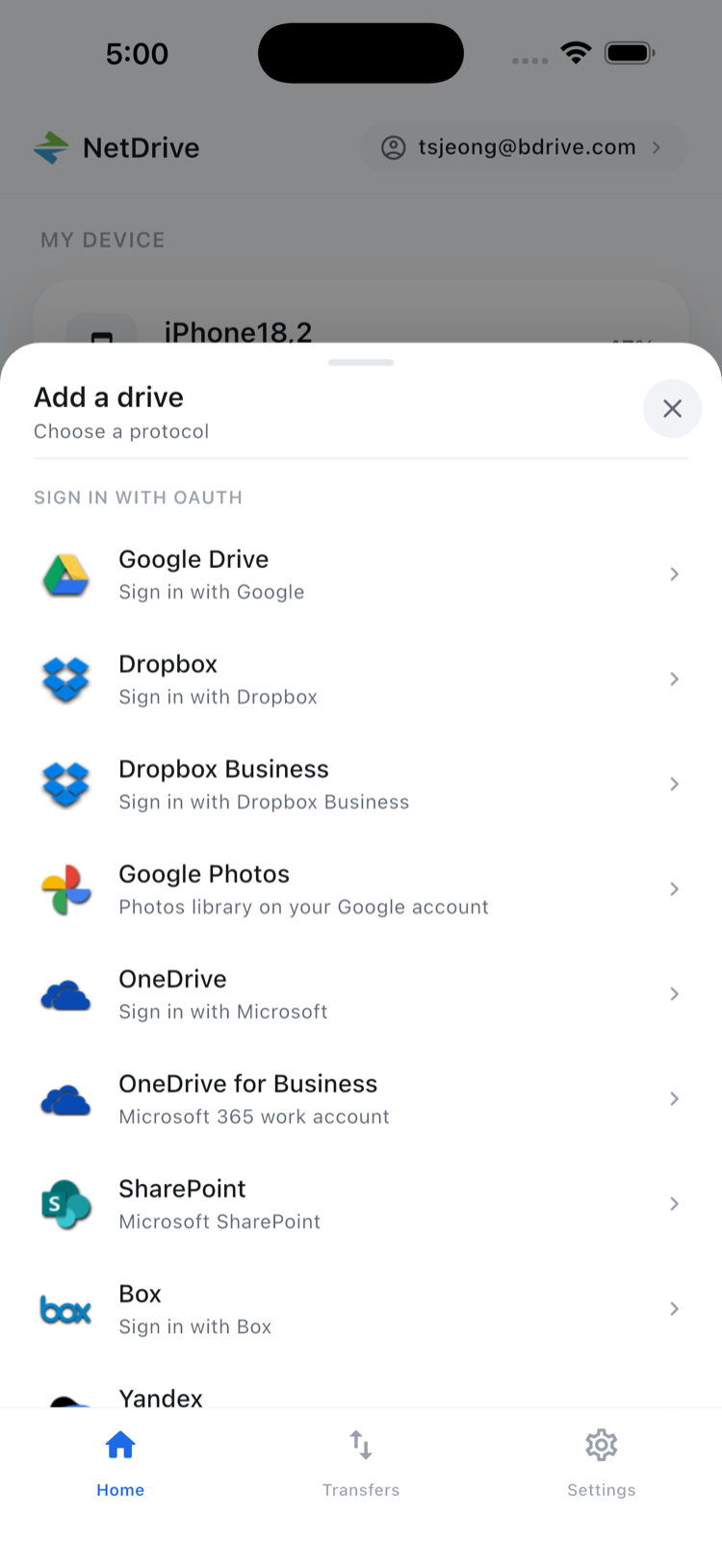
Credentials are stored in the device’s secure keystore — iOS Keychain on iPhone, Android Keystore on Android — and never leave the device unencrypted.
Browsing and Previewing Your Files
Tap the Alibaba Cloud entry to open the file browser. Objects and folders list with names and last-modified dates, and you can toggle between list and grid view or sort by name or date from the top-right icon.
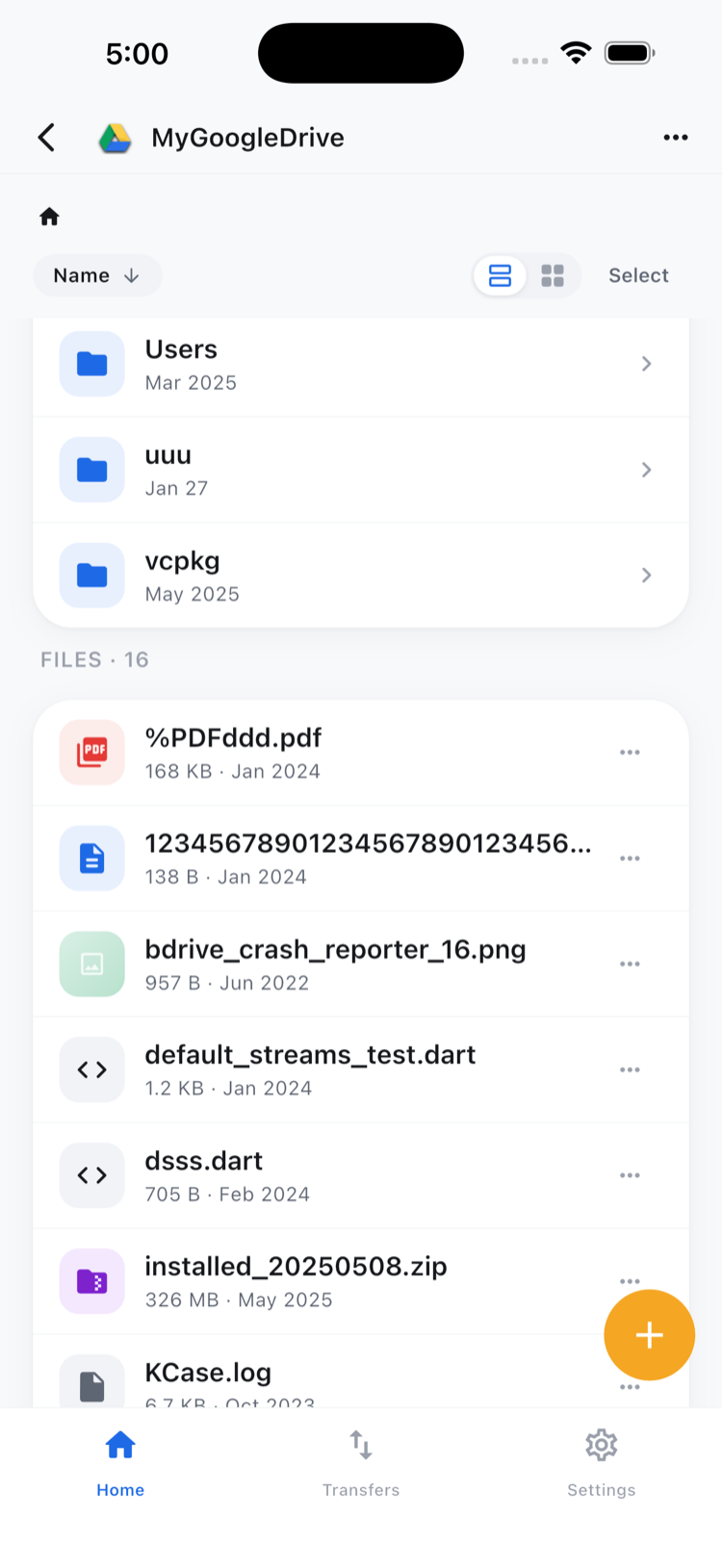
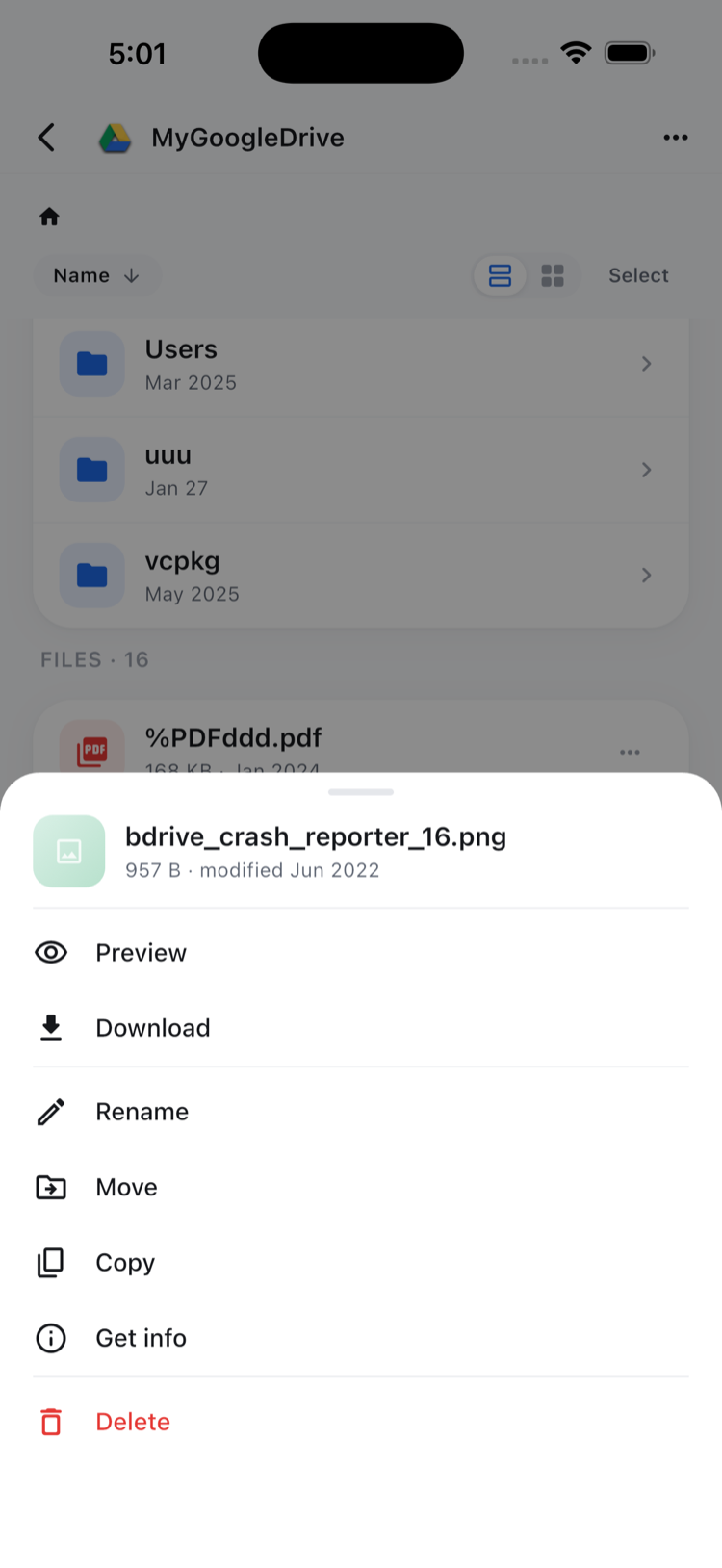
Tap any file for its action sheet — Preview, Download, Rename, Move, Copy, Get info, and Delete. Preview opens documents, images, and video directly in the app, which matters when you’re checking a log file or a design asset from your phone and don’t want it sitting in your camera roll afterward.
Uploading From Your Phone
To push something up to Alibaba Cloud storage:
- Navigate to the target folder in the browser.
- Tap + and pick Camera, Photos, or Files as the source.
- Select one or more items — NetDrive Mobile queues them and shows live progress in the Transfers tab, with the option to cancel individual uploads mid-transfer.
That’s useful for someone on-call who needs to hand off a screenshot or a photo of hardware straight into a shared bucket without switching to a desktop first.
Managing Multiple Files at Once
Tap Select at the top of the file browser to enter multi-select mode, check the files you need, and use the bottom toolbar for Move, Copy, Download, or Delete across the whole selection. Note that move and copy operations stay within the same cloud account — NetDrive Mobile doesn’t move files directly between Alibaba Cloud and a different provider like S3 or Google Drive; that kind of cross-cloud transfer is outside what the mobile app does.
Wrap-up
Alibaba Cloud storage becomes one more entry in the same app you already use for Google Drive, S3, or Dropbox, rather than a separate destination with no mobile access of its own. If your team also runs workloads on other object stores, see Browse Amazon S3 on iPhone and Android with NetDrive Mobile or NetDrive Mobile — Every Cloud in One App for the broader picture.
— Tayson, NetDrive