Fix Team Drive Asking for Credentials Again After Every Restart — NetDrive

NetDrive Team Drive members re-prompted for credentials after every reboot is a known issue fixed in 3.18.1125. Here's how to confirm the fix and stop the prompts.
A member of a published Team Drive restarts their machine, opens NetDrive, and finds the Team Drive sitting there unmounted, asking to sign in again — every single time, on every reboot, even though nothing about the account or the drive’s publish settings changed. Multiply that across a ten-person team and it’s ten support tickets a month for something that should just work in the background like NetDrive’s other drives do.


Stop re-entering Team Drive credentials on every reboot
NetDrive lets Google Drive, OneDrive, S3, SFTP, WebDAV and more appear as native drives on Windows and macOS — no syncing, no full downloads.
- Confirm you're on 3.18.1125 or later, where this is fixed
- Team Drive credentials now persist across restarts
- Works the same for every member on a published Team Drive
Free trial. Lifetime and subscription plans available.
The Symptom
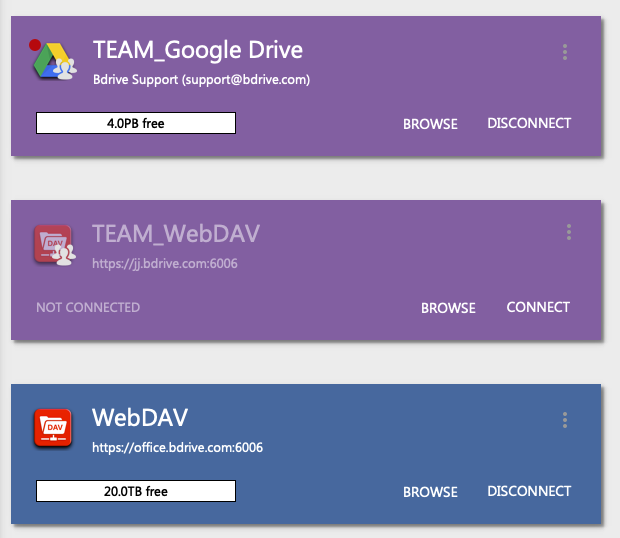
The pattern is specific enough to be recognizable: a regular mounted drive (Google Drive, S3, whatever the member also has connected) survives a reboot and reconnects on its own, but the Team Drive entry shows up disconnected and demands a sign-in before it will mount again. It isn’t a one-off glitch tied to a single account — team admins who publish a Team Drive to several members hear the same complaint from more than one person, which points to how the credential was being handled rather than anything wrong with an individual’s login.
The Cause
NetDrive’s release notes for 3.18.1125 (2025-02-09) list Team Drive credential persistence as one of the changes in that build, alongside the macOS 14 Sonoma minimum requirement and improvements to upload progress notifications. Before that fix, a Team Drive’s credentials weren’t being retained across restarts the same way a regular drive’s were, so every reboot effectively logged the member out of that specific connection even though the rest of NetDrive’s mounted drives came back automatically.
If a team is still running a build older than 3.18.1125, this is expected behavior for that version — not something a member is doing wrong on their end.
The Fix
- Check the installed version. Open NetDrive and look up the version number in its about/info screen.
- Update to 3.18.1125 or later if the installed build predates it. Download the current release from NetDrive’s download page.
- Reinstall on affected machines, especially anyone who upgraded from an older Windows 10 install — NetDrive’s own guidance notes a reinstall can be necessary after a Windows upgrade.
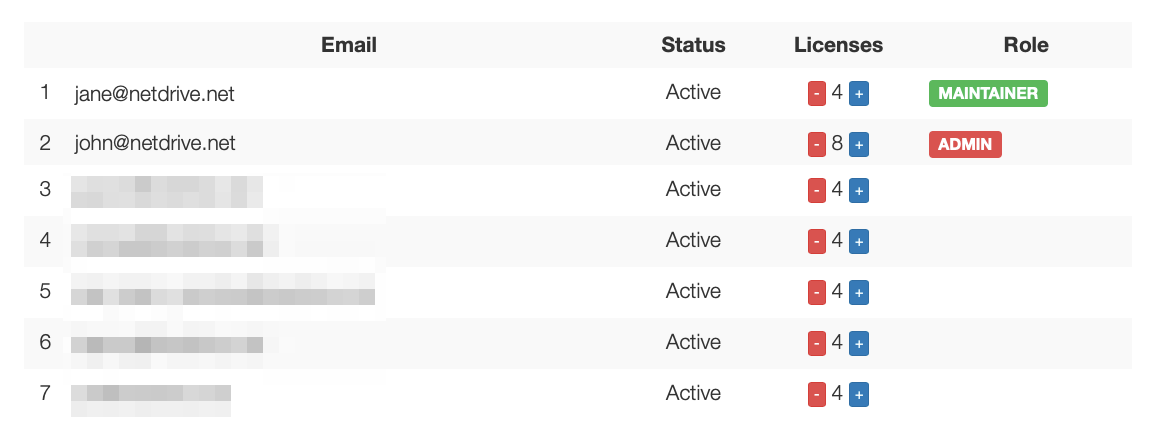
- Re-publish the Team Drive from the admin console if a member still sees a stale credential prompt after updating, so the client picks up a fresh, persistent credential rather than reusing whatever was cached from before the update.
- Reboot once to confirm — the Team Drive should reconnect on its own, the same way any other mounted drive does.
Confirming It’s Actually Fixed
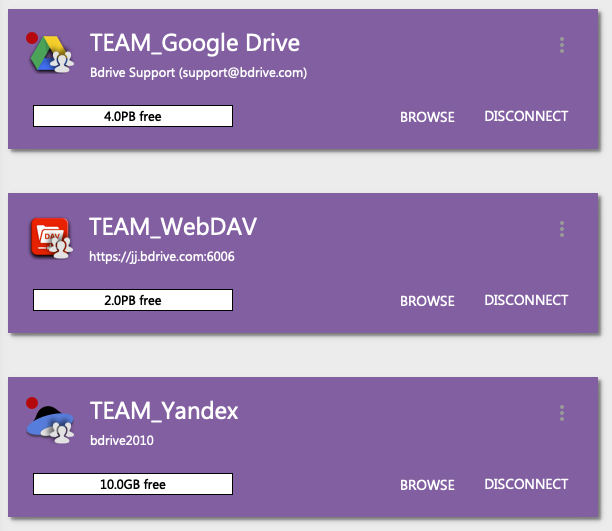
Don’t take one clean reboot as proof — restart the affected machine two or three times over a day and confirm the Team Drive comes back mounted each time without a prompt. If a member is on 3.18.1125 or later and the prompt still reappears after a fresh publish from the admin console, treat it as a separate issue (a corrupted local credential cache, or a permissions change on the Team Drive itself) rather than assuming the original persistence bug is still present — it was addressed in that release.
Wrap-up
A Team Drive that re-prompts for credentials after every restart is a known issue from before NetDrive 3.18.1125, not a misconfigured account. Updating the client and re-publishing the drive from the team console resolves it for every member on the same version. For related reading, see the Team Drive and shared drives guide or NetDrive on macOS 14 for what else changed in that release.
— Morgan, NetDrive