Mount Google Cloud Storage on Linux — NetDrive for CI Pipelines

Mount a Google Cloud Storage bucket as a local path on Ubuntu with NetDrive — set up GCS access for CI runners and build agents on Linux.
A build agent running Ubuntu needs to read pre-built container layers and reference datasets stored in a Google Cloud Storage bucket, and the current pipeline step is gsutil cp followed by a wait. Every job downloads gigabytes before the actual test suite even starts, and half the fixtures never change between runs. Mounting that GCS bucket as a path on the runner removes the copy step: the pipeline reads from the bucket directly, the way it would read any other directory on disk.


Mount GCS on Ubuntu — skip the download step
NetDrive lets Google Drive, OneDrive, S3, SFTP, WebDAV and more appear as native drives on Windows and macOS — no syncing, no full downloads.
- Read bucket objects as ordinary file paths, no client library changes
- Works on the same Ubuntu 16.04+ builds your CI runners already use
- Auto-mount keeps the path ready before the job starts
Free trial. Lifetime and subscription plans available.
GCS Support and What “Experimental” Means on Linux
NetDrive has supported Google Cloud Storage since its earliest releases, including MIME type handling added in version 3.15.450. That part of the picture is identical across Windows, macOS, and Linux — the same GCS connection logic, the same bucket browsing.
The Linux build itself is a different story. NetDrive’s Linux release is distributed from github.com/NetDrive/installer and is labeled experimental rather than a stable, production-grade release. It runs on Ubuntu 16.04 and later. That distinction matters for a CI use case: treat a GCS mount on a Linux runner as suitable for build agents, staging jobs, and internal tooling — not as the storage layer for a customer-facing production service. If your team needs the stable, fully supported experience, Windows or macOS is the recommended environment.

Setting Up the Bucket as a Mount Point
Once NetDrive is installed from the GitHub release for your Ubuntu version, adding a GCS bucket follows the same flow as any other provider:
- Open NetDrive → click + Add Drive and select Google Cloud Storage from the provider list.
- Sign in with the Google account that owns (or has read/write access to) the target project and bucket.
- Pick the bucket you want mounted, then assign a mount point — a directory path such as
/mnt/gcs-fixturesrather than a Windows drive letter. - Choose whether the drive mounts automatically on boot, which matters for a CI runner that may reboot between jobs with no one logged in to click anything.
Once mounted, the bucket shows up in the file system like any other directory. A test runner pointed at /mnt/gcs-fixtures/snapshots/ doesn’t need to know or care that the files are actually sitting in Cloud Storage.
Verifying the Mount Before a Job Depends On It
A CI job that assumes a mount succeeded and then fails halfway through a test run is worse than a job that fails at setup. Check the mount status before the pipeline proceeds — a simple ls on the mount point, or a check against NetDrive’s nd3cmd command-line tool, confirms the bucket is actually attached and readable before anything downstream tries to use it.
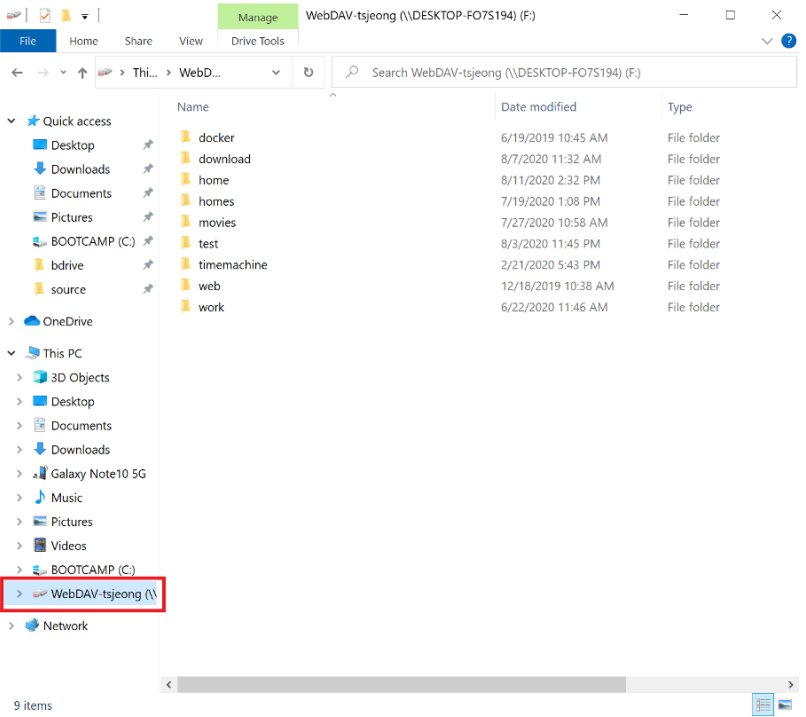
If the mount comes up empty or the job hangs waiting on it, re-run the Add Drive step and re-check credentials — most failures at this stage trace back to an expired or revoked Google account token rather than anything wrong with the bucket itself.
Wrap-up
For build agents and internal tooling running on Ubuntu, mounting a GCS bucket with NetDrive turns object storage into an ordinary path, cutting out the download-then-run pattern most CI configs default to. If your pipeline reads from Amazon S3 instead, Mount Amazon S3 on Linux with NetDrive walks through the equivalent setup, and NetDrive on Ubuntu Linux covers installation details that apply regardless of which provider you’re connecting. Teams already doing this with S3 test fixtures may also find S3 Test Fixtures for CI Teams useful for the broader pattern.
— Kai, NetDrive