Mount OpenDrive on Linux — NetDrive's Experimental Build

Mount OpenDrive as a plain Ubuntu mount point with NetDrive's experimental Linux build. Installer steps, account setup, and how to confirm the mount from a shell.
A one-person ops team keeps nightly database dumps on OpenDrive because the account was already paid for and nobody wanted to stand up a second storage bill just for backups. The problem shows up on the Ubuntu box that runs the dump job: the script needs to write the finished archive somewhere OpenDrive can pick it up, and there’s no browser sitting on a headless server to drag a file into. NetDrive’s Linux build mounts OpenDrive at a regular path, so the script can just write to it like any other directory.


Mount OpenDrive on your Ubuntu box
NetDrive lets Google Drive, OneDrive, S3, SFTP, WebDAV and more appear as native drives on Windows and macOS — no syncing, no full downloads.
- OpenDrive appears as a regular Ubuntu mount point
- Files stream on demand — no separate sync client to babysit
- Runs next to S3, SFTP, and 20+ other providers in one drive manager
Free trial. Lifetime and subscription plans available.
Why a Mount Point Beats OpenDrive’s Web Client Here
OpenDrive’s own web interface handles manual uploads fine, but a cron job or a shell script has no use for a browser tab. Uploading through OpenDrive’s API directly means writing and maintaining integration code just to move one file a night — overkill for a job that used to be a plain cp. Mounting the account through NetDrive skips that step entirely: the dump script writes to a path, and NetDrive handles getting the bytes to OpenDrive in the background.
OpenDrive joined NetDrive’s supported provider list in a recent release cycle alongside Koofr, Filen, Files.com, and ImageKit. Run NetDrive’s latest release on Linux the same as on Windows or macOS to pick it up.

Installing NetDrive on Ubuntu
NetDrive for Linux doesn’t ship through Ubuntu’s package repositories — it comes as a GitHub release instead:
- Go to github.com/NetDrive/installer and download the release matching the Ubuntu version on the box.
- Follow that repository’s install notes — the first run typically needs
sudoto set up the driver component the mount depends on. - Install the NetDrive package.
- Launch NetDrive once before adding a drive, so the driver component is loaded and ready.
Ubuntu 16.04 is the minimum supported version, and NetDrive’s comparison page still marks Linux experimental — Windows and macOS get the bulk of testing and the faster fix turnaround. A nightly backup job on a box you control is a reasonable fit for the experimental build; test it on your own hardware before betting anything time-sensitive on it.
Connecting an OpenDrive Account
OpenDrive only needs account credentials to connect — no separate API key to generate first:
- Open NetDrive’s Drive Manager and click + Add Drive.
- Select OpenDrive from the provider list.
- Sign in with the OpenDrive account’s email and password when prompted.
- Set a mount point — a path like
/mnt/opendrive, or any empty directory the backup job already writes to. - Click Connect. NetDrive authenticates and mounts the account at that path.
Verifying the Mount From a Terminal
On a headless box, confirm the mount from a shell rather than trusting the GUI:
# Confirm the mount is listed
mount | grep opendrive

# Or just try listing it
ls /mnt/opendrive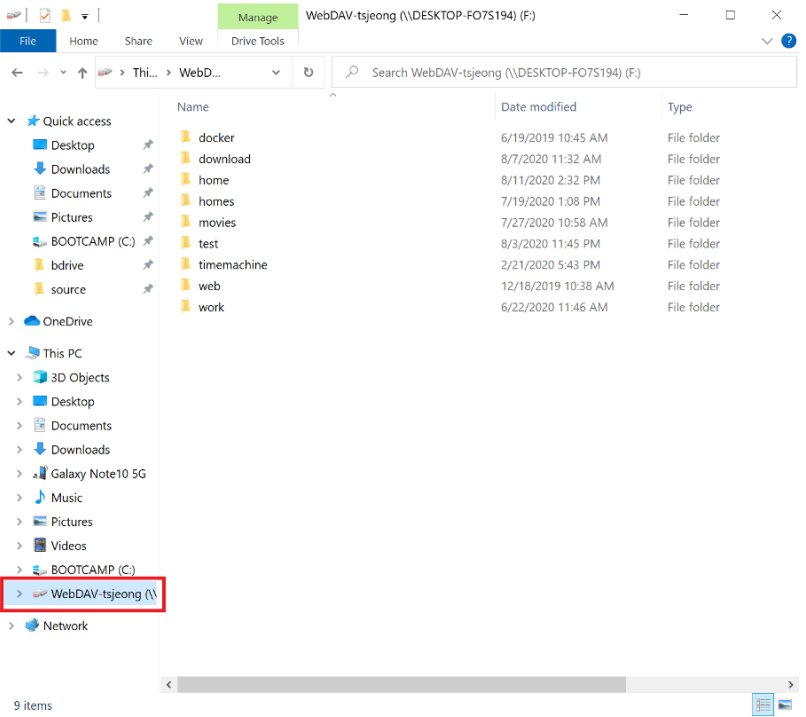
An empty listing right after connecting usually just means the root folder hasn’t finished populating — give it a few seconds. If it’s still empty after that, double-check the OpenDrive password first; a typo there is the most common reason a first connection fails quietly instead of throwing a clear error. Writing a test file to the mount point and watching it show up in OpenDrive’s web client is a reliable way to confirm the backup script will actually land where it’s supposed to.
What to Plan Around on the Linux Build
- Separate release cadence. A fix that lands for Windows or macOS doesn’t automatically show up on Linux the same week.
- No
aptintegration. Installs and updates go through GitHub releases, not Ubuntu’s package manager. - Windows and macOS are the hardened targets. NetDrive treats them as production-ready; Linux stays labeled experimental until further notice, so a critical backup path deserves a fallback until it’s been proven on your setup.
Wrap-up
Mounting OpenDrive on Ubuntu gives a headless box the same plain-filesystem access to cloud storage that NetDrive already provides on Windows and macOS, through an installer that lives on GitHub rather than apt. For the same provider on a more heavily tested platform, see Mount OpenDrive on macOS with NetDrive or Mount OpenDrive on Windows with NetDrive. For the broader picture of running NetDrive on Linux, see NetDrive on Ubuntu Linux.
— Casey, NetDrive