Mount Alibaba Cloud on Windows — NetDrive

Step-by-step guide to mounting Alibaba Cloud Object Storage as a native Windows drive letter using NetDrive 3.17+. Direct read/write access, no sync client needed.
A dev team running workloads on Alibaba Cloud often hits the same wall: the web console works for quick uploads, but editing files in place, reading build artifacts, or processing large datasets requires something smarter. NetDrive 3.17 added native Alibaba Cloud support, so your Object Storage bucket appears as a plain Windows drive letter—direct read/write, no local sync, no proprietary CLI required.
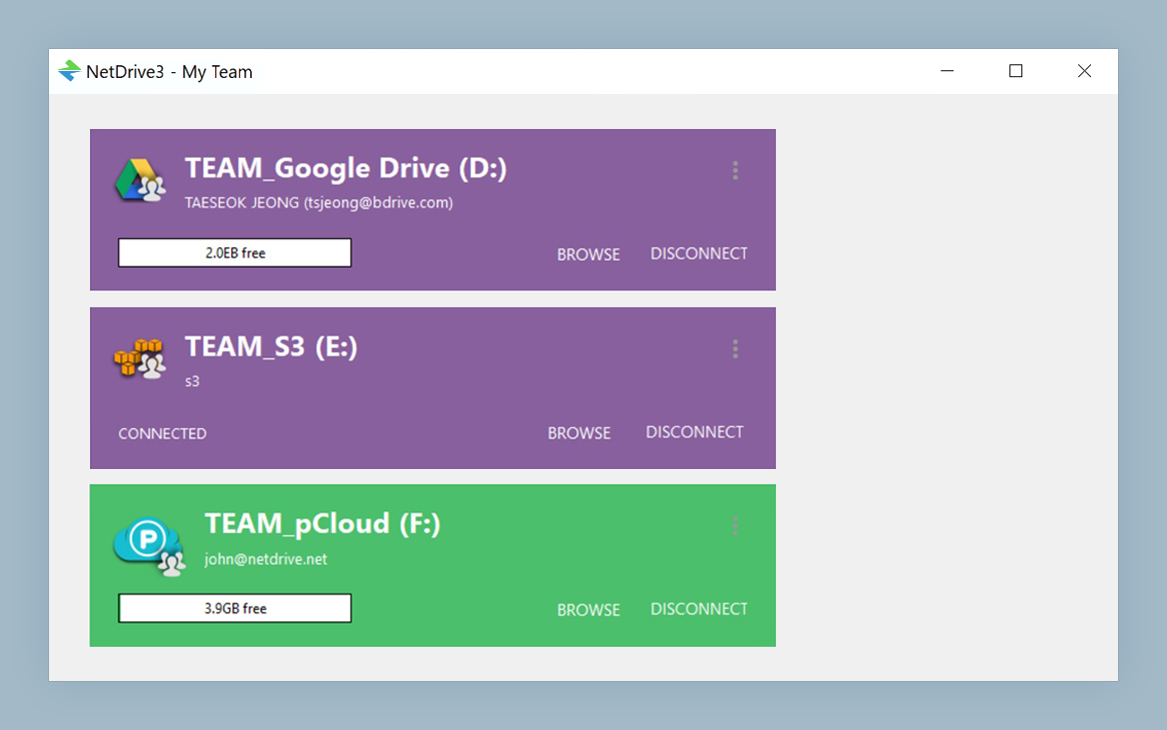
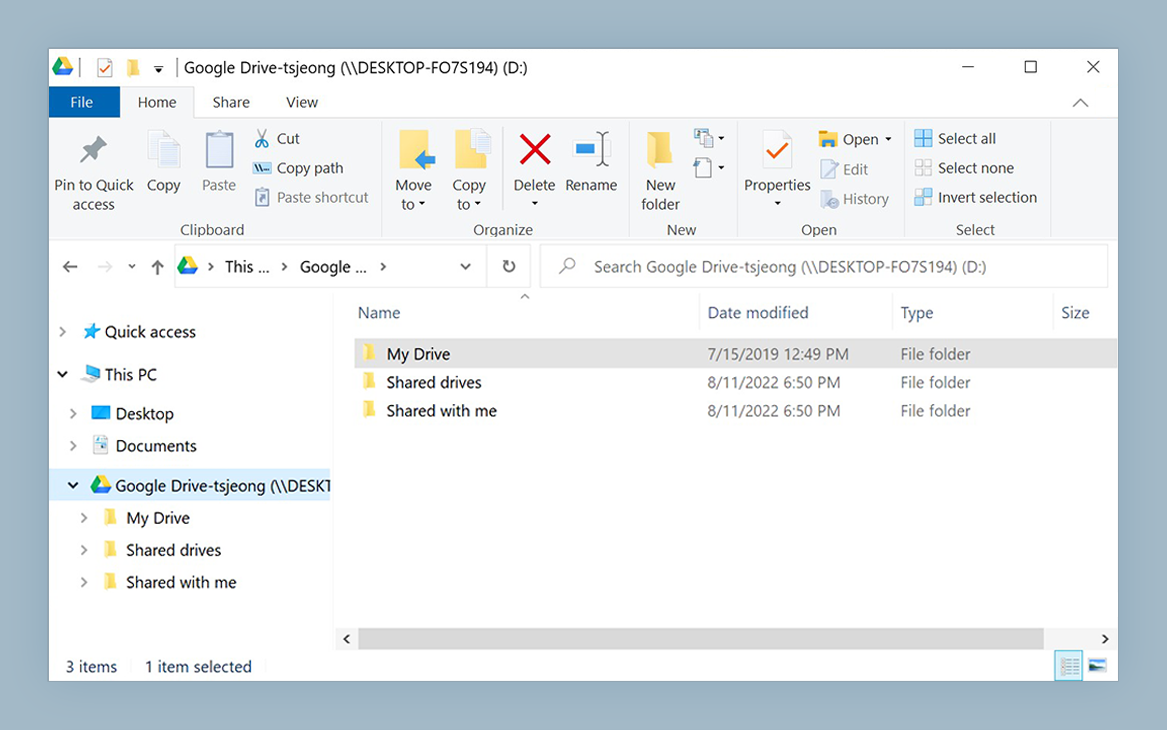
Mount Alibaba Cloud as a Windows Drive
NetDrive lets Google Drive, OneDrive, S3, SFTP, WebDAV and more appear as native drives on Windows and macOS — no syncing, no full downloads.
- Direct read/write access to Alibaba Cloud buckets — no local copy overhead
- Auto-mount at boot for CI servers and unattended workstations
- Works alongside S3, Wasabi, Azure, Tencent Cloud, and 20+ other providers
Free trial. Lifetime and subscription plans available.
What You Need Before You Start
Gather these before opening NetDrive:
- Access Key ID and Access Key Secret — create a RAM (Resource Access Management) user with OSS permissions in your Alibaba Cloud console, then generate an access key pair under that user. Avoid using your account’s root key for day-to-day use.
- OSS endpoint — the region-specific endpoint for your bucket, e.g.,
oss-cn-hangzhou.aliyuncs.comfor Hangzhou oross-us-west-1.aliyuncs.comfor US West. You’ll find this on the bucket’s Overview page in the Alibaba Cloud console. - Bucket name — the exact name of the bucket you want to mount.
- NetDrive 3.17 or later on Windows 10 or 11. Alibaba Cloud support shipped in 3.17.799 (November 2022); the current release, 3.19.7, is recommended. Download from netdrive.net/download/windows/.
Adding Alibaba Cloud in NetDrive
With NetDrive running, click the Add Drive button (the + icon in the drive manager). Scroll through the provider list and select Alibaba Cloud.
NetDrive will prompt for your credentials:
- Access Key ID — the RAM key ID you generated
- Secret Access Key — the matching secret
- Endpoint — the OSS region endpoint (e.g.,
oss-cn-hangzhou.aliyuncs.com) - Bucket — the target bucket name
Choose a drive letter—Z: works well if it’s free—and click Save. NetDrive tests the connection immediately. A successful verification puts a drive card in the manager; a credential error shows an inline message so you can correct the details before proceeding.
Mounting and Working with Files
Click Connect on the Alibaba Cloud drive card. Within a few seconds, Z: appears in Windows Explorer as a network drive. Every Windows application that opens files by path can now read and write to the bucket transparently: VS Code opens source files stored in OSS, Photoshop saves PSDs directly to the bucket, and a PowerShell script iterates Z:\data\ just like a local folder.
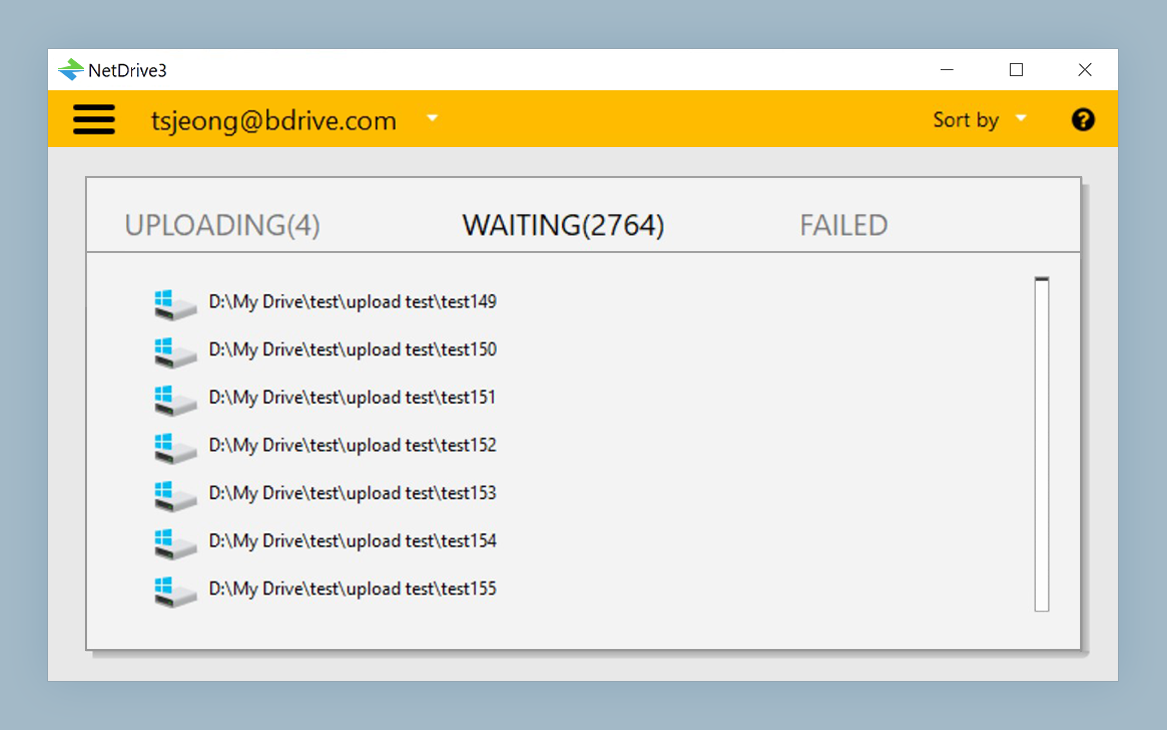
For heavier workflows—pushing 80 GB of processed video frames or reading 50,000 small JSON fixtures during a test run—NetDrive queues transfers in the background and shows progress in the system tray. You don’t need to watch a progress bar; keep working and let the transfer finish behind the scenes.
Auto-Mount at Boot for Server Environments
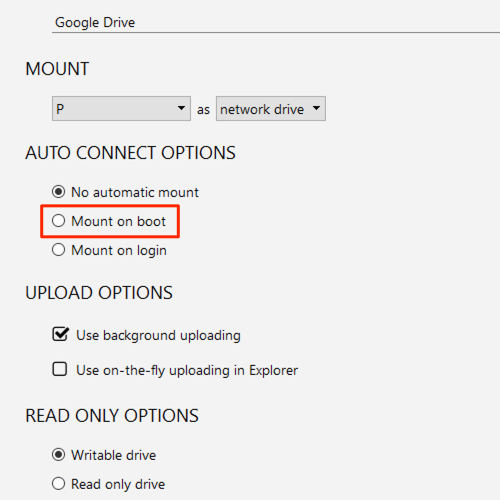
If the machine runs unattended—a CI worker, a data-processing node, a Windows Server 2022 box—open the drive’s settings and set Mount at to Boot. NetDrive registers a Windows service that re-establishes the Alibaba Cloud mount automatically after every restart, before any user logs in. CI jobs that start early in the boot sequence can read Z:\fixtures\ without waiting for a user session.
Bandwidth and Cache Tuning
Two settings are worth adjusting for Alibaba Cloud workloads:
Bandwidth cap — if the machine shares an office connection, open Drive Settings → Bandwidth and set an upload or download ceiling in KB/s. This prevents a large OSS transfer from saturating the link for everyone else.
Cache size — NetDrive’s local cache (adjustable from 100 GB to 1 TB, added in 3.16) buffers frequently-read remote content. For a bucket full of large assets read repeatedly by an image-processing pipeline, a 200–400 GB cache cuts round-trip latency on repeat reads. For write-heavy pipelines where files are uploaded once, a smaller cache is fine.
Wrap-up
Once mounted, Alibaba Cloud storage is just another drive letter on Windows—accessible from every tool in your stack without a bespoke integration. NetDrive’s Alibaba Cloud support requires no extra installation beyond the standard 3.17+ package.
If your infrastructure spans multiple regions or providers, NetDrive handles them in parallel: you can mount an Alibaba Cloud bucket in one card and Tencent Cloud or Amazon S3 in others, all visible as separate drive letters at once.
— Morgan, NetDrive