NetDrive 3 documentation

Help and Support

For help installing NetDrive, please visit our Storage Guide, Troubleshooting and Use cases.
Details of Licenses and Accounts issues are explained in Documents.

These guides are written for NetDrive 3. Screens and steps may differ in NetDrive 4.0. See the NetDrive 4 guides

FTP

FTP

1. There are files not listed on mounted drive (FTP)

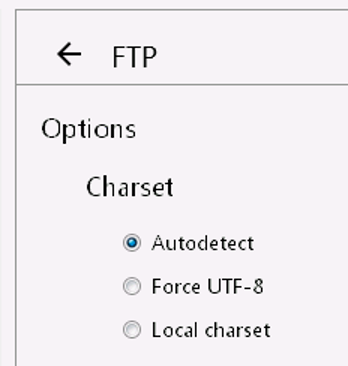
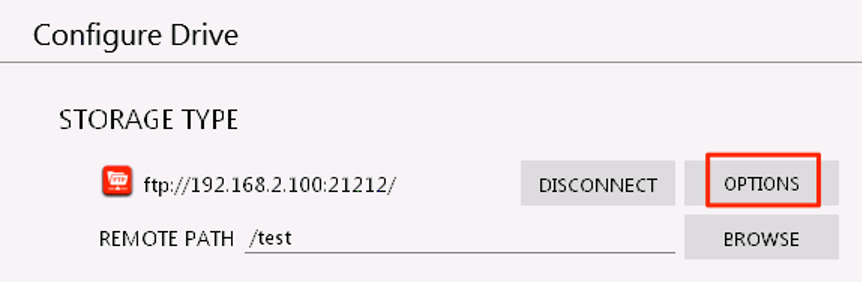
Try changing character set options on OPTIONS screen.

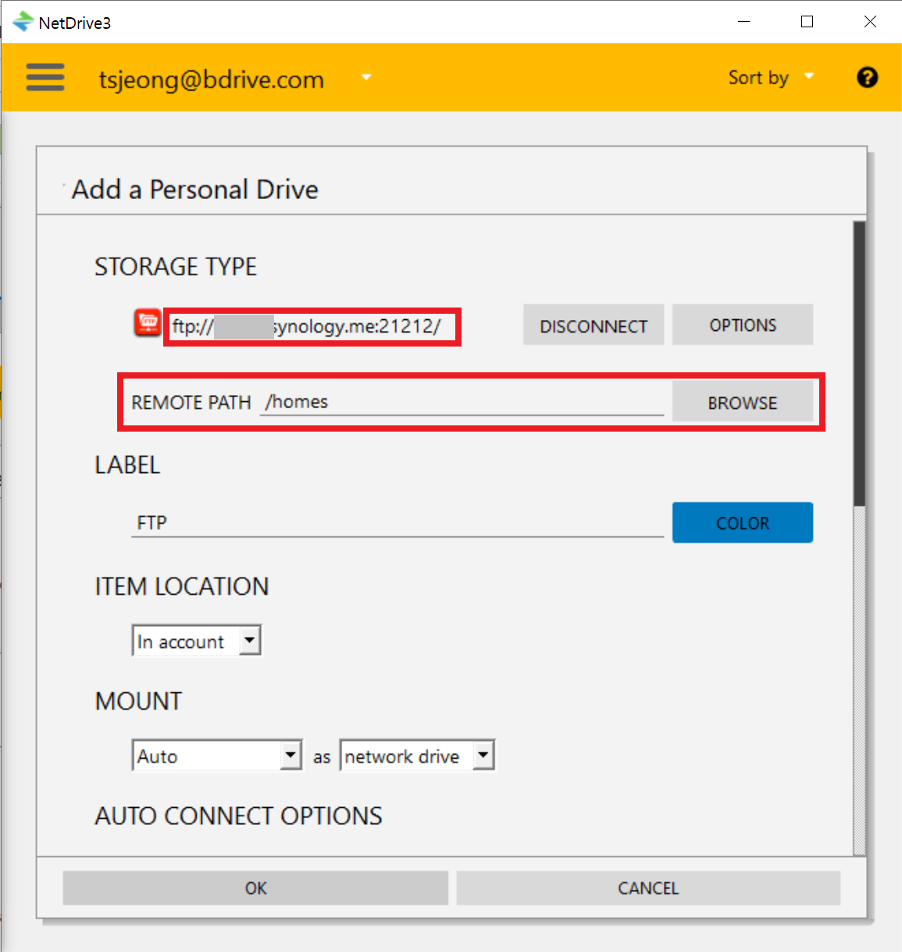
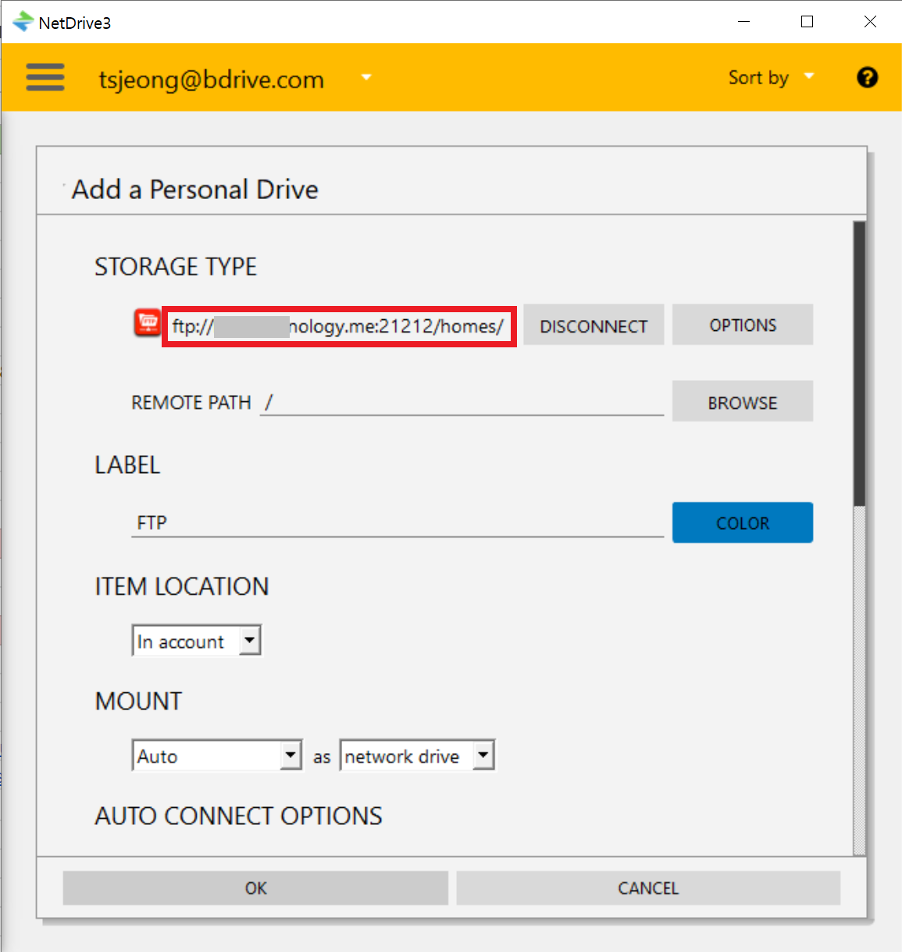
2. Check the set server address

If the configured server address is “ftp://host:port/path”, modify it to “ftp://host:port” and set the path by clicking the “BROWSE” button.