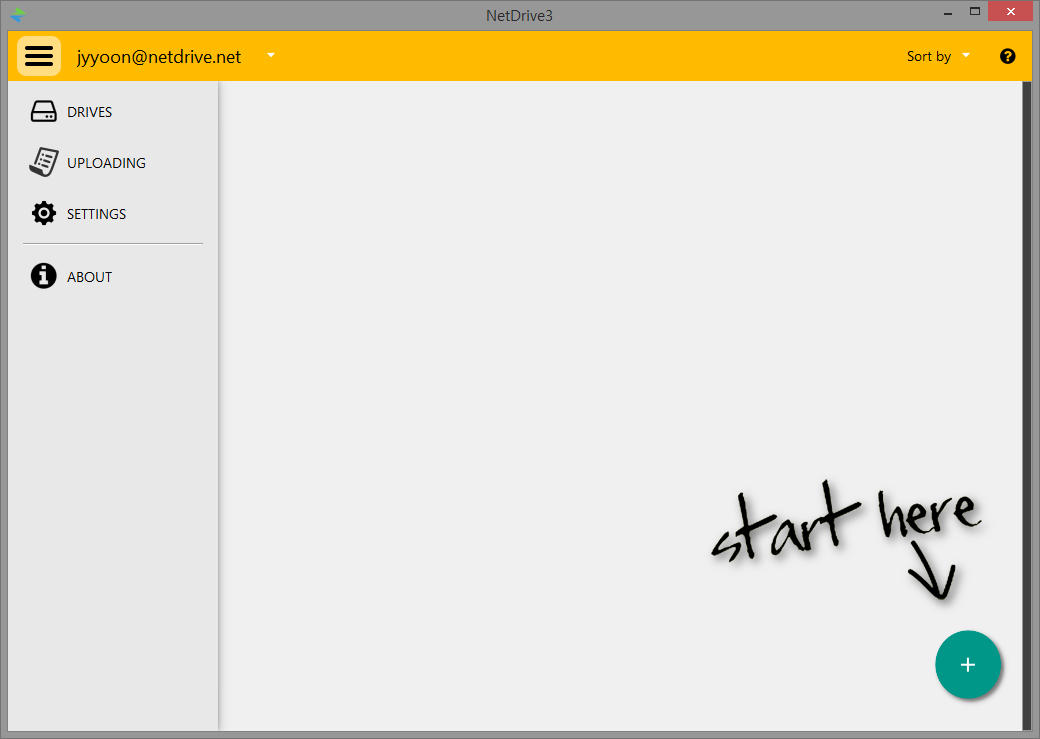
You will find the following menus in NetDrive Application after login.
-
Find "DRIVES", "UPLOADING", "SETTINGS", "ABOUT" in main menu at upper left corner.
-
DRIVES : Lists drive items that are added or currently available
-
UPLOADING : Shows the file list and the status of uploading files
-
SETTINGS : Allows to set options (General, Cache, Log, Network)
-
ABOUT : A brief note on NetDrive version and license
-
-
Click "+" button at lower right corner to Add drive item.